4-10
DISPLAY ACTION
SETUP COMPLETE
47. Press the √ (check) button inside the SETUP COMPLETE box.
□ OIL TYPE 48. Press the Oil Type button.
OC01v01, OC02v02, etc.
49. Select the correct oil type curve. Press the down arrow button to
scroll to additional oil type curves. OC01vO1=F212,
OC02v02=MCSOL, OC12v02=F600
Ensure the oil type matches what the store is using.
SETUP COMPLETE
50. Press the √ (check) button inside the SETUP COMPLETE box.
□ DISPLAY TYPE 51. Press the Display Type button.
NUMBER TEXT
52. Select NUMBER or TEXT. NOTE: If set to NUMBER the Total Polar
Materials is shown as a number. If set to Text, only DISCARD
SOON/CONFIRM, OIL IS GOOD or DISCARD NOW is shown.
SETUP COMPLETE
53. Press the √ (check) button inside the SETUP COMPLETE box.
□ DISCARD NOW 54. Press the Discard Now button.
TPM VALUE
55. Press the number above TPM Value. Once the TPM (Total Polar
Materials) value of the oil is attained, the fryer will prompt to
discard the oil.
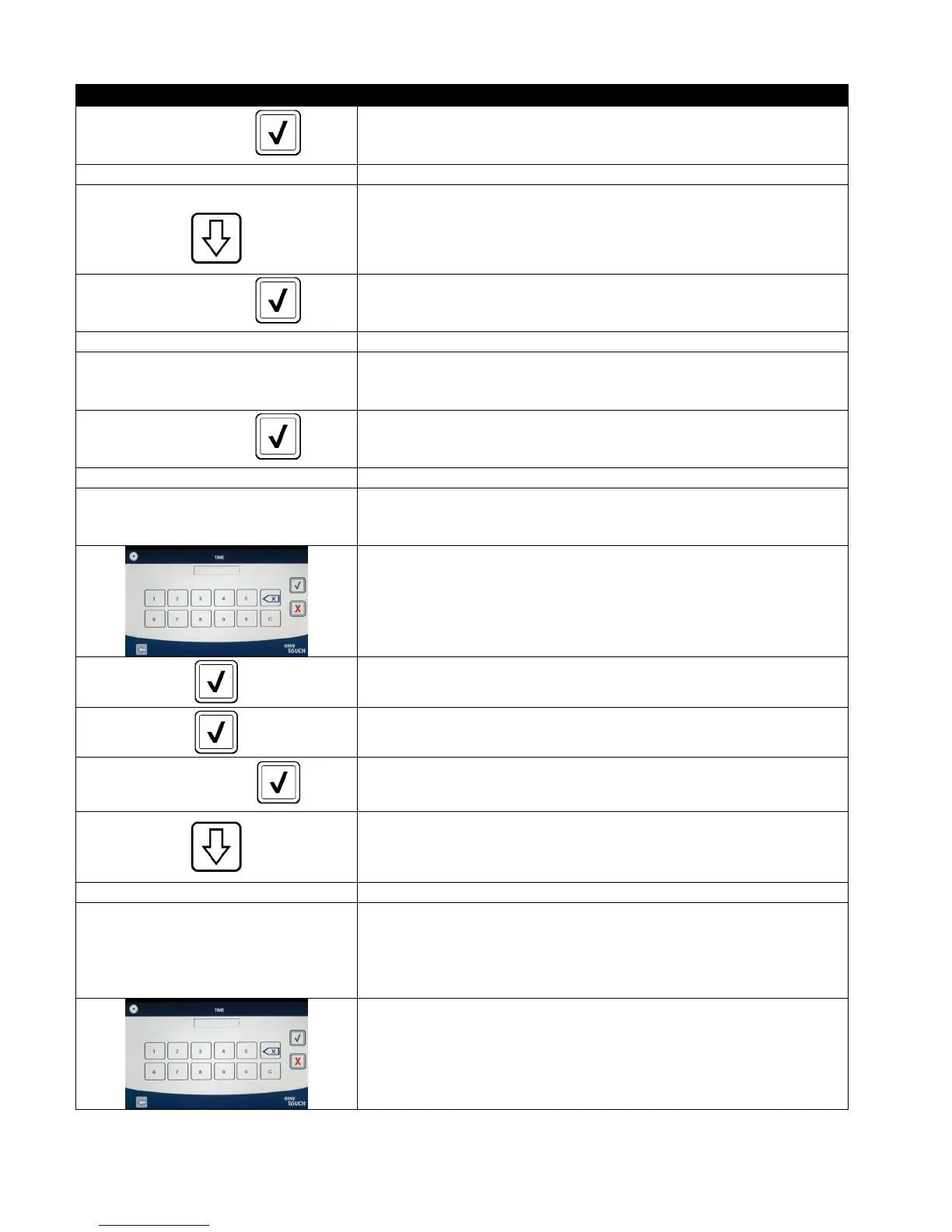
56. Use the keypad to enter the TPM discard now value.
57. Press the √ (check) button once the value is entered.
58. Press the √ (check) button to save the value.
SETUP COMPLETE
59. Press the √ (check) button inside the SETUP COMPLETE box.
60. Press the down arrow button.
□ DISCARD SOON 61. Press the Discard Soon button.
TPM VALUE
62. Press the number above Discard Soon TPM Value. This value is
typically chosen as a number below the TPM Discard Now value.
This value will display the Discard Soon message when the TPM
Discard Soon value is attained. This serves as a notice to the staff
that the oil will need to be discarded soon.
63. Use the keypad to enter the TPM discard soon value.













 To Next Page