238
The Setup Menus
8
PC AUTO SAVE
Adjust settings for connection to computers via wireless LAN.
Option
Description
PC AUTO SAVE
SETTING
Choose the method used for connection to computers via a
wireless LAN.
•
SIMPLE SETUP: Connect using WPS.
•
MANUAL SETUP: Choose the network from a list (SELECT
FROM NETWORK LIST) or enter the name manually
(ENTER SSID).
DELETE REGISTERED
DESTINATION PC
Remove selected destinations.
DETAILS OF PREVIOUS
CONNECTION
View computers to which the camera has recently connected.
instax PRINTER CONNECTION SETTING
Adjust settings for connection to optional Fuji lm instax SHARE
printers.
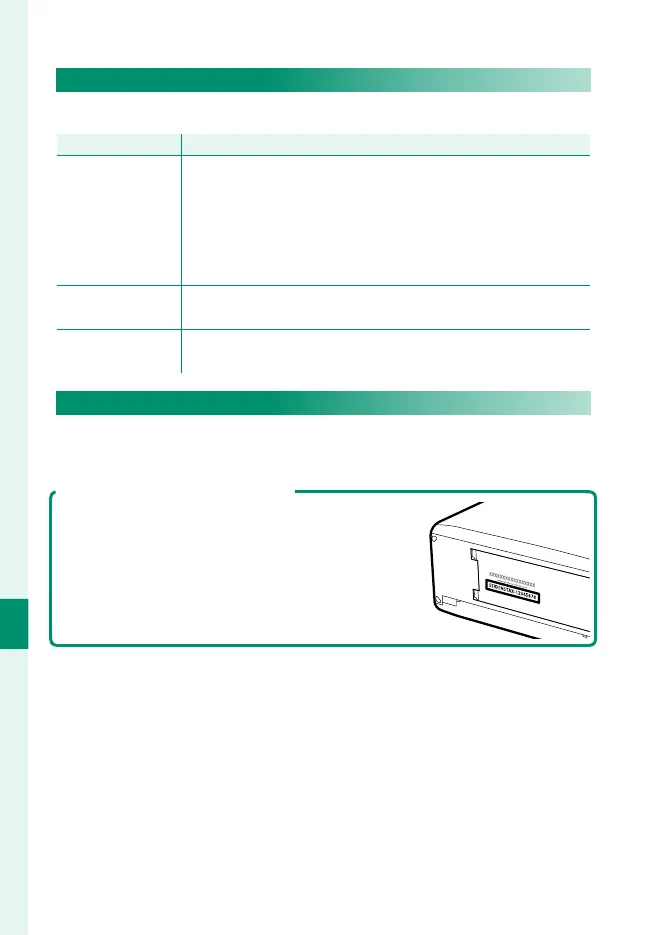
The Printer Name (SSID) and Password
The printer name (SSID) can be found on the
bottom of the printer; the default password is
“1111”. If you have already chosen a di erent
password to print from a smartphone, enter
that password instead.





 To Next Page