6
1
Before You Begin
The LCD Monitor
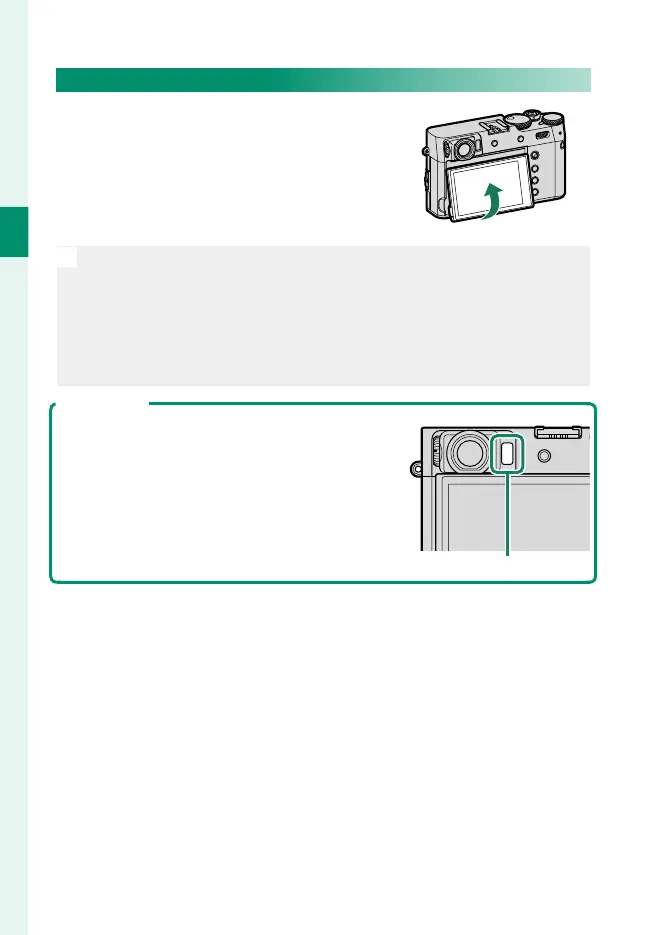
The LCD monitor can be tilted for eas-
ier viewing, but be careful not to touch
the wires or trap ngers or other objects
behind the monitor. Touching the wires
could cause camera malfunction.
N
The LCD monitor also functions as a touch screen that can be used for:
•
Touch photography (P 25)
•
Focus area selection (P 24)
•
Function selection (P 27)
•
Muting camera controls during movie recording (P 26)
•
Full-frame playback (P 28)
The Eye Sensor
•
The eye sensor may respond to objects other
than your eye or to light shining directly on
the sensor.
•
The eye sensor can be disabled using
D SCREEN SET-UP> VIEW MODE SETTING.
Eye sensor



 To Next Page