8
3
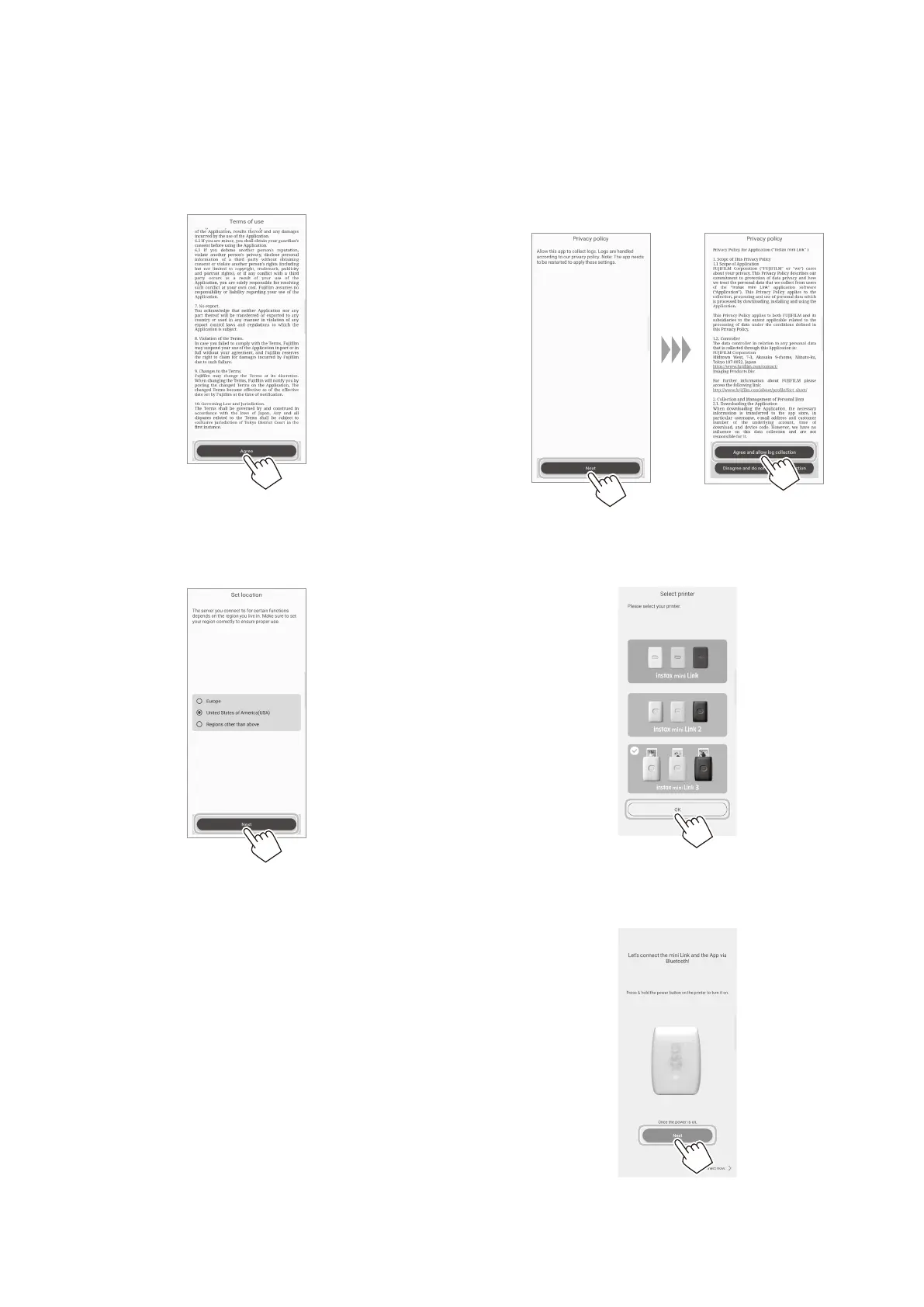
Read the Terms of Use, and tap the [Agree] bar�
You must “agree” to the Terms of Use to complete the
pairing.
4
Select the usage area, and tap [Next]�
If you are using the printer in USA, select [United States of
America (USA)].
5
Tap [Next], read the privacy policy, and tap [Agree
and allow log collection]�
You must “Agree and allow log collection” to the Privacy
Policy to complete pairing.
6
Select [INSTAX MINI LINK 3] on the Select printer
screen, and tap [OK]�
7
When the following screen appears, turn the printer
on, and tap [Next]�















 To Next Page