7
Pairing your Smartphone and the INSTAX
MINI LINK 3 Printer; Printing
With the functions of the INSTAX MINI LINK Smartphone App, you
can edit your favorite Smartphone images before printing by
adding text, applying filters, and much more! See Page 4 on
how to install the INSTAX MINI LINK Smartphone App or check out
the following site: https://instax.com/mini_link_3/
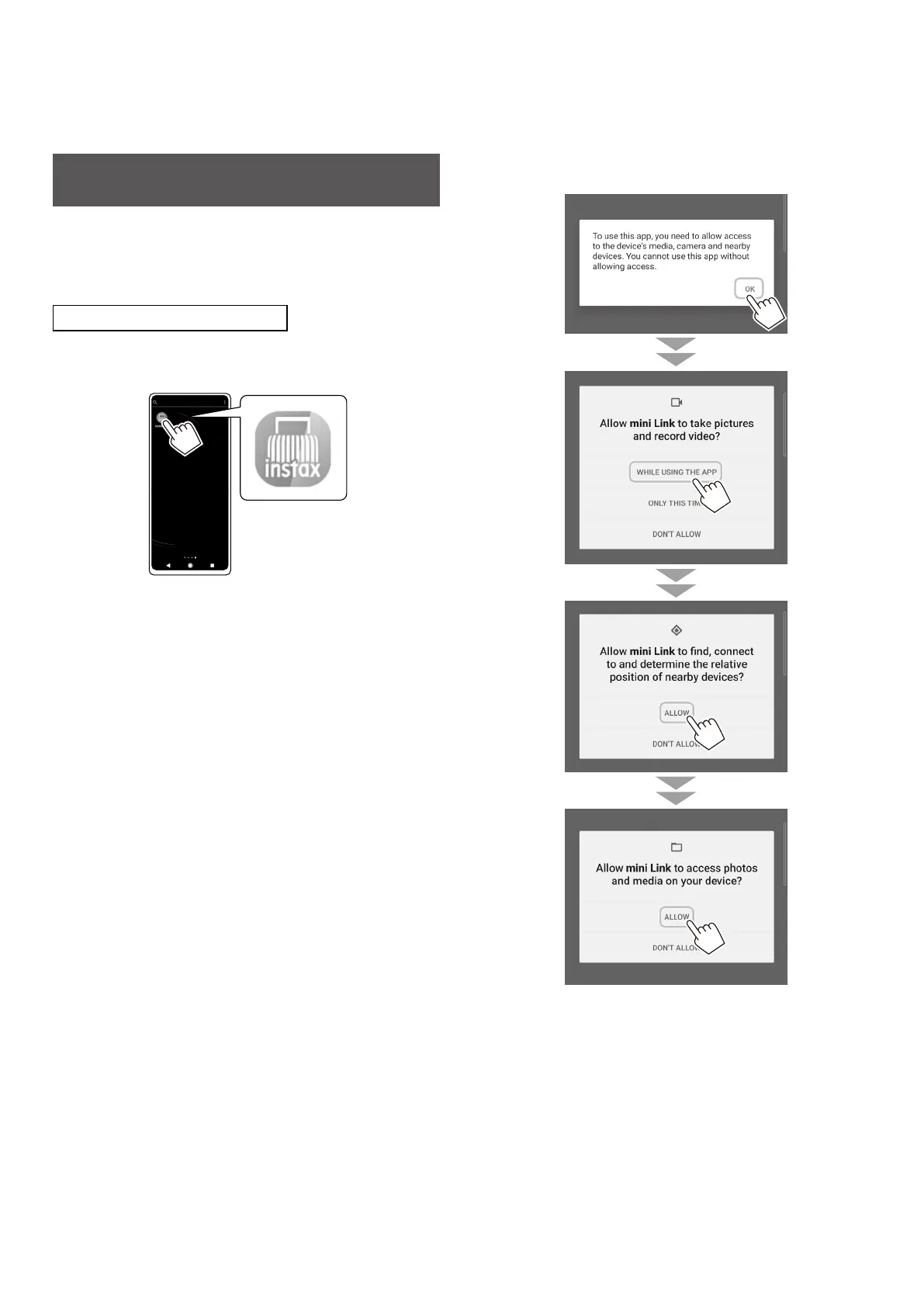
When Pairing for the First Time
1
Start the downloaded INSTAX MINI LINK
Smartphone App�
2
Click through the below pop-up windows to set up
the printer�















 To Next Page