EasyManua.ls Logo

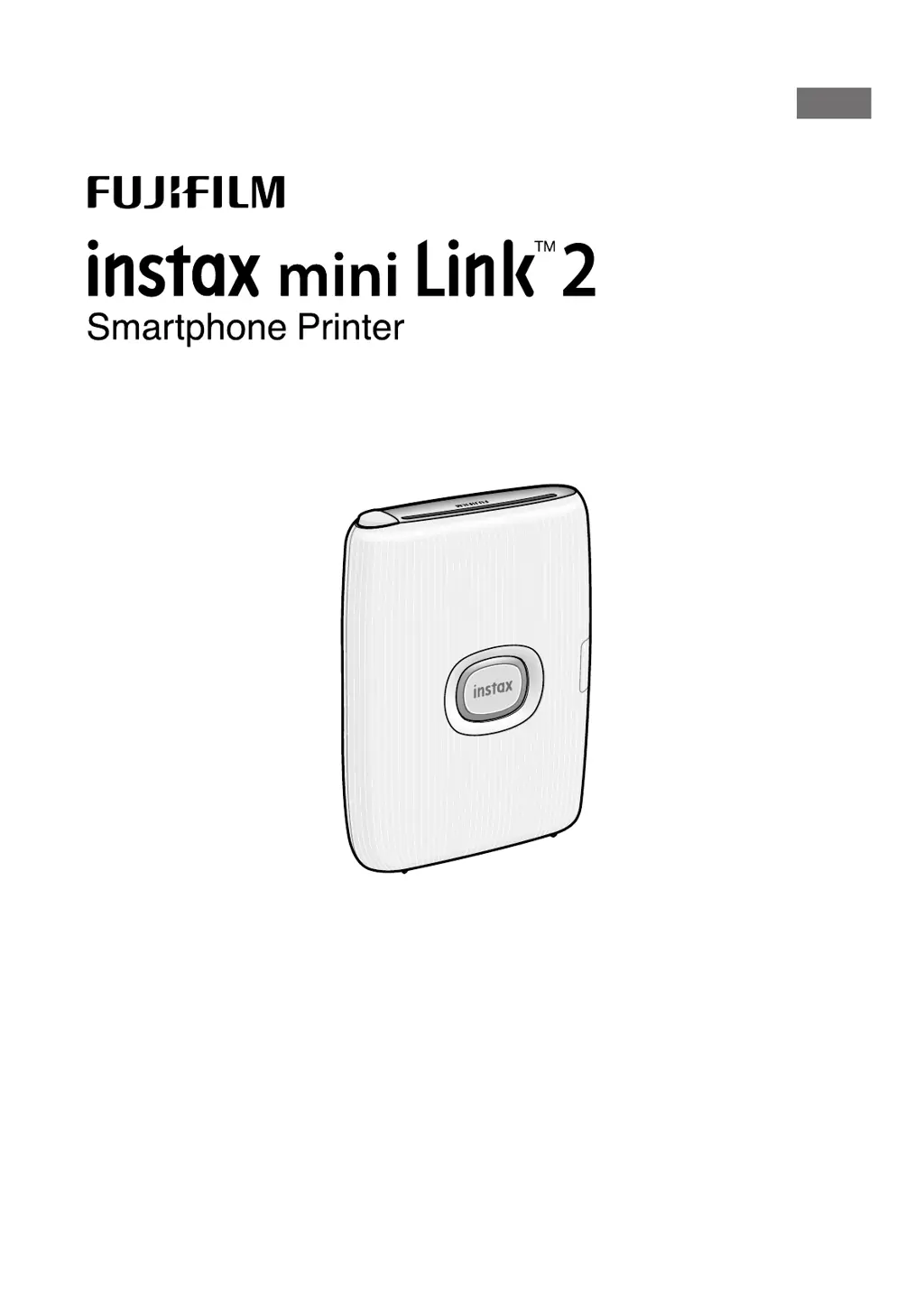
FujiFilm instax mini Link 2 - User Manual

FujiFilm instax mini Link 2
17 pages
Print Icon
To Next Page IconTo Next Page
Loading...
User's Guide (Full version)
NA_EN
model number: FI023W FI023-EN-NA-02

Other manuals for FujiFilm instax mini Link 2

Questions and Answers

  • D
    donaldhernandezSep 9, 2025
    What to do if the film does not unload from FujiFilm instax mini Link 2?
    • R
      Ryan LuceroSep 9, 2025
      If the film doesn't unload from your FujiFilm printer, it might be misaligned due to vibration or dropping. Try loading a new film pack. If the film is jammed, turn the printer off and on again. If the problem continues, remove the jammed film and then load a new film pack.
  • D
    Dr. James McintoshAug 22, 2025
    Why is my FujiFilm instax mini Link 2 Printer not charging?
    • I
      ipowellAug 22, 2025
      If your FujiFilm Printer isn't charging, make sure the USB power adapter plug is correctly connected to the power outlet.
  • J
    Jason GrayAug 25, 2025
    Why does the FujiFilm instax mini Link 2 battery lose its charge quickly?
    • S
      Susan BrewerAug 25, 2025
      If you're using the FujiFilm printer in a very cold environment, the battery might lose its charge quickly. Keep the printer warm before printing to avoid this issue.
  • K
    Kimberly HornAug 26, 2025
    How to load film pack in FujiFilm Printer correctly?
    • B
      bonnie97Aug 27, 2025
      To load the film pack correctly in your FujiFilm printer: - Use FUJIFILM instax mini Instant Film, as other films are not compatible. - Align the yellow mark on the film pack with the yellow alignment marker on the printer body before loading.
  • I
    Isaiah JonesAug 27, 2025
    What to do if FujiFilm instax mini Link 2 charging does not start?
    • B
      Brenda ParrishAug 27, 2025
      If charging doesn't start on your FujiFilm printer, make sure that the USB power adapter plug is properly connected to the power outlet.
  • S
    Sara WalshAug 29, 2025
    Why FujiFilm Printer takes too long to charge?
    • V
      Vanessa PowellAug 29, 2025
      If the FujiFilm printer takes too long to charge, it may be due to low temperatures. Charging may take longer in such conditions.
  • C
    Cynthia MooreSep 17, 2025
    What to do if film does not unload from FujiFilm instax mini Link 2 Printer?
    • D
      dsosaSep 17, 2025
      If the film in your FujiFilm Printer won't unload, it might be misaligned due to vibration or dropping. Try loading a new film pack. If the film is jammed, turn the printer off and on again. If the problem continues, remove the jammed film and then load a new film pack.
  • T
    tbutlerSep 19, 2025
    Why does my FujiFilm Printer take so long to charge?
    • R
      Roger StephensSep 22, 2025
      Charging your FujiFilm Printer may take longer in low temperatures.
  • T
    timothy36Sep 7, 2025
    What to do if FujiFilm Printer power cut off during use?
    • A
      Andres ClementsSep 7, 2025
      If the power cuts off during use, the battery level may be low. Please charge the FujiFilm printer.
  • N
    Nicholas RogersSep 4, 2025
    Why are my FujiFilm Printer prints all white?
    • K
      kevinmurphySep 5, 2025
      If your FujiFilm Printer produces white prints, it's likely that the film was exposed when the film door was opened while film remained inside. To prevent this, avoid opening the film door until all the film has been used.

Summary

Before Use and Part Names

Notes on Disposing of the Printer

Information on how to dispose of the printer and its built-in battery according to regulations.

Printer Part Identification

Identifies and labels the front and rear parts of the instax mini Link 2 printer.

Installing the INSTAX MINI LINK App

Charging the Battery

Charging Status Indication with LED

Explains the LED indicators for charging status, including when charging and when not charging.

Charging from a PC

Instructions for charging the printer using a PC, including potential issues.

Loading and Unloading Film

Loading the INSTAX MINI Instant Film Pack

Step-by-step guide on how to correctly load the INSTAX MINI instant film pack into the printer.

Unloading a Used INSTAX MINI Instant Film Pack

Step-by-step guide on how to safely remove the used film pack from the printer.

Printer Operation and Initial Connectivity

Turning the Printer On and Off

Instructions on how to power the printer on and off using the power button.

Checking Printer Status with LED

Explains the meaning of different LED status lights to indicate printer status.

Establishing First-Time Connection

Guide for the initial connection process between the smartphone and the printer.

Connecting Smartphone and Printer

Bluetooth Connection and Pairing

Detailed steps for establishing and confirming the Bluetooth connection and pairing process.

Using the INSTAX MINI LINK App

App Setup and Password

Instructions for initial app setup, password creation, and navigating the app's interface.

App Features and Printing

Overview of app modes, editing tools, and the final steps for printing images.

Reprinting an Image

Advanced App Control and Features

Controlling App Modes with Printer Angle

How to switch between Print mode and Fun mode using the printer's orientation.

Using Printer for Zoom and Shutter Control

Using printer tilt and button presses for zoom and shutter control within the app.

instaxAiR Photo Drawing Effect

Instructions for using the air drawing feature, requiring app download and QR code scanning.

Specifications and Troubleshooting

Printer Specifications

Technical details and specifications of the instax mini Link 2 printer.

Troubleshooting Common Problems

Common problems and their solutions for operating the printer.

Important Safety Notice

Printer and Film Care

Handling and Maintaining the Printer

Precautions for handling the printer to prevent damage, heat exposure, or mechanical issues.

Cautions During Printing

Warnings and advice to follow while printing, such as not shaking or dropping the printer.

Film and Print Care Guidelines

Guidelines for handling and caring for instant film and prints to ensure quality.

FujiFilm instax mini Link 2 Specifications

General IconGeneral
Product colorBlue
Market positioningHome & office
Power sourceBattery
Charging time2 h
Power consumption (printing)3 W
Duplex printingNo
Print technology-
Maximum resolution318 x 318 DPI
Time to first page (color, normal)12 s
Other operating systems supportedAndroid, iOS
Operating temperature (T-T)5 - 40 °C
Operating relative humidity (H-H)20 - 80 %
Maximum print size2.4\
Direct printingYes
Weight and Dimensions IconWeight and Dimensions
Depth36.4 mm
Width91.9 mm
Height124.8 mm

Related product manuals