6
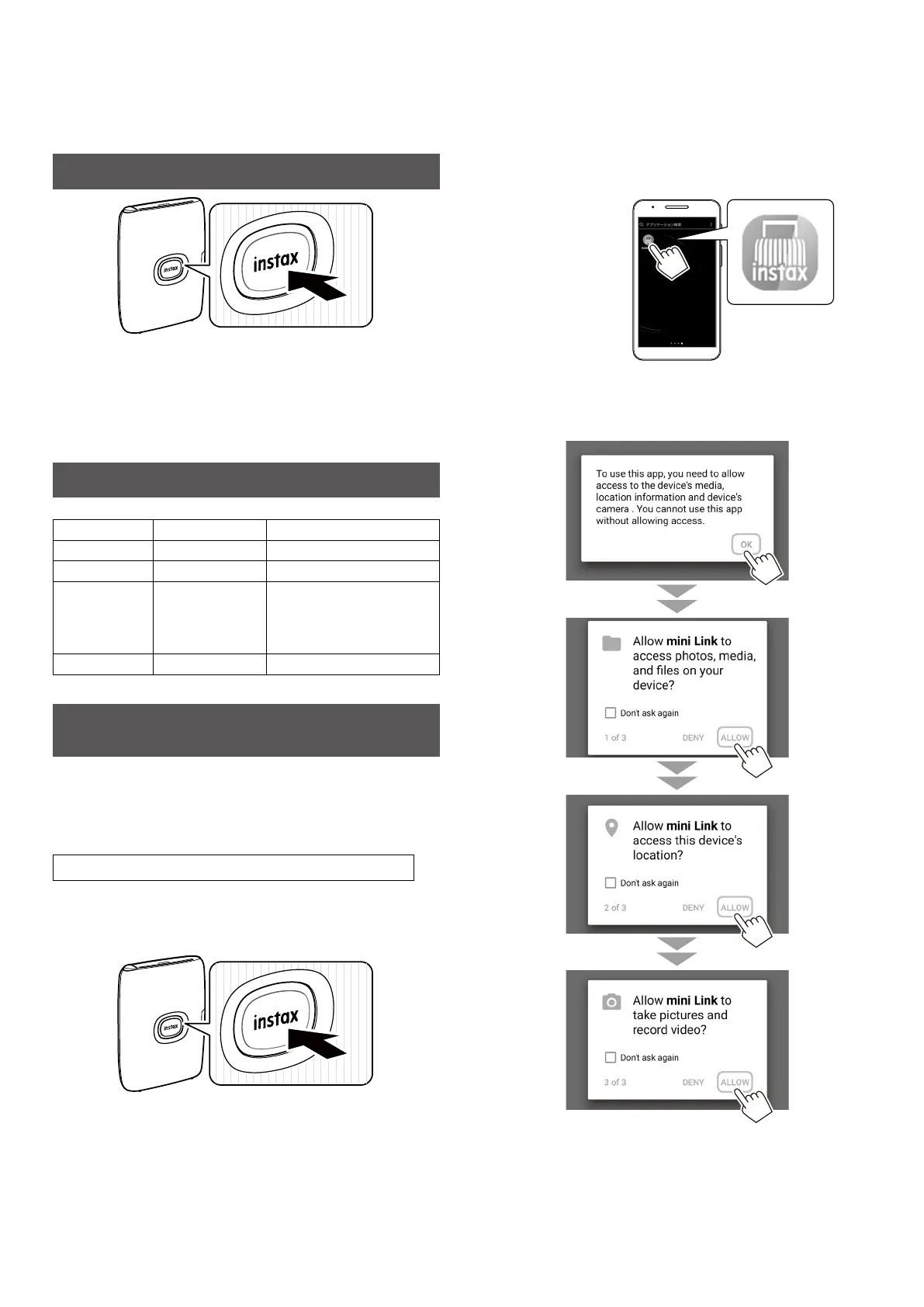
Turning on/off the Printer
Press and hold the Power button for approximately 1 second to
turn the printer on or off.
Turning the printer on lights up the LED.
If no operation occurs for 5 minutes, the printer turns off
automatically.
Checking the Printer Status with the LED
You can check the printer status with the LED.
Color LED status Status
Blue Flashing Firmware is being updated
Purple Flashing Reprinting
Yellow (The
printer will be
turned off after
3 seconds.)
Lights Up Cannot be charged
Low battery state
Yellow Flashing Film ejection error occurred
Connecting Your Smartphone and Printer
Together and Printing
With the functions of the INSTAX MINI LINK Smartphone App, you
can edit your favorite Smartphone images before printing by
adding text, applying filters, and much more! See Page 4 on how
to install the INSTAX MINI LINK Smartphone App or check out the
following site: https://instax.com/mini_link_2
When Establishing Connection for the First Time
1
Press and hold the Power button for approximately
1 second to turn the printer on�
The LED lights up.
2
Start the downloaded INSTAX MINI LINK
Smartphone App�
3
Click through the below pop-up windows to set up
the printer�














 To Next Page