To Next Page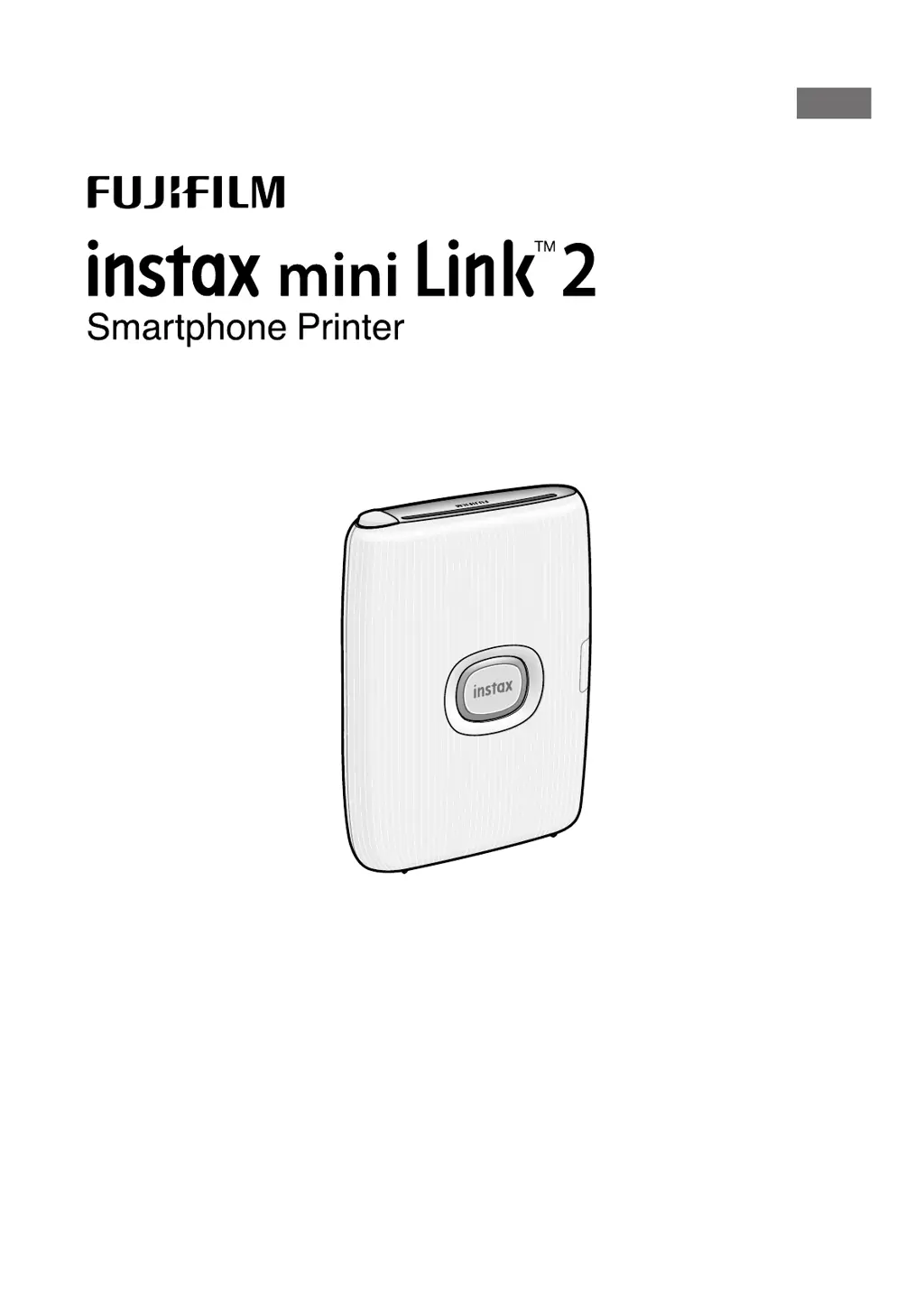

B
Bruce DeleonAug 21, 2025
How to turn on FujiFilm instax mini Link 2?
- CCarol McleanAug 21, 2025
First, ensure that the FujiFilm printer is charged. If it is not turning on, press and hold the Power button for about 1 second.

How to turn on FujiFilm instax mini Link 2?
First, ensure that the FujiFilm printer is charged. If it is not turning on, press and hold the Power button for about 1 second.
Why FujiFilm instax mini Link 2 Printer charging does not start or prematurely stops?
To resolve charging issues with your FujiFilm Printer, charge the battery within a temperature range of 41°F to 104°F (5°C to 40°C). If charging outside this range is unsuccessful, contact your FUJIFILM dealer or support center.
Why does the battery of my FujiFilm instax mini Link 2 lose charge quickly?
If the battery of your FujiFilm Printer drains quickly, especially in cold environments, try to keep the printer warm before starting to print.
Why are FujiFilm instax mini Link 2 Printer prints white?
If some or all of the finished prints from your FujiFilm printer are white, do not open the film door until the film has been used up. Opening the film door with film remaining will expose the film, causing it to turn white.
Why FujiFilm Printer takes too long to charge?
If the FujiFilm printer takes too long to charge, it may be due to low temperatures. Charging may take longer in such conditions.
What to do if FujiFilm instax mini Link 2 charging does not start?
If charging doesn't start on your FujiFilm printer, make sure that the USB power adapter plug is properly connected to the power outlet.
How to load film pack in FujiFilm Printer correctly?
To load the film pack correctly in your FujiFilm printer: - Use FUJIFILM instax mini Instant Film, as other films are not compatible. - Align the yellow mark on the film pack with the yellow alignment marker on the printer body before loading.
Why does the FujiFilm instax mini Link 2 battery lose its charge quickly?
If you're using the FujiFilm printer in a very cold environment, the battery might lose its charge quickly. Keep the printer warm before printing to avoid this issue.
Why is my FujiFilm instax mini Link 2 Printer not charging?
If your FujiFilm Printer isn't charging, make sure the USB power adapter plug is correctly connected to the power outlet.
Information on how to dispose of the printer and its built-in battery according to regulations.
Identifies and labels the front and rear parts of the instax mini Link 2 printer.
Explains the LED indicators for charging status, including when charging and when not charging.
Instructions for charging the printer using a PC, including potential issues.
Step-by-step guide on how to correctly load the INSTAX MINI instant film pack into the printer.
Step-by-step guide on how to safely remove the used film pack from the printer.
Instructions on how to power the printer on and off using the power button.
Explains the meaning of different LED status lights to indicate printer status.
Guide for the initial connection process between the smartphone and the printer.
Detailed steps for establishing and confirming the Bluetooth connection and pairing process.
Instructions for initial app setup, password creation, and navigating the app's interface.
Overview of app modes, editing tools, and the final steps for printing images.
How to switch between Print mode and Fun mode using the printer's orientation.
Using printer tilt and button presses for zoom and shutter control within the app.
Instructions for using the air drawing feature, requiring app download and QR code scanning.
Technical details and specifications of the instax mini Link 2 printer.
Common problems and their solutions for operating the printer.
Precautions for handling the printer to prevent damage, heat exposure, or mechanical issues.
Warnings and advice to follow while printing, such as not shaking or dropping the printer.
Guidelines for handling and caring for instant film and prints to ensure quality.
 General
| Product color | Blue |
|---|---|
| Market positioning | Home & office |
| Power source | Battery |
| Charging time | 2 h |
| Power consumption (printing) | 3 W |
| Duplex printing | No |
| Print technology | - |
| Maximum resolution | 318 x 318 DPI |
| Time to first page (color, normal) | 12 s |
| Other operating systems supported | Android, iOS |
| Operating temperature (T-T) | 5 - 40 °C |
| Operating relative humidity (H-H) | 20 - 80 % |
| Maximum print size | 2.4\ |
| Direct printing | Yes |
 Weight and Dimensions
| Depth | 36.4 mm |
|---|---|
| Width | 91.9 mm |
| Height | 124.8 mm |