Downloaded from Projector.com
XP60 Projector
20 - English A26361-K865-Z100-1-5E19
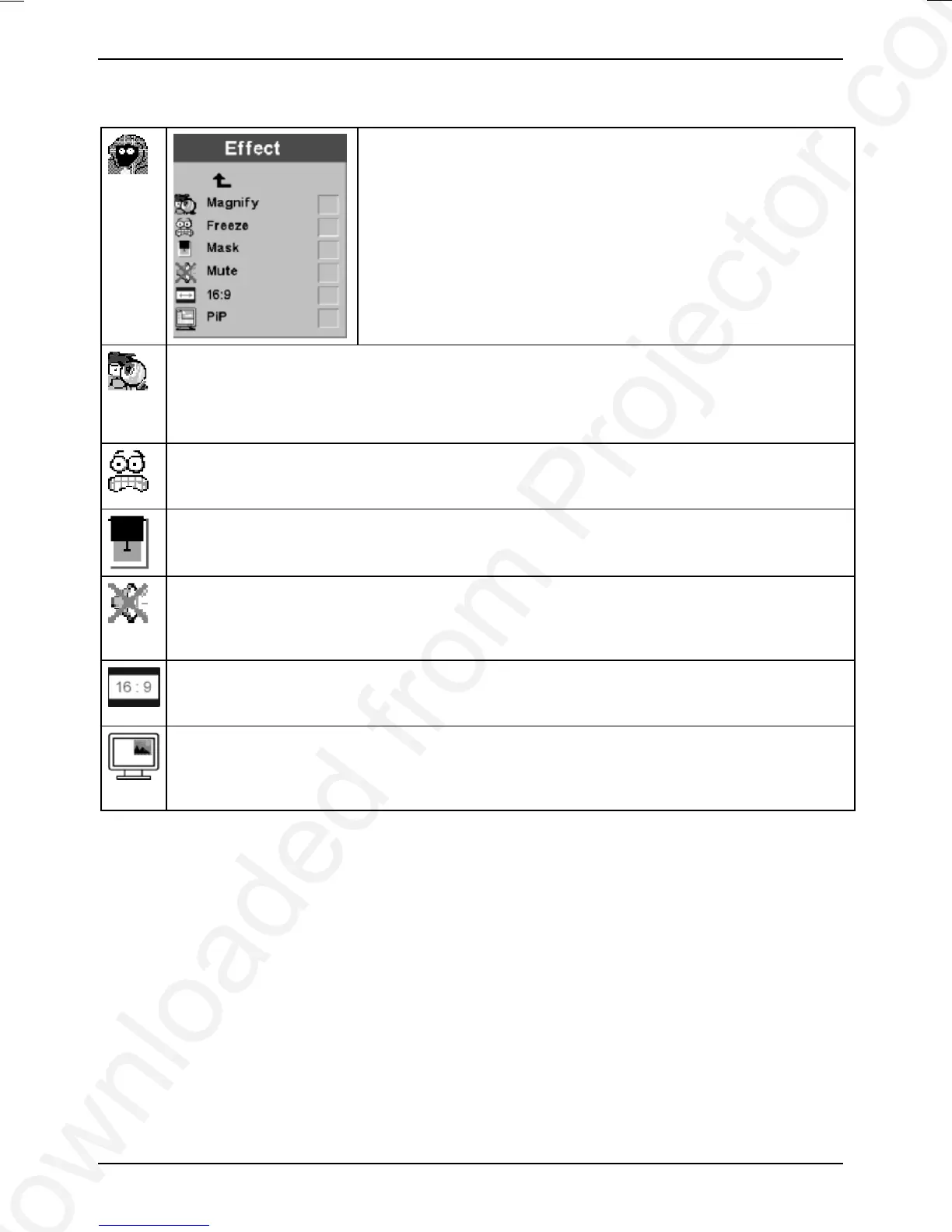
Effect menu
In the Effect menu, you can assign one of the displayed functions
to the "Effect" button on the remote control. You can select only
one of these functions at a time.
Magnify
The picture is magnified until you press the "Effect" button again.
Ê Set the magnification factor by rolling the mouse ball forward.
Freeze
Freezes and displays the current picture until you press "Effect" again.
Mask
The projected image is blacked out until you press the "Effect" button again.
Mute
Mutes the sound until you press the "Effect" button again (works only with a video signal
source).
16:9
The picture is shown in the 16:9 format.
PIP
Select "Picture in Picture" if you want to see a smaller picture of the video source over the
computer picture.



 To Next Page