Working with the notebook
20 A26391-K147-Z120-1-7619
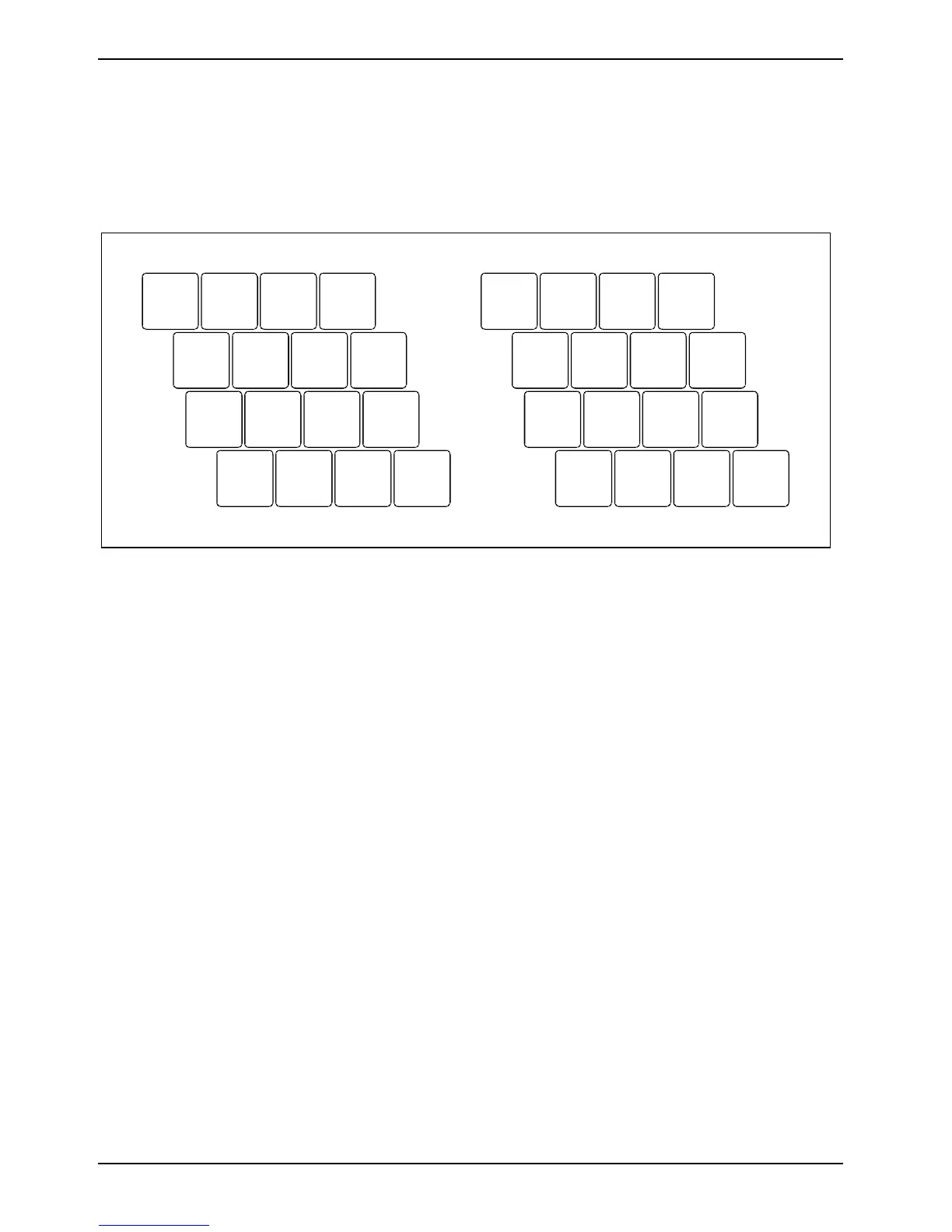
Virtual numeric keypad
The keyboard of your notebook does not have a number block. To provide the convenience of a
numeric keypad, your keyboard is equipped with a virtual numeric keypad. The special keys of the
virtual numeric keypad are recognisable by the numbers and symbols printed in the upper right
corner of each key (see the illustrations that follow).
7 890
UI OP
J
M
K
;
L
:
_
Ö
/
{
(
[
)
]
=
}
µ
,
.
-
+
789
*
456–
123
0
/
,
12
Illustration (example of German keyboard layout)
1 = Characters enabled when Num Lock indicator is not lit (see "Status indicators").
2 = Characters enabled when Num Lock indicator is lit (see "Status indicators").
When the virtual number block is switched on (the Num Lock indicator lights up), you can output the
characters located at the upper right on the keys.









 To Next Page