Working with the notebook
22 A26391-K147-Z120-1-7619
Ctrl
+
C
Halting the current operation
This key combination can be used to halt an operation instantly without clearing
the keyboard buffer.
+
Backtab (Shift+Tab)
This key combination moves the cursor back to the previous tabular stop.
Windows key combinations
+
E
Opening Windows Explorer
This key combination opens Windows Explorer.
+
R
Opening "Run" dialog box
This key combination opens the Run dialog box.
+
F
Opening "Find for: All files" dialog box
This key combination opens the Find: All files dialog box.
+ Ctrl +
F
Opening "Find: Computer" dialog box
This key combination opens the Find: Computer dialog box.
+
Pause
Break
Opening "System Properties" dialog box
This key combination opens the System Properties dialog box.
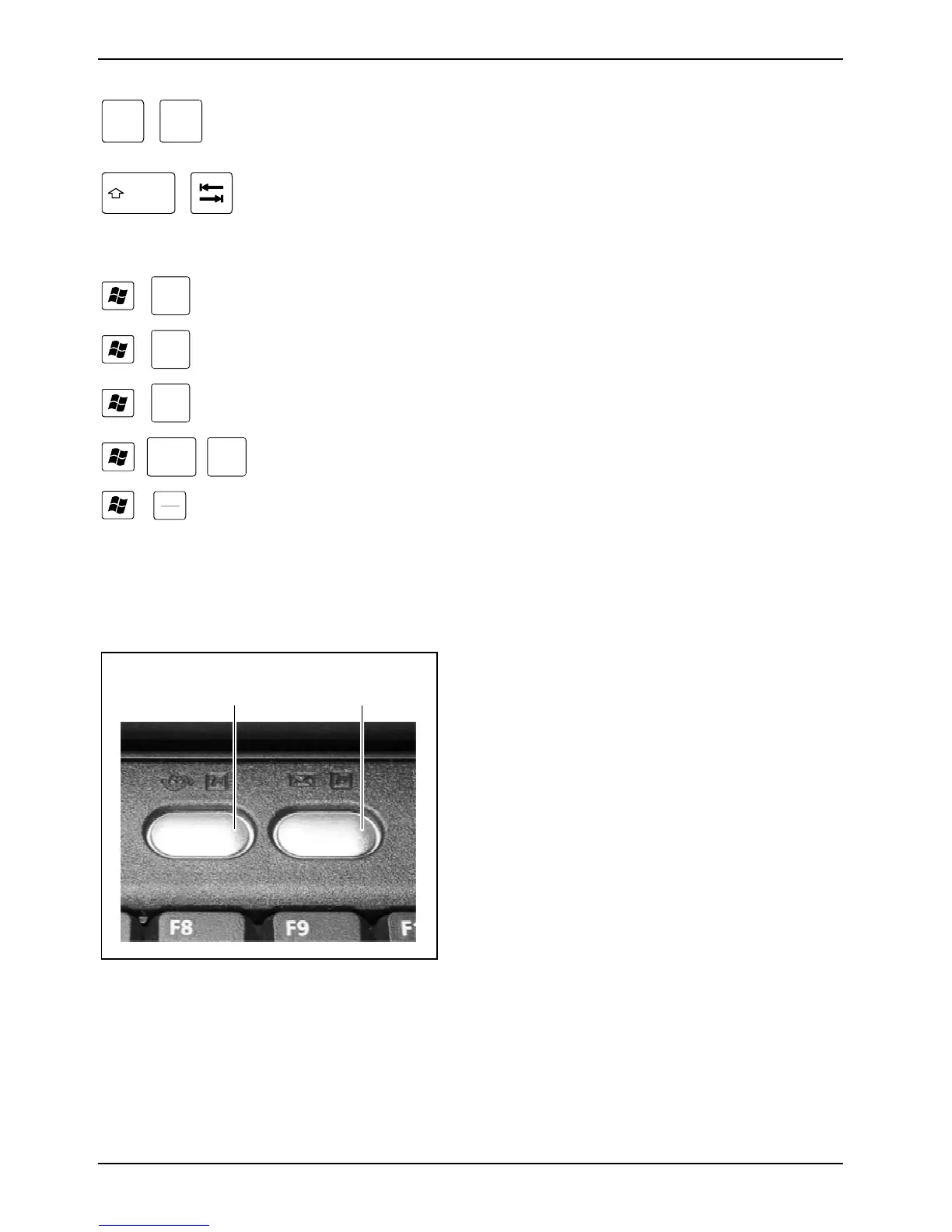
Easy buttons
Your notebook is equipped with two easy buttons.
1 2
1 = Internet:
With this key you can start the standard
internet browser for your system.
2 = E-Mail:
Use this key to start the standard e-mail
programme for your system.












 To Next Page