Operation
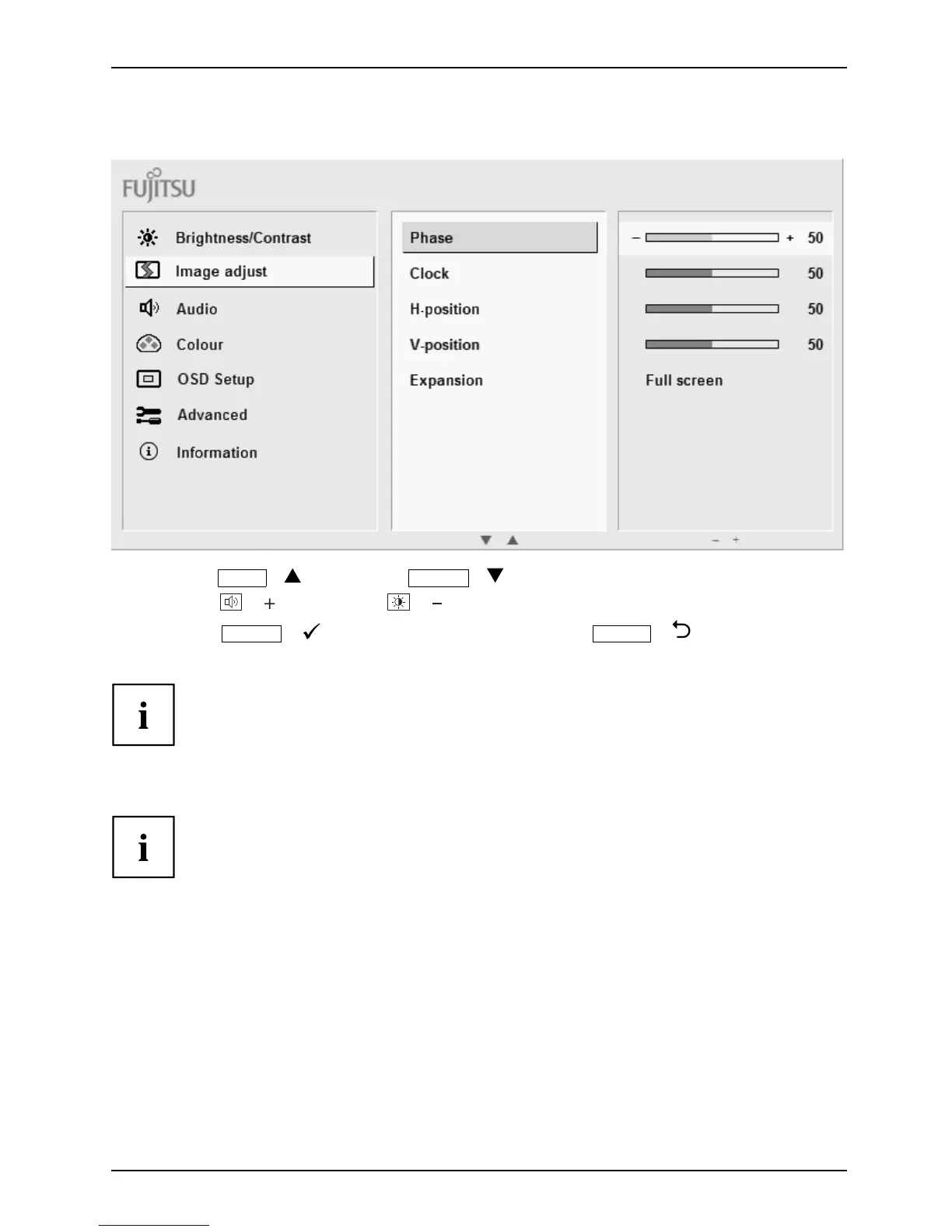
Changing settings
► Press the
ECO
/ button or the
INPUT
/ button to highlight a function.
► Press the
/ button or the / button to change the setting.
► Press the
MENU
/ bu
tton to save the change or the
AUTO
/
button to qui
t the function without change.
If y ou want t
o change other settings, select the corresponding function from the OSD
main menu. A
ll possible adjustments of the main menu are described in the following.
OSD m enu functions
The OSD menu for analogue monitor operation is described below. During
digital operation some functions are not available, as they are not required
due to the digital transmission techn ology used.
Fujitsu 25











 To Next Page