Connecting external devices
Connecting USB devices
USBports
On the USB ports, you can connect external devices that also have a USB port
(e.g. a DVD drive, a printer, a scanner or a modem).
USB devices are hot-pluggable. T his means you can connect and disconnect
devices while your operating system is running.
USB 1.x has a m aximum data t ransfer rate of 12 Mbit/s.
USB 2.0 has a data transfer rate of up to 480 Mbit/s.
USB 3.0 has a data trans
fer r ate of up to 5 Gbit/s.
Additional informati
on can be found in the documentation for the USB devices.
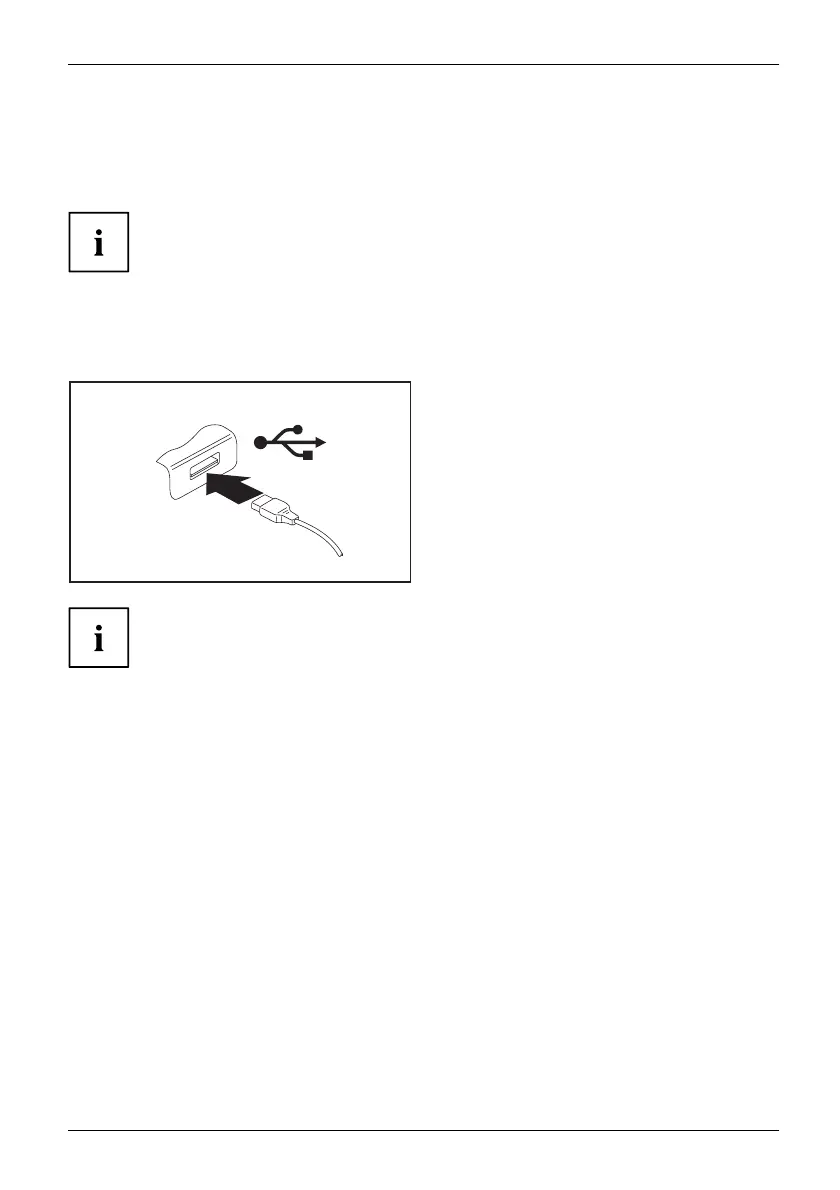
► Connect the data cable to the
external device.
► Connect the d ata cable to a USB
port of the notebook.
Device drivers
USB devices will be automatically recognised and installed b y your operating system.
Fujitsu Technology Solutions 61


 To Next Page