Working with the noteboo k
Indicator Description
Caps Lock indicator
IndicatorCapsLock
The indicator is illuminated: The Caps Lock key ha s been pressed. All the
characters you type will appear in upper case. In the case of overlay keys, the
character printed on the upper left of the key will appear when that key is pressed.
Scroll Lock in dicator
IndicatorScrollLock
IndicatorScrollLock
The indicator is illuminat
ed: The key combination
Fn
+
Scr
has been pressed. The
effect that this key has var
ies between app lica tions.
Switching on the notebook
► Open the LCD screen.
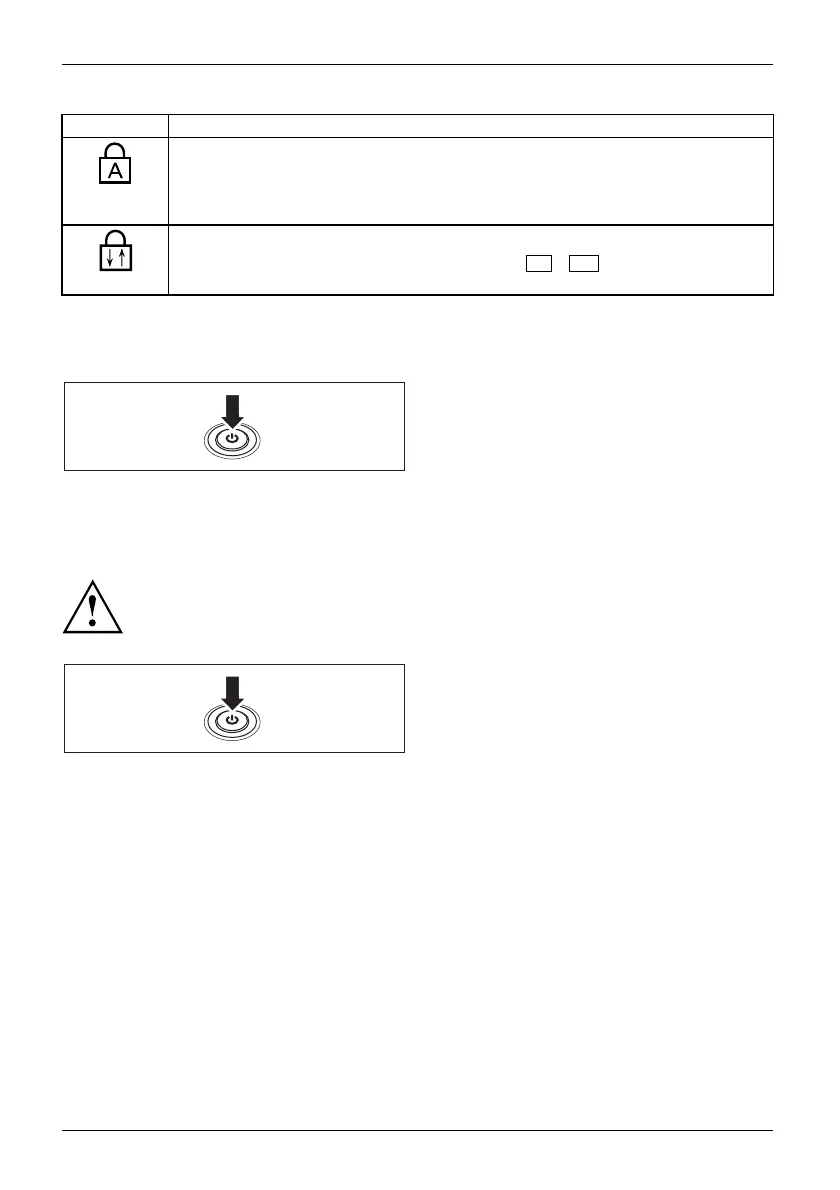
Switchingon
► Press the ON/OFF switch for about one
second to switch th e notebook on.
The power-on indicator is lit.
Notebook: switching off
Back up your data and close all applications before you switch off your
device. Otherwise data might be lost.
► Shut down the operating system properly
(e. g. from th e Windows Start menu, by
clicking on Start – Shut Down – OK).
Notebook
► If the notebook is not switche d off
automatically, press the ON/OFF s witch
for approx. five seconds.
► Close the LCD screen.
20 Fujitsu Technology Solutions


 To Next Page