30 - English Mainboard D3598
Installing add-in cards
Before installing add-in cards, please check if they are fully compatible with your motherboard.
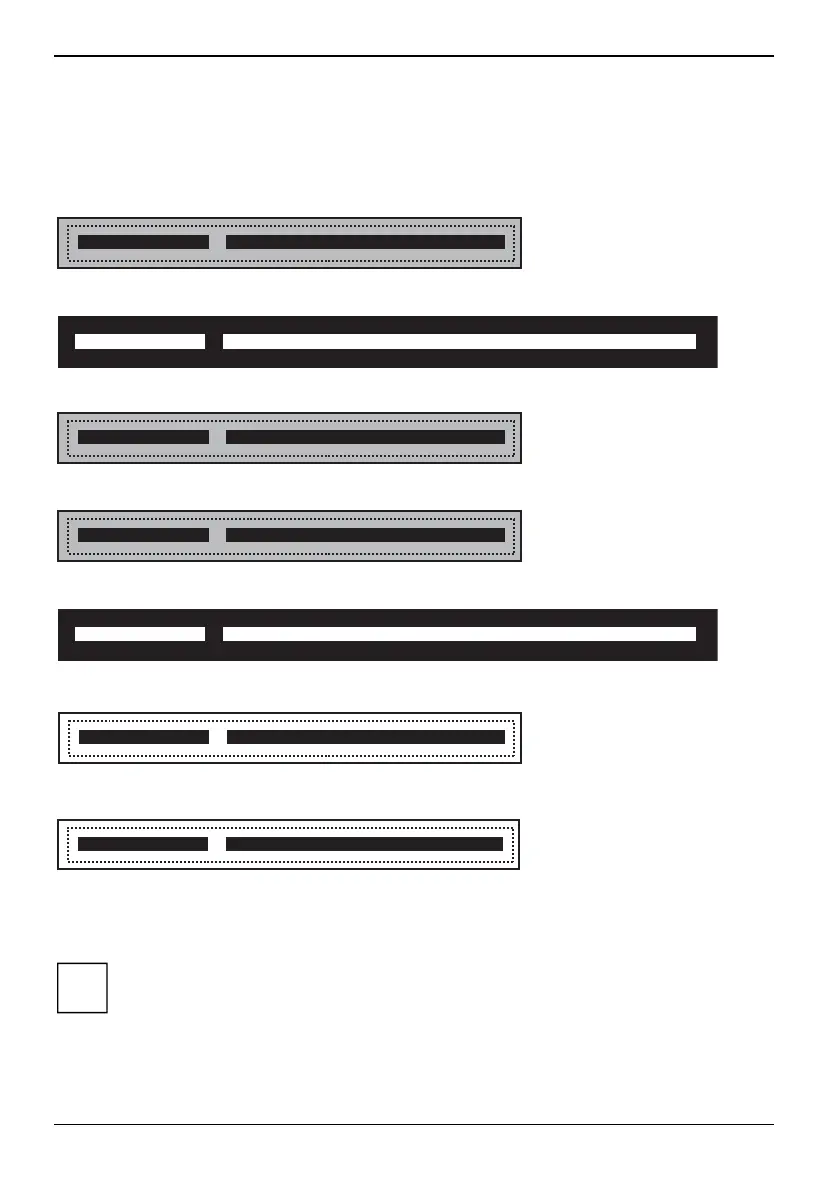
PCIe x4
PCIe x1
PCIe x4
PCIe x1
PCIe x16
PCIe x16
PCIe x8
Simply find the appropriate slot for your add-in card and insert the card firmly. Do not force any add-
in cards (or anything else) into any slots if they won’t seat in place. It’s better to try another slot or
return the faulty card rather than damaging both the motherboard and the add-in card.
It’s a good practice to install add-in cards in a staggered manner, rather than directly
adjacent to each other. This allows air to more easily circulate within the chassis, providing
improved cooling for all installed devices.
i
64 Fujitsu


 To Next Page