126
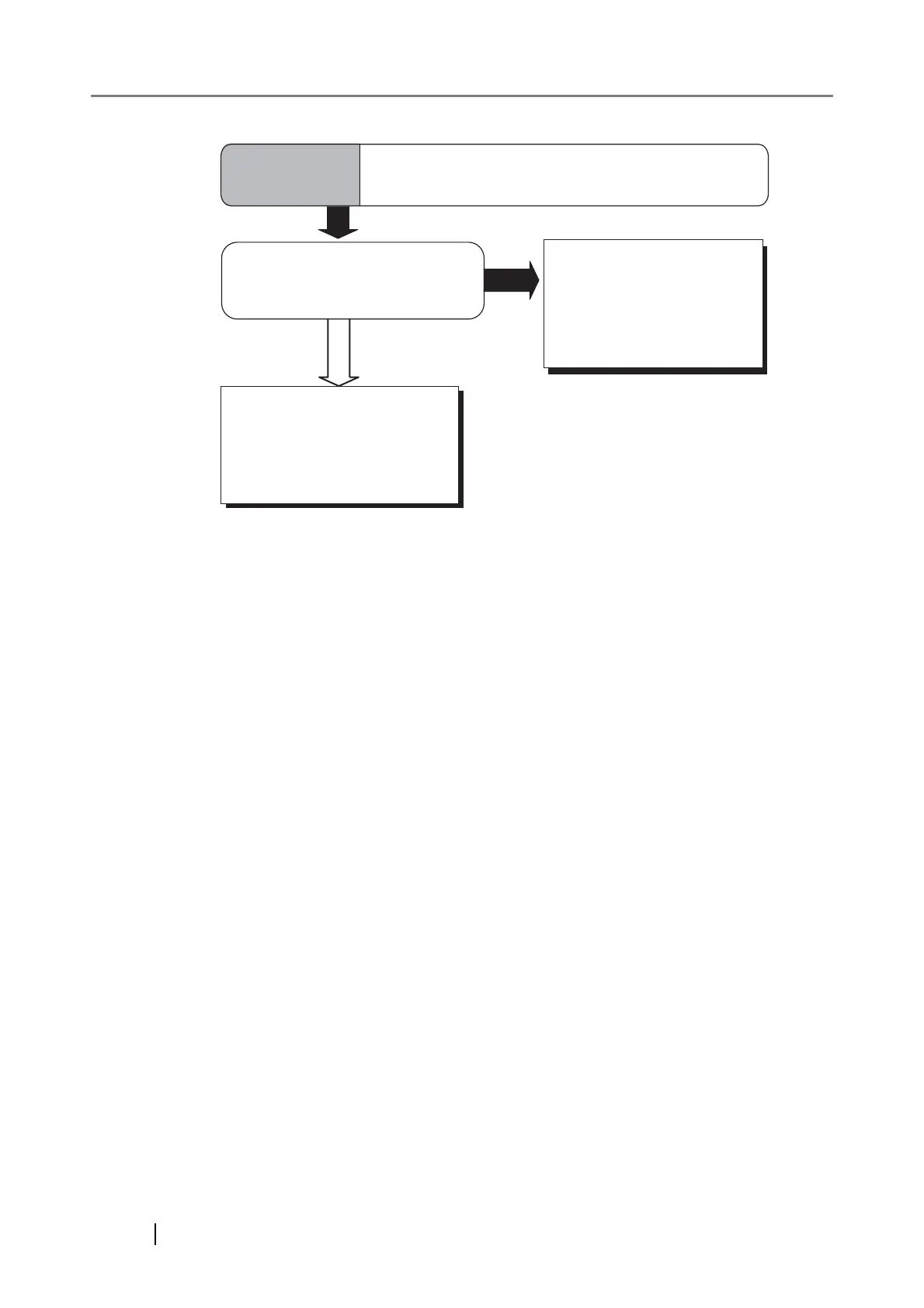
YES
NO
Did you adjust the offset
(starting position for scanning
the document)?
Right click the Scanner
Control Center icon and
select [Options] then
adjust the [Sub-scan Setting].
Symptom 12
There is a shadow on the leading edge of
the scanned images.
Check the items in "5.4 Items
to check before contacting
the dealer where you bought
the scanner" and contact
the dealer or an authorized
FUJITSU service provider.












 To Next Page