21).
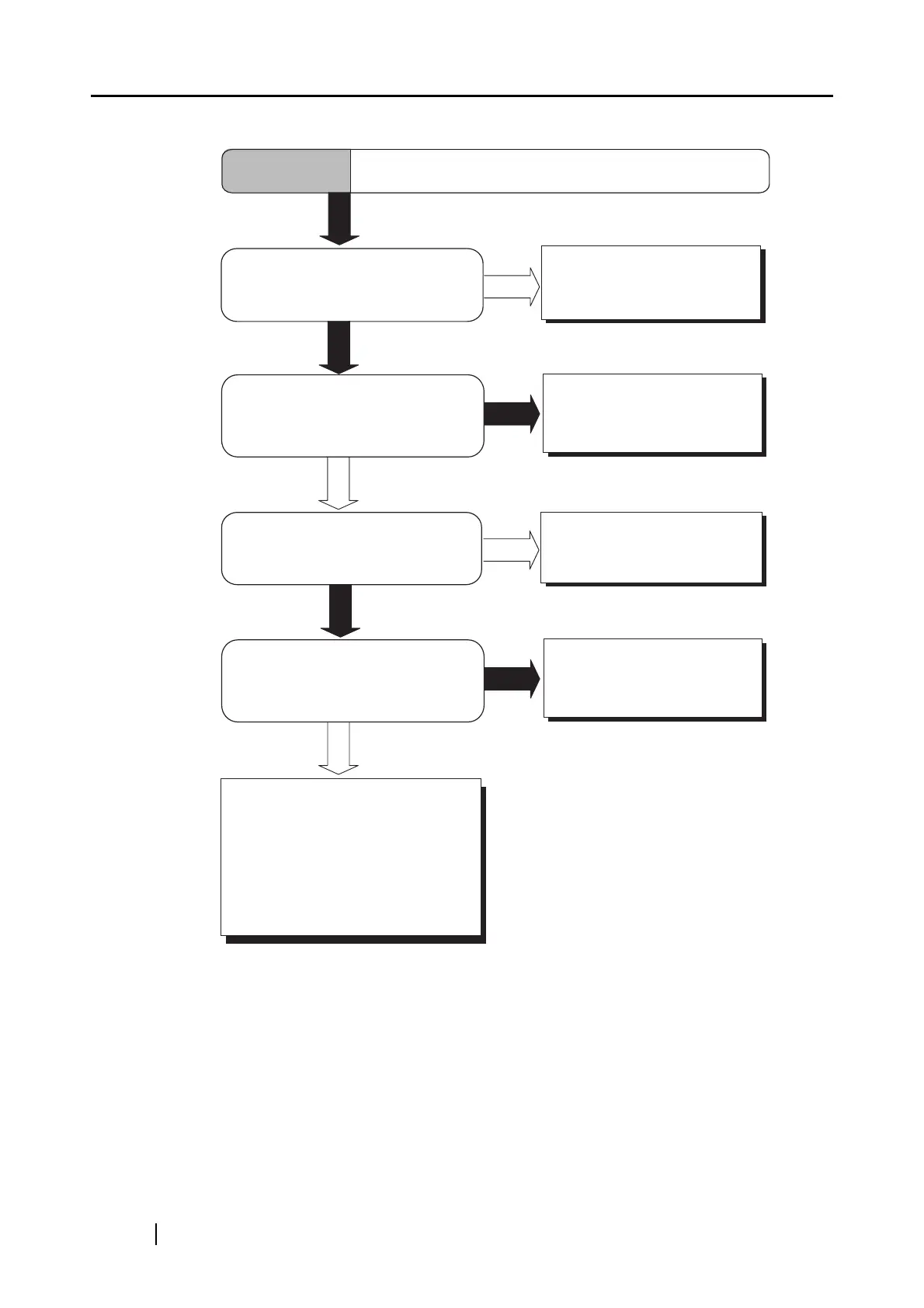
Clean the dirty locations. (*)
NO
YES
YES
Do not allow anything to
cause the scanner to
vibrate while scanning.
Is something causing the scanner
to vibrate during scanning?
NO
Symptom 3
Images are distorted or blurred.
YES
Is the scanner installed on a flat,
level surface?
Install the scanner on
a flat, level surface.
NO
Are the document bed, and
the document holding pad clean?
If you cannot solve the problem
after taking measures, check the
items in "3.2 Items to check before
contacting the dealer where you
bought the scanner" and contact
the dealer or an authorized
FUJITSU service provider.
YES
Place the document flat and
hold it down slightly with the
document cover.
Is the document curled or folded?
NO












 To Next Page