Index
Chapter 8 Operational Settings
Appendix
Glossary
Introduction
Contents
TOP
138
How to Load
Documents
How to Use
the Operator
Panel
Various Ways
to Scan
Daily Care
Troubleshooting
Replacing
Consumables
Scanner
Overview
Operational
Settings
Pre-Pick Select [Yes] to prioritize the
processing speed and [No] for
otherwise.
It can also be configured from the
scanner driver’s setup dialog box.
Note that priority is given to the
scanner driver setting.
Yes / No Yes
-
Page Edge Filler
(Automatic Page
Size Detection)
Specify the range of area to fill in
when [Automatic Page Size
Detection] is selected.
Specify a width for the margin off the
edge of the scanned image to fill in
black or white.
It can also be configured from the
scanner driver’s setup dialog box.
Note that priority is given to the
setting with a larger value.
Top/Bottom/Left /Right: 0 to 7.5 mm (in
increments of 0.5 mm)
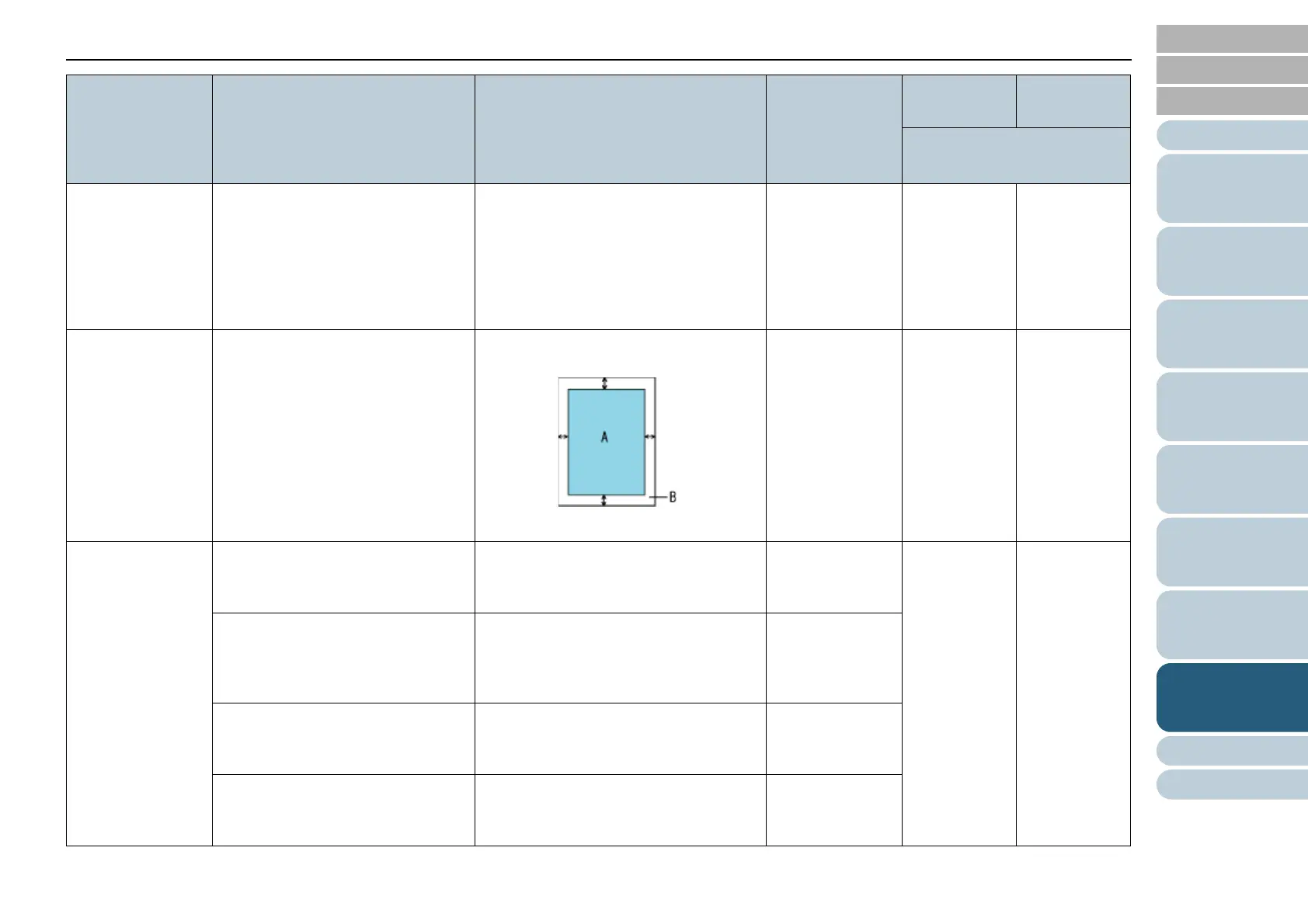
(A: Image, B: Filled area, A+B: Output)
Top/Bottom/Left/
Right: 0 mm
-
Document check
area specification
for Multifeed
Detection
Selected range: Select this item to
restrict the area to run multifeed
detection on.
[Selected range] check box Not selected
Enable/Disable (Left/Middle/Right):
Specify whether to enable or disable
multifeed detection for the specified
area.
Enable / Disable
(when [Selected range] is selected)
Disable
Start: Specify the start point of the
check area in length (mm) from the
top edge of the document.
0 to 510 mm
(in increments of 2 mm)
0 mm
End: Specify the end point of the
check area in length (mm) from the
top edge of the document.
0 to 510 mm
(in increments of 2 mm)
0 mm
Item Description Setting/Value Factory Default SCSI or USB
Connector
VRS board (optional)
connection
: Configurable
-: Not configurable



 To Next Page