4.2 Changing Scanning Settings
ScanSnap S510M Operator's Guide 79
Setting the ScanSnap
4
HINT
Image data size
The following table shows rough estimates of generated image sizes
when a single-sided color document is scanned, in respective modes by
the ScanSnap.
File type: PDF
Paper size: Letter (8.5 x 11 in. (216 x 279.4 mm))
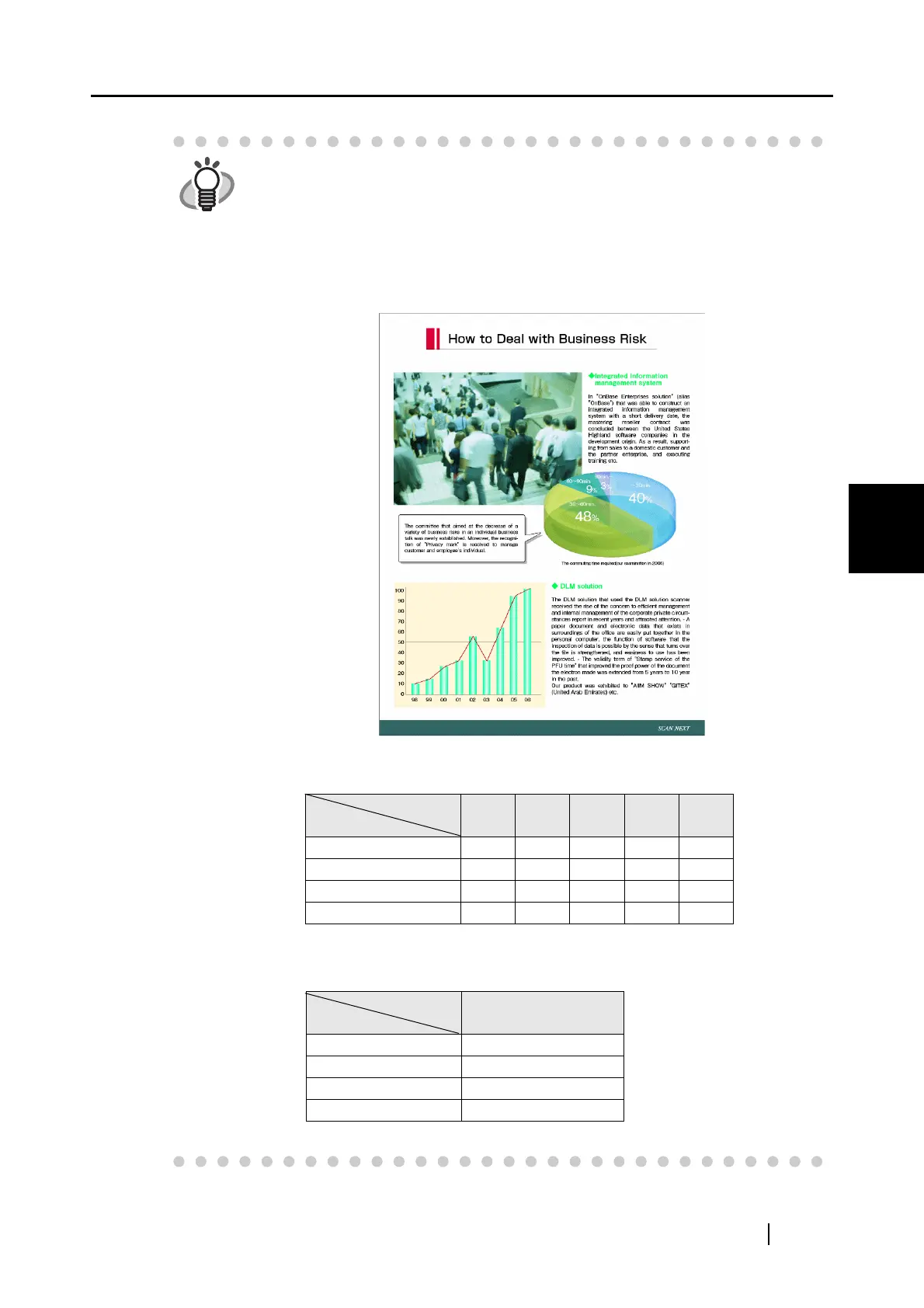
Tested sample:
Color mode: Color
(unit: K bytes)
Color mode: B&W
(unit: K bytes)
Compression
rate
Image quality
1 2 3 4 5
Normal (Fastest) 501 247 215 171 136
Better (Faster) 851 377 327 261 204
Best (Slow) 1523 650 556 451 359
Excellent (Slower) 4618 1789 1538 1218 964
Compression
rate
Image quality
-
Normal (Fastest) 102
Better (Faster) 153
Best (Slow) 278
Excellent (Slower) 704



 To Next Page
 Loading...













