Working with the Tablet PC
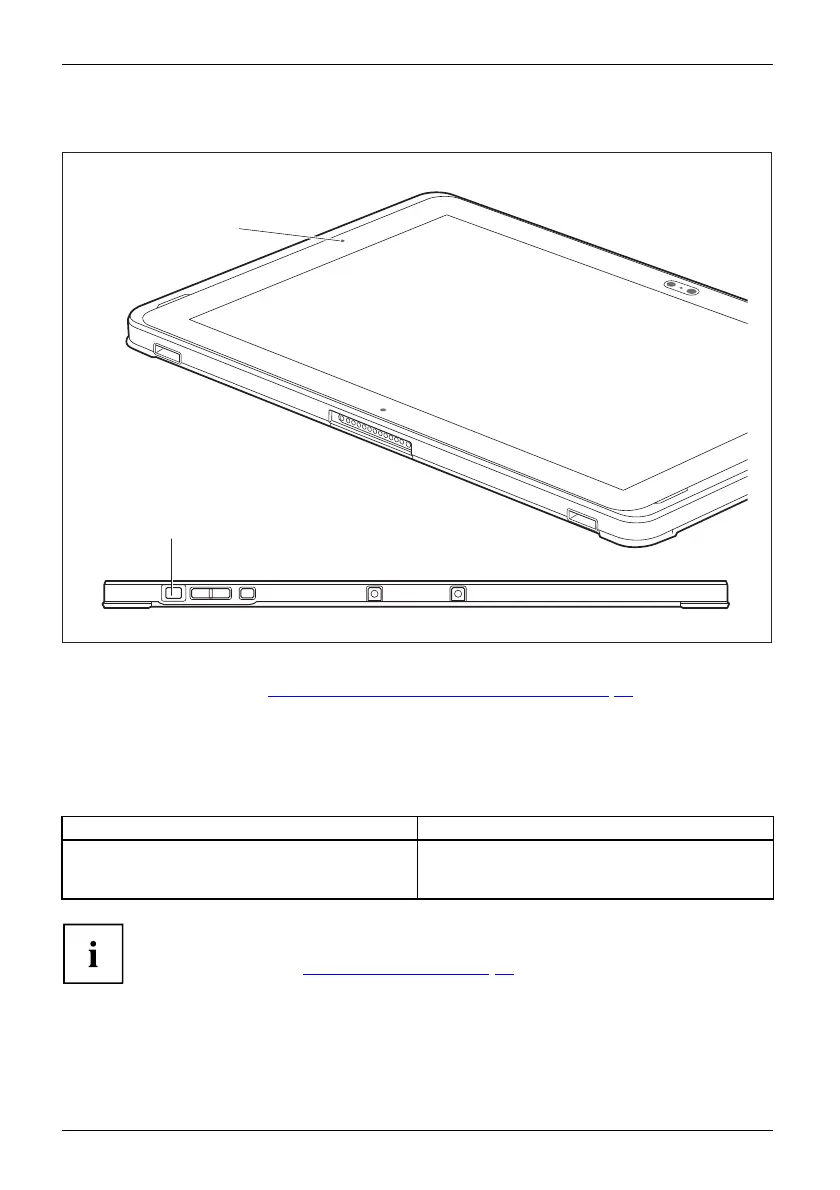
Switching the Tablet PC on
Tablet:SwitchingonPower-onPower-onindicator
2
1
► Press the ON/OFF button (2) for abou t one second to switch the device on. For further
information, see section "
Switch ing on the device for the first time", Page 20
The power-on indicator illuminates (1) w hen the device is switched on.
Programming the ON/OFF button
You can p
rogram the ON/OFF button :
Operating system Menu
Windows 10
Windows 10 Start - Control Panel - (Browse Control
Panel - ) Power Options - Choose what the power
buttons do
If you
have assigned a password, you must enter this when requested to
do so
, in order to start the operating system. Detailed information can be
foun
d in the chapter "
Securit y functions", Page 61.
24 Fujitsu



 To Next Page
 Loading...









