Working with the Tablet PC
Ethernet and LAN (optional, only with cradle,
keyboard cover or adapter cab
le)
EthernetLAN
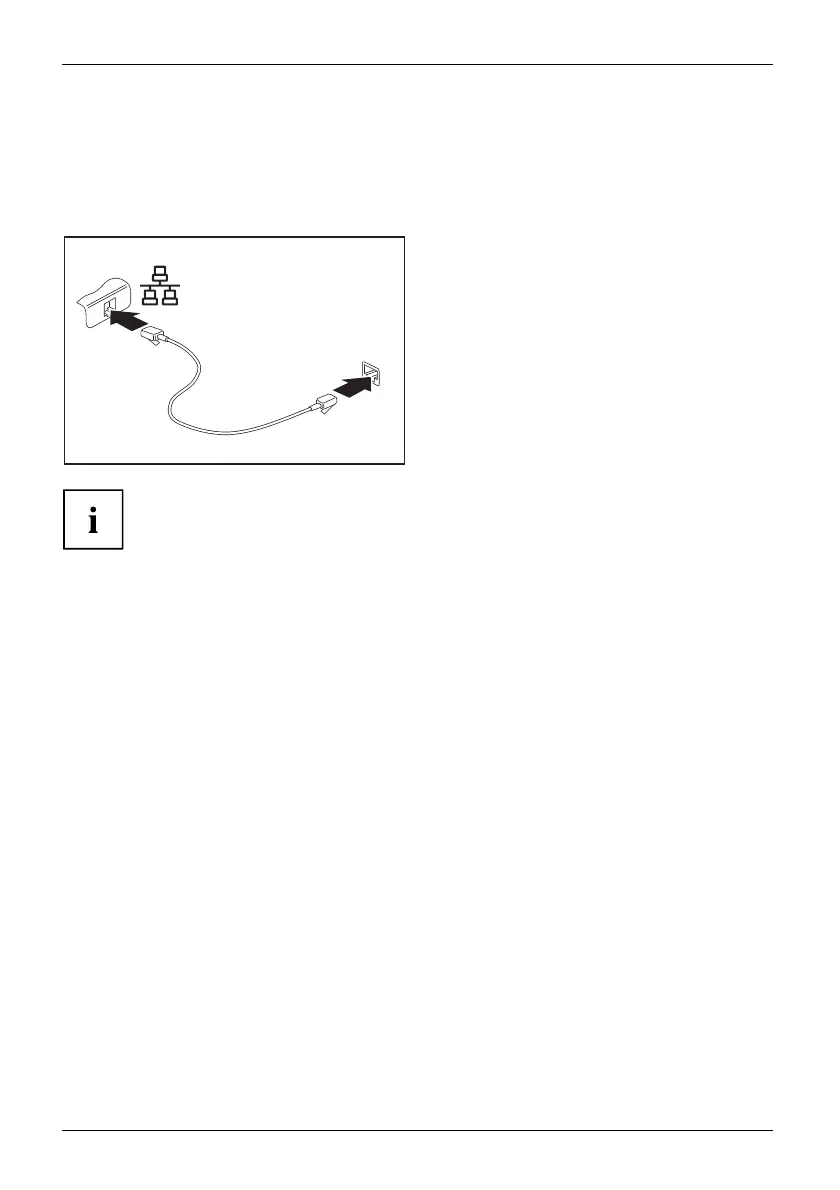
You can use the optionally available accessories to e stablish a connection to a
local network (LAN = Local Area Network).
2
1
► Connect the network cable to the LAN
port of the accessory (1).
► Connect the ne twork cable to your
network connection (2).
Your network administrator can help you to configure and use the LAN connection s.
The network cable is not included in the delivery scope. This type of
cable can be obtained from a specialist dealer.
Use a shielded network cable (CAT 5 e).
44 Fujitsu



 To Next Page
 Loading...









