Accessories for yo ur Tablet P C (opti
onal)
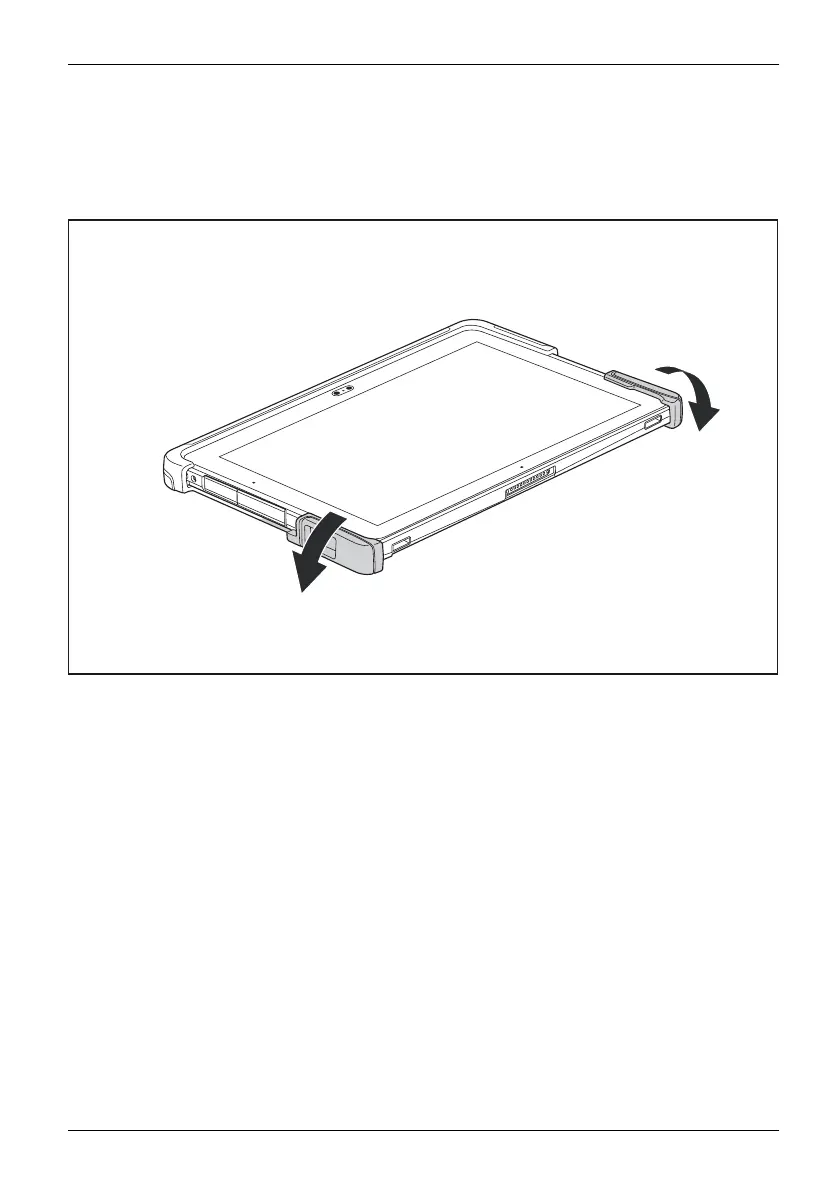
Remove the Tablet PC from the protective TPU cover
► If attached, remove the AC plug for the AC adapter from the power outlet and the tablet.
► Switch the Tablet PC off.
► If attached, remove th e shoulder strap.
1
2
► Remove the tablet from the underside of the TPU cover by removing the lower
right side first (1) and then the lower left side (2).
Fujitsu 57



 To Next Page
 Loading...









