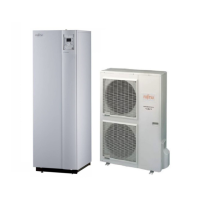
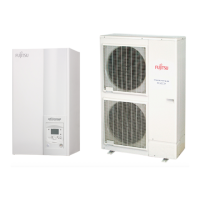
Split system (Single phase and 3-phase type)
100 Maintenance Document 1544-1
6.1.12 COMPRESSOR removal
Precautions for exchange of compressor.
Do not allow moisture or debris to get inside refrigerant pipes during work.
Procedure for compressor removal.
1 Turn off the power
2 Remove the service panel and right panel
3 Fully close the 3Way valve (gas) and 3Way valve (liquid)
4 Collect the refrigerant from the 3Way valve.
Start the following work after completely collecting the refrigerant.
Do not reuse the refrigerant that has been collected.
Compressor cover -B
Compressor cover -A
Remove the
COMPRESSOR COVER-B and COVER-A
Remove the TERMINAL COVER.
Remove the connectors.
[R : RED, C(T) : BLACK, S(W) : WHITE]
Compressor cover -C
Single Phase type



 To Next Page
 Loading...