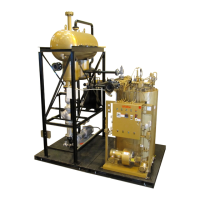
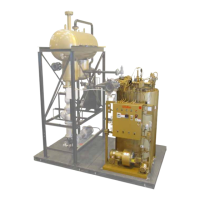
FT-C Vertical Electric Thermal Fluid Heater Manual 12 2013 ISSUE 1
1) Hit Escape to Select Operation than hit Enter and scroll to Heater Set point, hit Enter to Set
point W1 hit Enter and enter new set point with Select buttons.
2) When accomplished hit Enter than Escape 3 times to Operational Stats hit Enter to Normal
Operation, hit Enter to get to the main screen.
1) Hit Escape and scroll to Manual, hit Enter to Auto / Manual / OFF , change to Manual and hit
escape to Set Load, change to 0 or desired load range with the select buttons.
2) When in Manual it will allow you to go to any load range to verify combustion.
3) When done hit Escape and scroll to Operational Stats, hit Enter to Normal Operation, hit Enter
to main screen.
4) To return back to Auto operation repeat step 1 & 2.
5) Please refer to this manual’s addendum for information on specic LMV 51 control
parameters.
DO NOT leave unit unattended in Manual Operation, in this mode the LMV 51 will ignore its internal Set
Point.
1. The thermal uid pressure drop across your heater is critical. This should be recorded at the
completion of start-up. The pressure drop value is obtained by subtracting the heater outlet
pressure from the heater inlet pressure when the thermal uid is at normal operating
temperature.
2. At the recommended standard ow rates, and 0.7 sp gr, the pressure drop across the heater
should be as shown in the chart in section 3.8.
3. In the event of an abnormal reading, contact the Fulton service department immediately. Failure
to take immediate action in the event of reduced uid ow may result in rapid and serious
degradation of the uid, with possible damage to the heater.



 To Next Page