23
EN
Introduction Connections
Basic Setup /
DVB Operations
Recording Playback Editing Function Setup Others
Follow the instruction below to change the pincode for DVB
“Parental Control”.
1 In stop mode, press [SETUP].
2 Go to “DVB Menu” A “Parental Control”, then
press [ENTER\OK].
• Pincode entry field will appear.
3 Enter the current pincode.
4 Move the highlight to the pincode entry field,
then enter new pincode.
•Press [CLEAR] to erase numbers entered incorrectly at
once.
•Press [s] to erase the numbers entered incorrectly one
by one.
5 Press [ENTER\OK].
• Your new pincode is now set.
6 Press [RETURN\BACK] to exit.
• If you forget the pincode, press [4], [7], [3], [7] to cancel the
current pincode, and re-create the new pincode.
Channel map is the list of the channels stored in this unit’s
tuner. You can customise the channel map to suit your
preference.
Editing of the DVB channel map is done in the “Edit Channels”
screen.
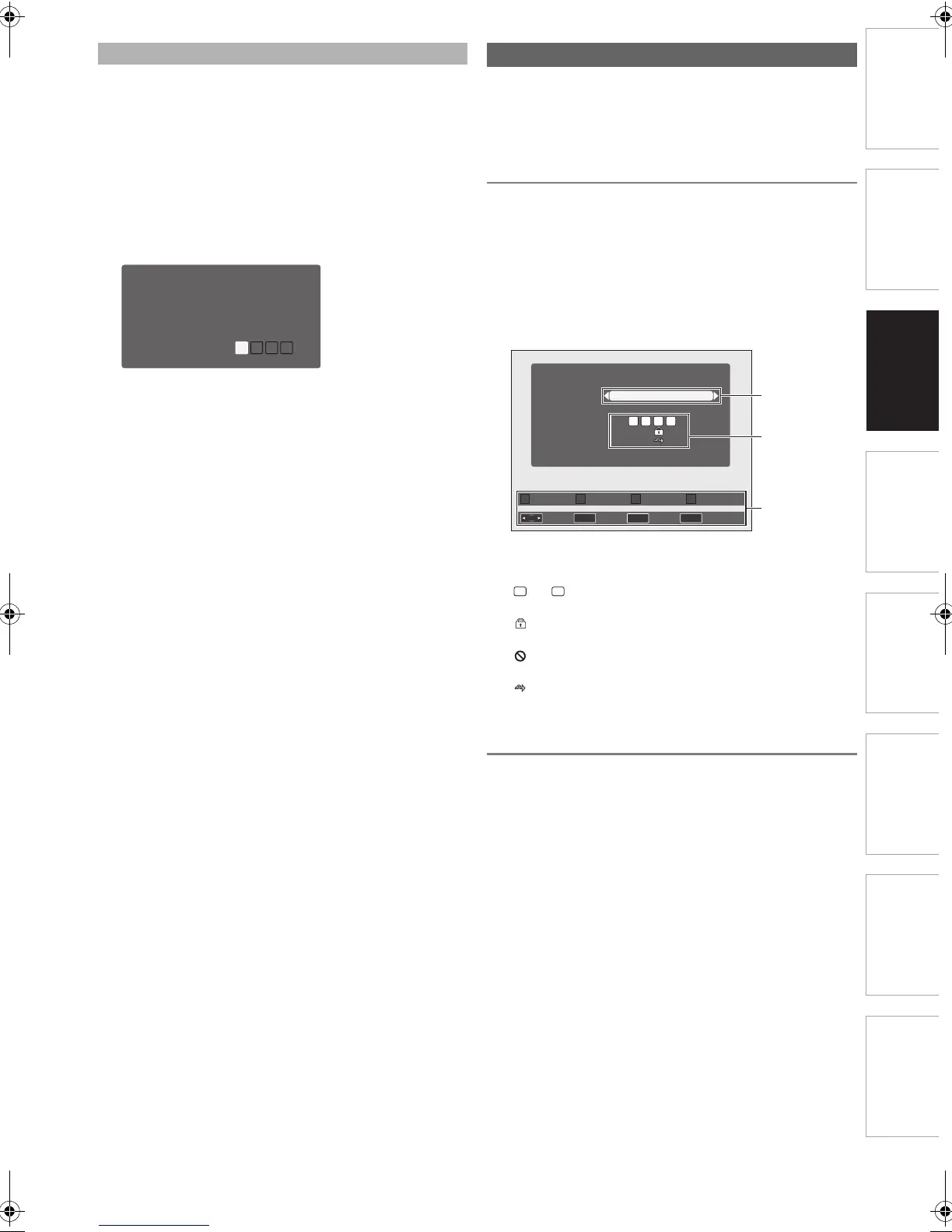
Guide to Edit Channels Screen
To call up “Edit Channels” screen...
1 In stop mode, press [SETUP].
2 Go to “DVB Menu” A “Edit Channels”, then
press [ENTER\OK].
• Pincode entry field will appear. Enter the correct pincode
to proceed.
• “Edit Channels” screen will appear.
1 Channels: Select channels using [s \ B].
2 Current setting status:
3 Operable buttons
Changing the Pincode
Change Pincode
Channel Lock
Maturity Lock
Parental Control
On
-18
Editing Channel Map
to : Indicates which favourite group the channel
belongs to.
: Appears when the channel is selected for
“Channel Lock”.
: Appears when the channel is selected for
access prohibition.
: Appears when the channel is set to be
skipped.
1 - 4
1 2 3 4
Favourite
Access
Skip
Channels
Edit Channels
RETURN
OK
OK
Favourite
Return
Access Skip Move
3 ITV1
Select
2
1
3
E4V21ED_EN.book Page 23 Friday, June 3, 2011 2:07 PM



 To Next Page