48
EN
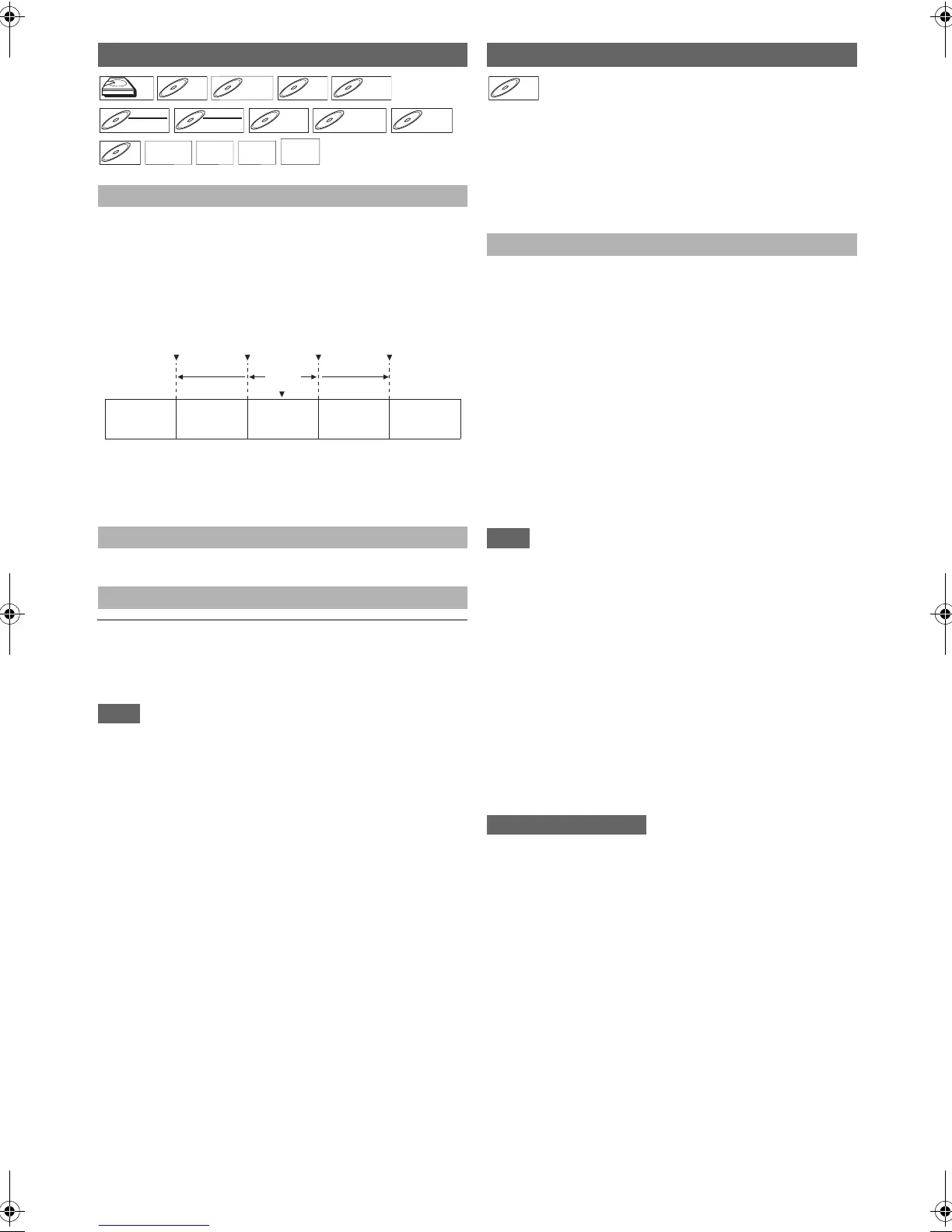
During playback, you can skip up (or down) to the
next (or previous) title / chapter / file (track). Use
[SKIP G] to skip up. Use [SKIP H] to skip
down.
e.g.) Audio CD
• For JPEG files, press [SKIP H] to go back to the previous
file.
• With regard to HDD, chapter search using [SKIP H \ G]
is available only within the same title.
Refer to “Using the Play Menu” on page 49.
Chapter Search
During playback of a title, enter the chapter number you
want to search using [the Number buttons].
Playback of the chapter will start in a few seconds.
• As for the BD-video, how it performs will be strongly
determined by the disc, and may not perform as described
here.
You can enjoy BD-Live™ which enables you to use interactive
features when the unit is connected to the Internet. (For the
network connection, refer to page 69.)
Examples of BD-Live™ features:
• Online access to additional content such as movie trailers,
subtitles, BD-Java applications, etc.
• While downloading, special video data may be played back.
1 Insert the disc with BD-Live™ function.
2 Insert an SD card with enough memory.
(SD card of 1GB or more is recommended.)
• Make sure to use the SD card with the supported file
system. (Refer to “Using the SD card with BD-video” on
page 43.)
3 Press [TOP MENU] to access the disc menu.
4 Select “BD-Live Setting”, then press [PLAY B]
or [ENTER\OK].
• Make sure the SD card is correctly inserted, and do not
remove the card during playback.
• Service and functions differ depending on the disc.
Follow the instructions given by the disc when using the
BD-Live™ function.
• You must connect the unit to the Internet and set up
necessary settings in order to use BD-Live™.
• For certain discs, “BD-Live Setting” may need to be
changed.
• Depending on your connection environment, it may take time
to connect to the Internet or the Internet may not be
connected.
• When BD-Live™ functions are used and the unit is
connected to the Internet, you may be charged for this
communication.
• While connecting to BD-Live™, sometimes it can take
awhile before the next page is downloaded or refreshed.
• Some discs with BD-Live™ function require memory when
playing back the content. If you cannot play back a disc with
BD-Live™ function, insert an SD card (1GB or more) which
is formatted on this unit.
• The player or disc IDs may be sent to the content provider
when playing back a disc with BD-Live™ function.
• If you save your viewing history on the server by using these
IDs, you will be introduced to other similar movies.
• You can save game score histories.
Search
Using [SKIP H \ G]
Using the Play Menu
Using [the Number buttons] (Direct Search)
BD-RE
BD-RE
DVD-RW
DVD-RW
Video
DVD-R
DVD-R
Track1 Tra ck 2 Track3 Tr ack 4 Tr ack 5
now
playing
Press
[SKIP H]
twice
Press
[SKIP H]
once
Press
[SKIP G]
once
Press
[SKIP G]
twice
Enjoying BD-Live™ Discs with Internet
How to Activate the BD-Live™ Function
BD-V
BD-V
E4V21ED_EN.book Page 48 Friday, June 3, 2011 2:07 PM



 To Next Page