–
13
–
EN
DVD FUNCTIONS
1
2
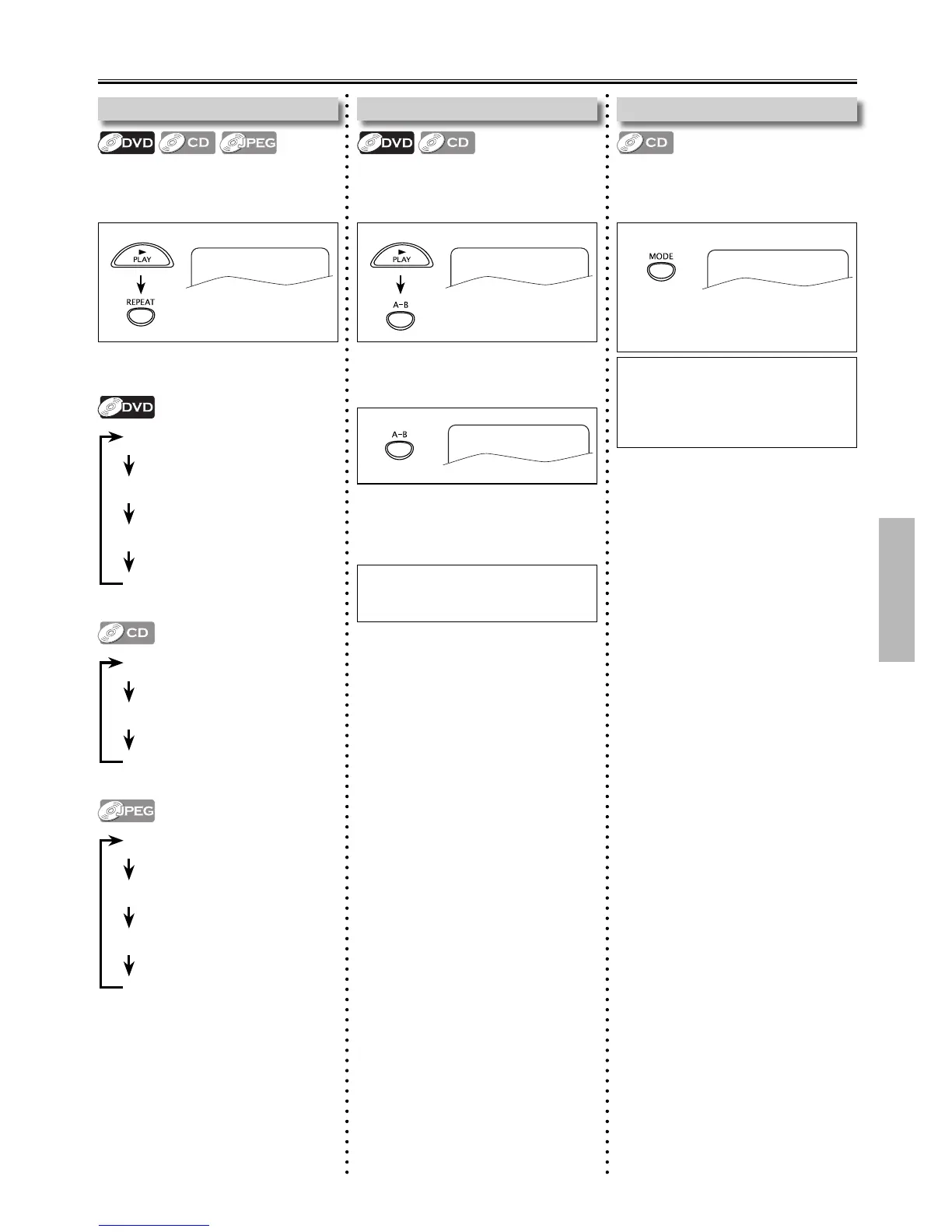
Repeat / Random Playback
Each time you press [REPEAT], Repeat
Function Changes as example below.
Repeat Playback
Repeat function is available Only during
Playback.
Repeat A-B Playback
Repeat Function is available Only during
Playback.
REPEAT A-B
Note(s):
• To Exit the Sequence, press [A-B] so
that “A-B CANCEL” appears.
1
REPEAT A-
e.g.) DVD
1 Press [MODE].
Random Playback
This function Shuffles the Playing Tracks
in a Random mode instead of Playback in
a Sequential Track mode.
Note(s):
• During Random Playback, you cannot
go back to the Previous track.
Press [ SKIP G ] to Search Tracks or
Files Randomly.
Random playback will start.
RANDOM: On
REP OFF (Repeat Off)
REP CHAPTER
(Current Chapter Repeat)
REP TITLE (Current Title Repeat)
REP ALL (Entire Disc Repeat)
REP OFF (Repeat Off)
REP 1 ( Current Track Repeat)
REP ALL (Entire Disc Repeat)
REP OFF (Repeat Off)
REP 1 ( Current Track Repeat)
REP DIR
( Current Folder Repeat)
REP ALL (Entire Disc Repeat)
REP OFF
Press [A-B] again at your desired Ending
point. (B)
• Point B should be in the Same Title or
Track as Point A.
Press [A-B] at your desired Starting Point.
(A)
• To Cancel point A, press [CLEAR].



 To Next Page