EasyManua.ls Logo

FUNAI DP100FX4 - Video Picture Quality Settings; Adjusting Brightness, Contrast, Color, and Sharpness

FUNAI DP100FX4
22 pages
Print Icon
To Next Page IconTo Next Page
To Previous Page IconTo Previous Page
Loading...
19
EN
DVD FUNCTIONS
D
Video Setting
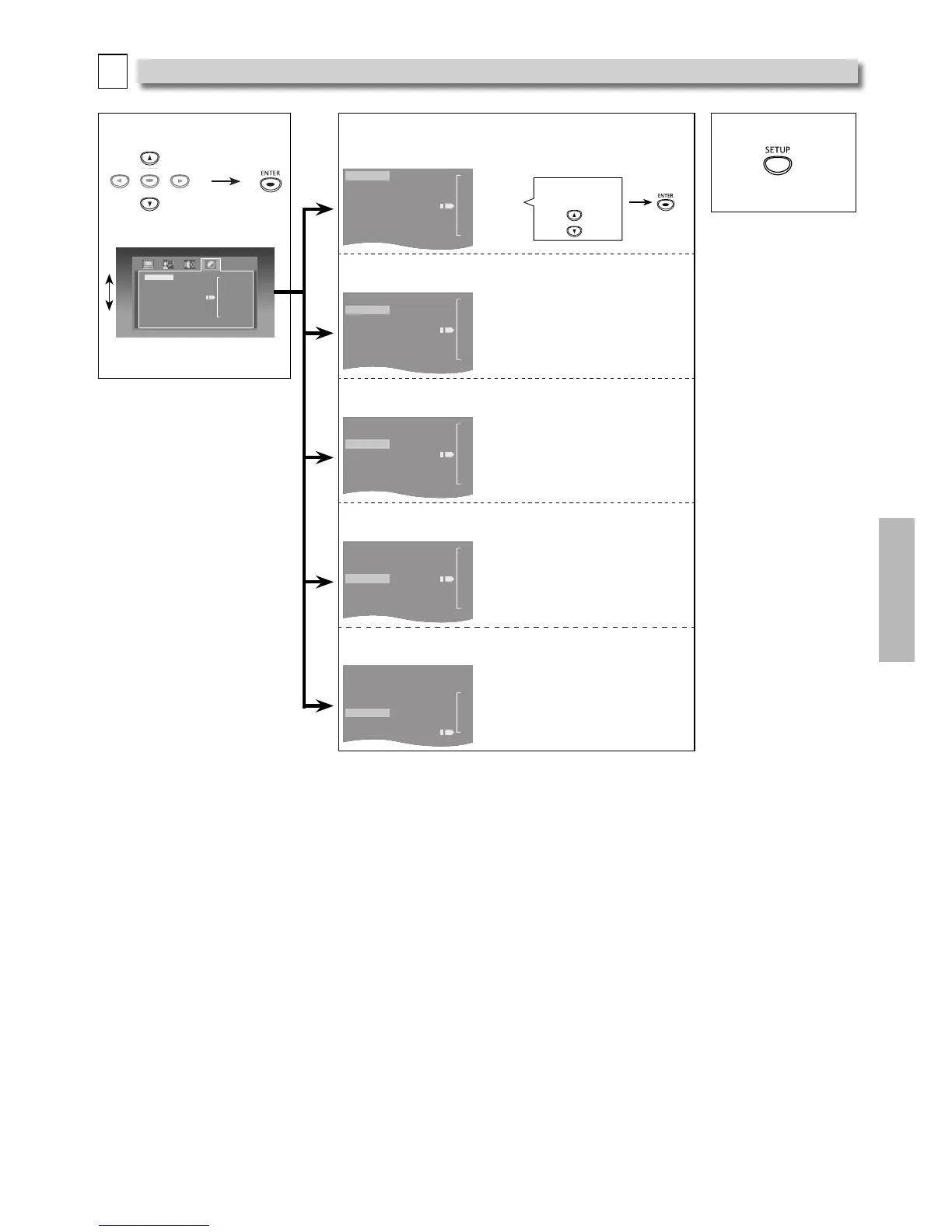
You can change the Video functions. Follow steps 1 and 2 on page 15.
3 Select the desired item.
Brightness
Contrast
Hue
Saturation
Sharpness
12
- 10
- 8
- 6
- 4
- 2
0
ENTER
ENTER
<VIDEO menu>
4
Brightness
Adjusts the Brightness.
5 To Exit the Menu
Brightness
Contrast
Hue
Saturation
Sharpness
12
- 10
- 8
- 6
- 4
- 2
0
Adjust to the
Desired Level.
Contrast
Adjusts the Contrast.
Brightness
Contrast
Hue
Saturation
Sharpness
12
- 10
- 8
- 6
- 4
- 2
0
Hue
Adjusts the Color Tone.
Brightness
Contrast
Hue
Saturation
Sharpness
+
6
-
+
4
-
+
2
-
0
-
-
2
-
-
4
-
6
Saturation
Adjusts the Color Saturation.
Brightness
Contrast
Hue
Saturation
Sharpness
12
- 10
- 8
- 6
- 4
- 2
0
Sharpness
Adjusts the Sharpness.
Brightness
Contrast
Hue
Saturation
Sharpness
8
- 6
- 4
- 2
0
Note(s):
The Settings will remain e ective even if the unit is switched into the Standby mode.
• The e ect of Picture Adjustment may di er depending on the connected TV.

Other manuals for FUNAI DP100FX4

Related product manuals