–
14
–
EN
DVD FUNCTIONS
1
Special Settings
Subtitle Language
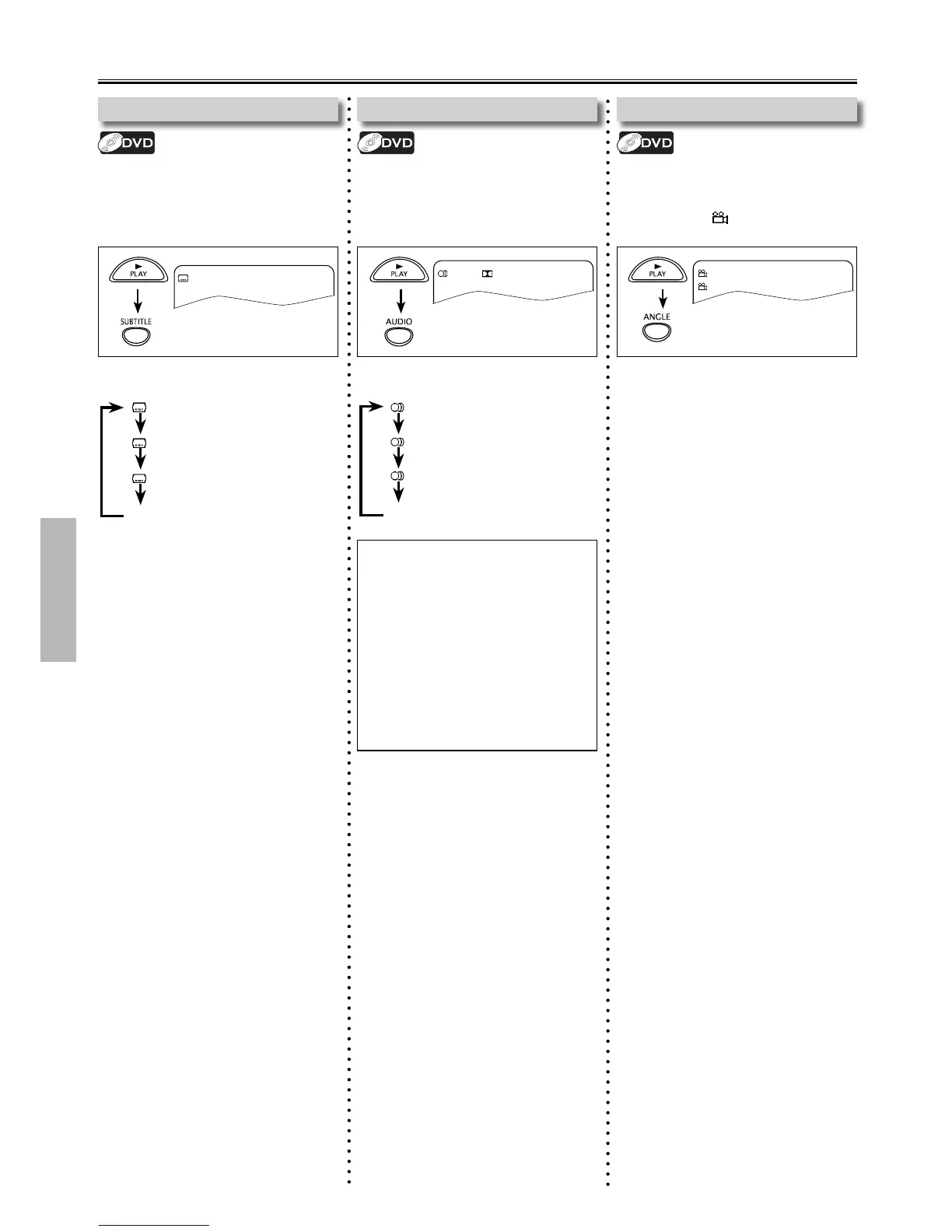
This unit allows you to Select a Subtitle
Language (if available) during DVD
Playback.
: Off
Each time you press [SUBTITLE], Subtitle
Language changes as example below.
: Off (No Subtitle)
: 1 English (English Subtitle)
: 2 French (French Subtitle)
...
Camera Angles
Some DVD’s may contain scenes which
have been shot simultaneously from
various angles. You can change the
Camera Angle if icon appears on the
TV screen.
1
[ 1/9 ]
Each time you press [ANGLE], camera
angle changes.
Audio Language
This unit allows you to Select an Audio
Language (if Multiple Languages
are available on a Disc) during DVD
Playback.
1
1 English D 5.1CH
Each time you press [AUDIO], Audio
Language changes as example below.
Note(s):
• Some discs will only allow you to
change the Audio Setting from the
Disc Menu. Refer to the manual
accompanying the discs for details.
• If your Language is not shown after
pressing [AUDIO] several times, the
disc may not have that language.
However, some discs allow Audio
Language Setting on the Disc Menu.
(Operation varies depending on
the disc, so refer to the manual
accompanying the disc.)
: 1 English (English Audio)
: 2 French (French Audio)
: 3 Spanish (Spanish Audio)
...



 To Next Page