15
OSD
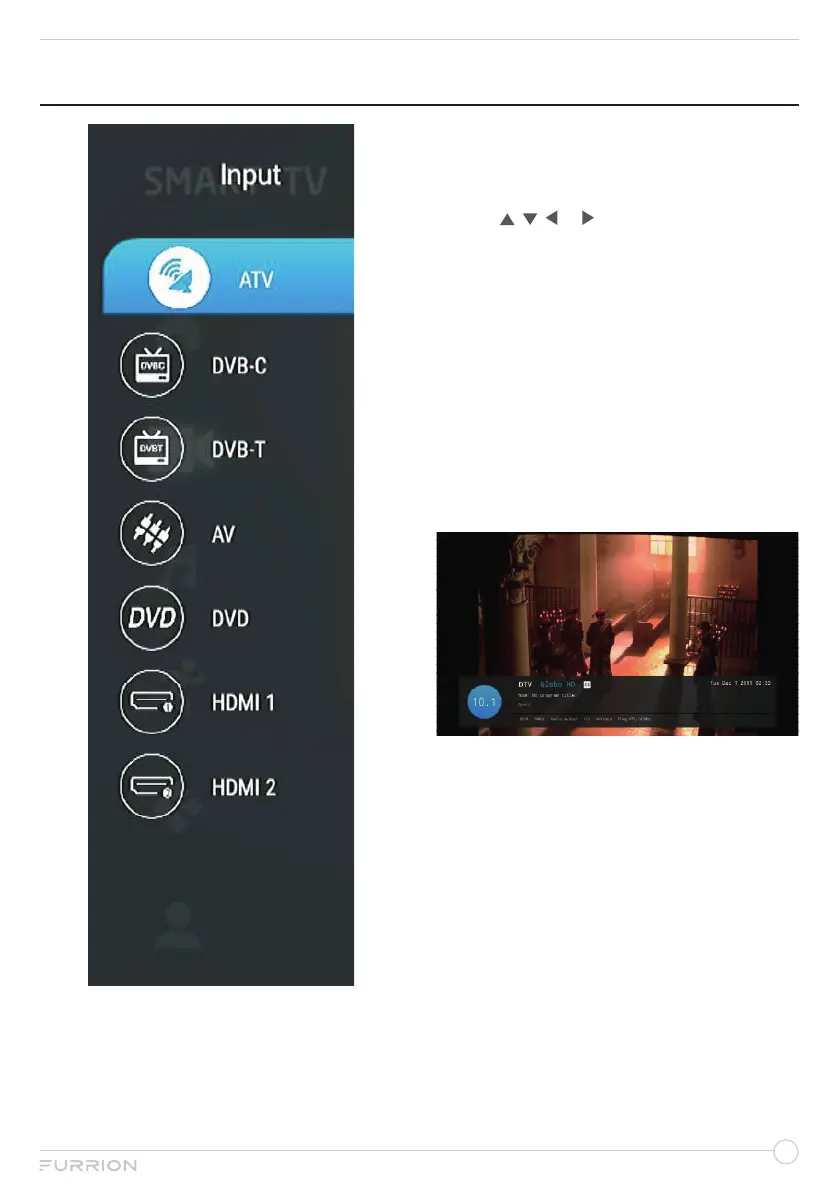
1. Press SOURCE on the remote control or
press INPUT button at the back of the TV
to display the main menu.
2. Choose the appropriate input source.
3. Use , , or to highlight your desired
mode.
4. Press OK button to confirm your
selection.
5. Press MENU button to return to the
previous menu or press EXIT at any time
to exit the setting.
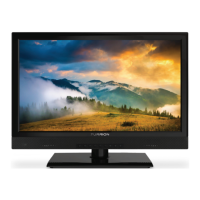
Press DISPLAY button on the remote control
to display program information.
1. Current program Number.
2. The NICAM mode of current program.
3. The sound system of current channel
could be changed on Analog Manual
Search Menu.


 To Next Page