TV
Press
or
to select TV in the Source
Menu, and then press OK or
to enter.
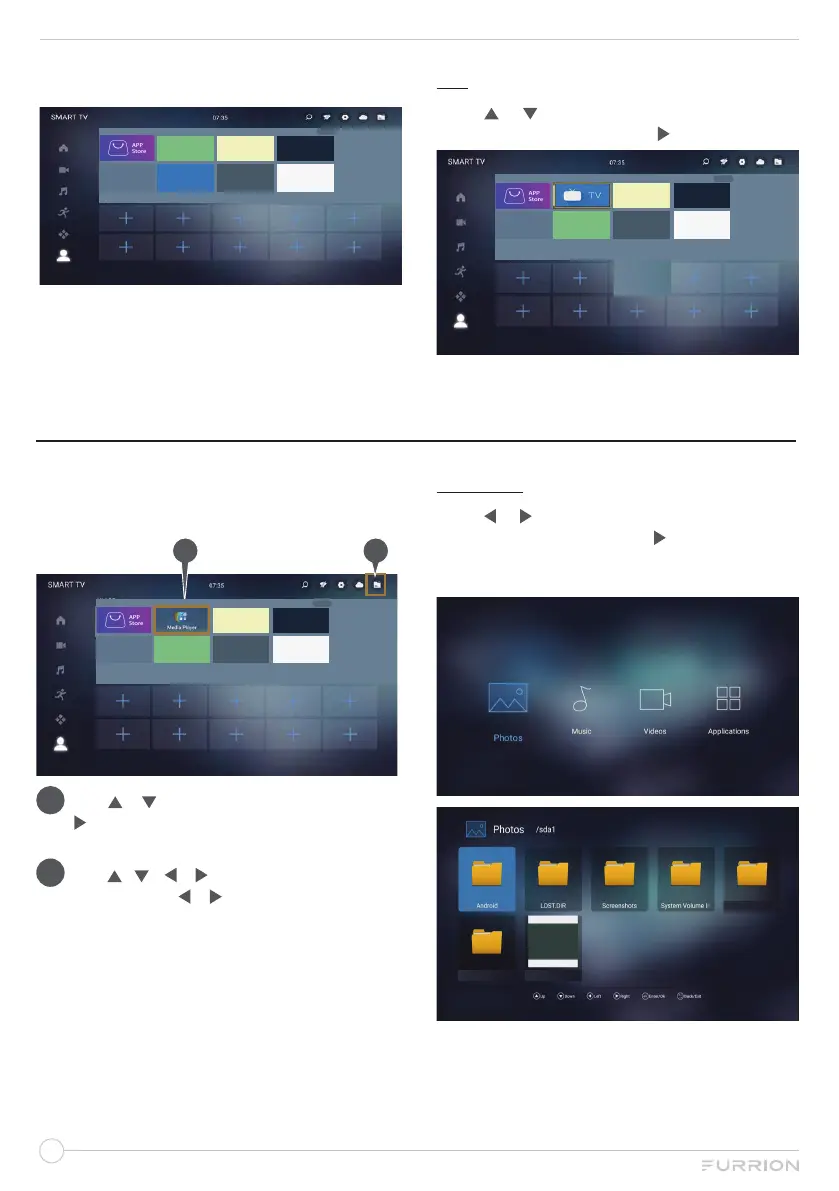
All APPs
Like APPs
Click the MENU key to edit my apps
Select Browser to search the internet as the
figure shows:
All APPs
Like APPs
Click the MENU key to edit my apps
MEDIA OPERATION
NOTE: Before operating MEDIA menu, plug
in USB flash/hard drive, then press SOURCE
button to set the Source to Media.
1 2
All APPs
Like APPs
Click the MENU key to edit my apps
1
. Use or to select
MY APPS, then press
to select Media Player,and
OK to enter
the Media operation.
2
. Use / / or to navigate to File
position, Use or to select PHOTO /
MUSIC / MOVIE / TEXT. Press OK to
enter. Press EXIT at any time to return to
the main USB menu.
PHOTO
Press
or
to select Photos in the main
menu, and then press OK or
to enter. Press
EXIT button to return back to the previous
menu.
Label
Label Label


 To Next Page