21
2.5 Sensor Status
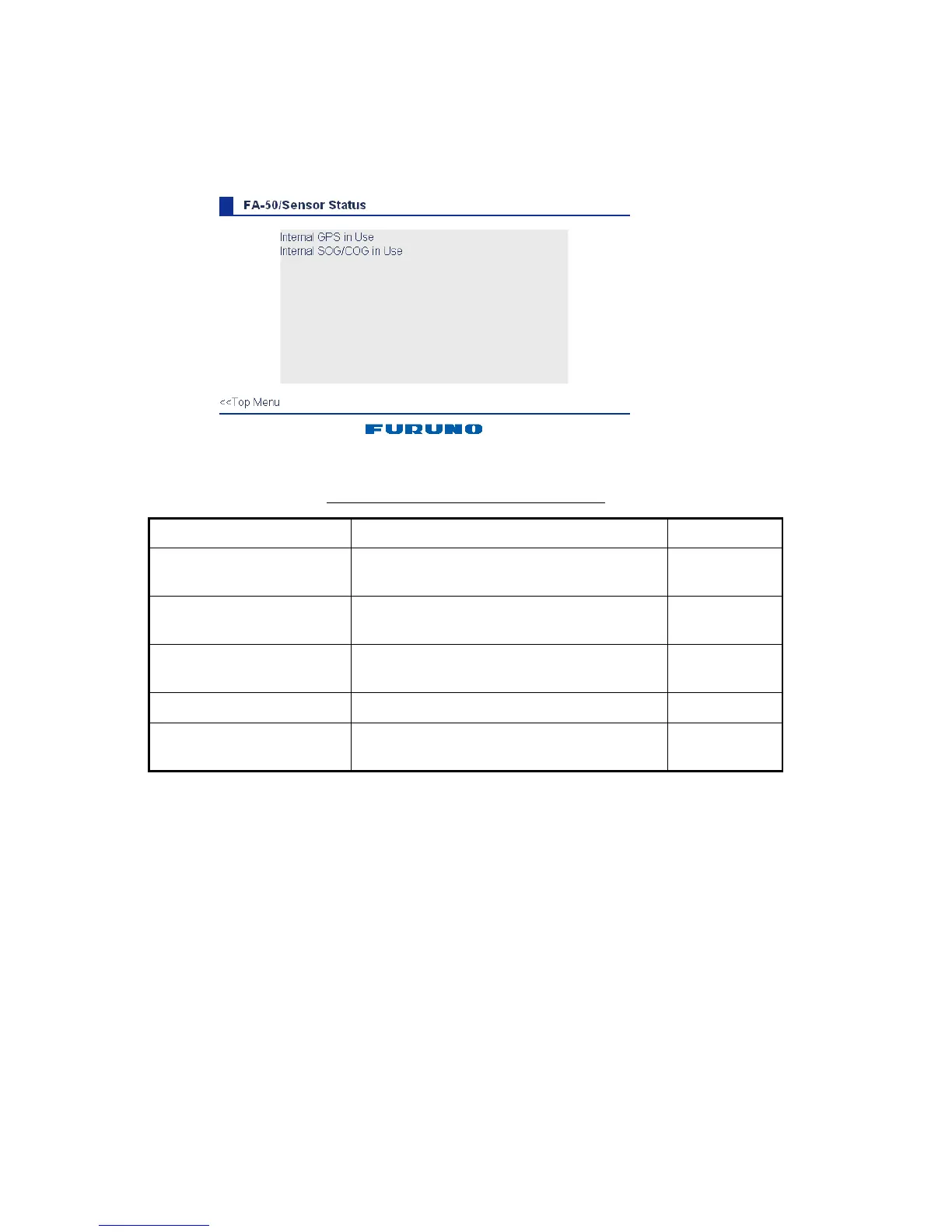
The sensor status display provides information about sensors connected to the FA-50.
1. Show the main menu.
2. Click Sensor Status. The illustration below shows typical sensor status indications.
*
1
Whichever navigator is in use.
*
2
Displayed for 30 seconds after changing channel parameters. (It is necessary to
update the display.)
Description of sensor status indications
Indication Meaning Remarks
DGPS in use
(Internal/external)
DGPS currently in use
See *
1
GPS in use
(Internal/External)
GPS currently in use
See *
1
SOG/COG in use
(Internal/External)
SOG/COG currently in use
Heading valid Valid heading data
Channel Management
Parameters Changed
Channel parameters have been changed.
See *
2



 To Next Page