2. OPERATIONAL OVERVIEW
2-6
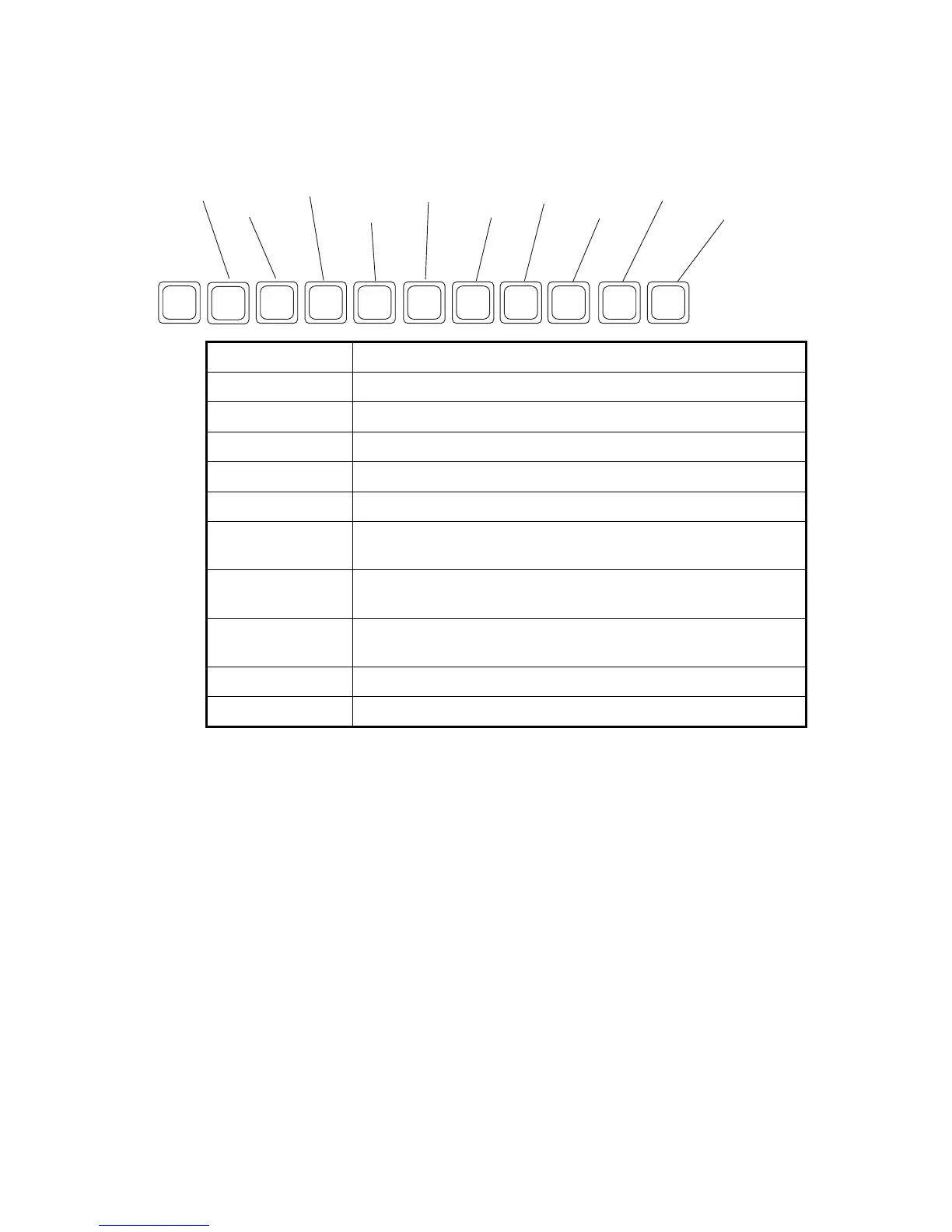
2.2.5 Function keys
The function keys are labeled F1-F10 on the keyboard and they provide the following
functions.
Menu (key) Function
File (F1) Opes and closes file; print files; MIME decoding.
Edit (F2) Text editing facilities (copy, paste, search and replace, etc.).
Transmit (F3) Transmit messages; request delivery status.
EGC (F4) Display EGC messages; show EGC network ID.
Reports (F5) Facilities for data reporting, message reporting, and EPADR.
Logs (F6) Display logs for sent and received messages, EGC messages;
show the communications log.
Options (F7) Facilities for login and logout, manual position input, testing,
maintenance, NCS and ocean region selection.
Setup (F8) Menus for system setup, editor setup, EGC setup, auto mode set-
up, e-mail setup, and configuration.
(F9) No use
StopAlarm (F10) Silence audio alarm.
Esc
F1
F2 F3
F4
F5 F6
F7
F8
F9 F10
File
Edit
Transmit
EGC
Reports
Logs
Options
Setup
StopAlarm
No use



 To Next Page
 Loading...








