3. SYSTEM INITIALIZATION
3-19
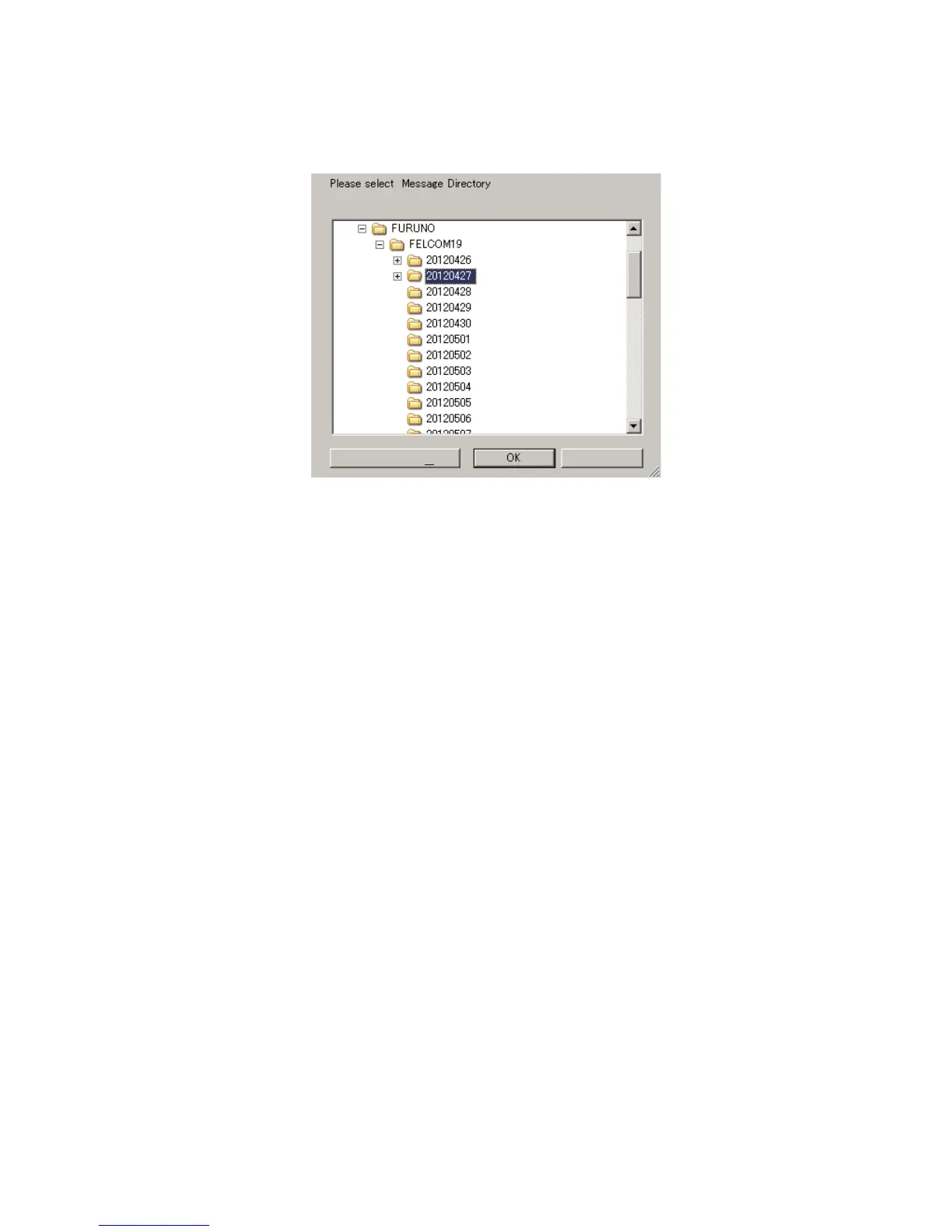
3.9.2 How to specify the directory for message storage
1. Press the F8 and 7 keys to open the [Directories] menu.
2. Select [Message Directory] then press the Enter key.
3. Select the directory where to store messages then click the [OK] button.
Note 1: The name of each message is automatically saved in the directory assigned,
and the file name is with the year, month and day (YYYY:MM:DD) the message was
received.
Note 2: To specify the directory where to store EGC messages, select [EGC Message
Directory] at step 2.
Cancel
New Folder (M)



 To Next Page
 Loading...








