4. FILE OPERATIONS
4-7
4.4 How to Open Files
4.4.1 How to open a file
1. Press the F1 and 2 keys to show the list of files stored on the hard disk.
2. Select a file.
3. Press the Enter key.
A few moments later the contents of the file appear on the screen and the title bar
shows the file name. You may repeat this procedure to load a second file into a work-
ing area.
4.4.2 How to switch between files
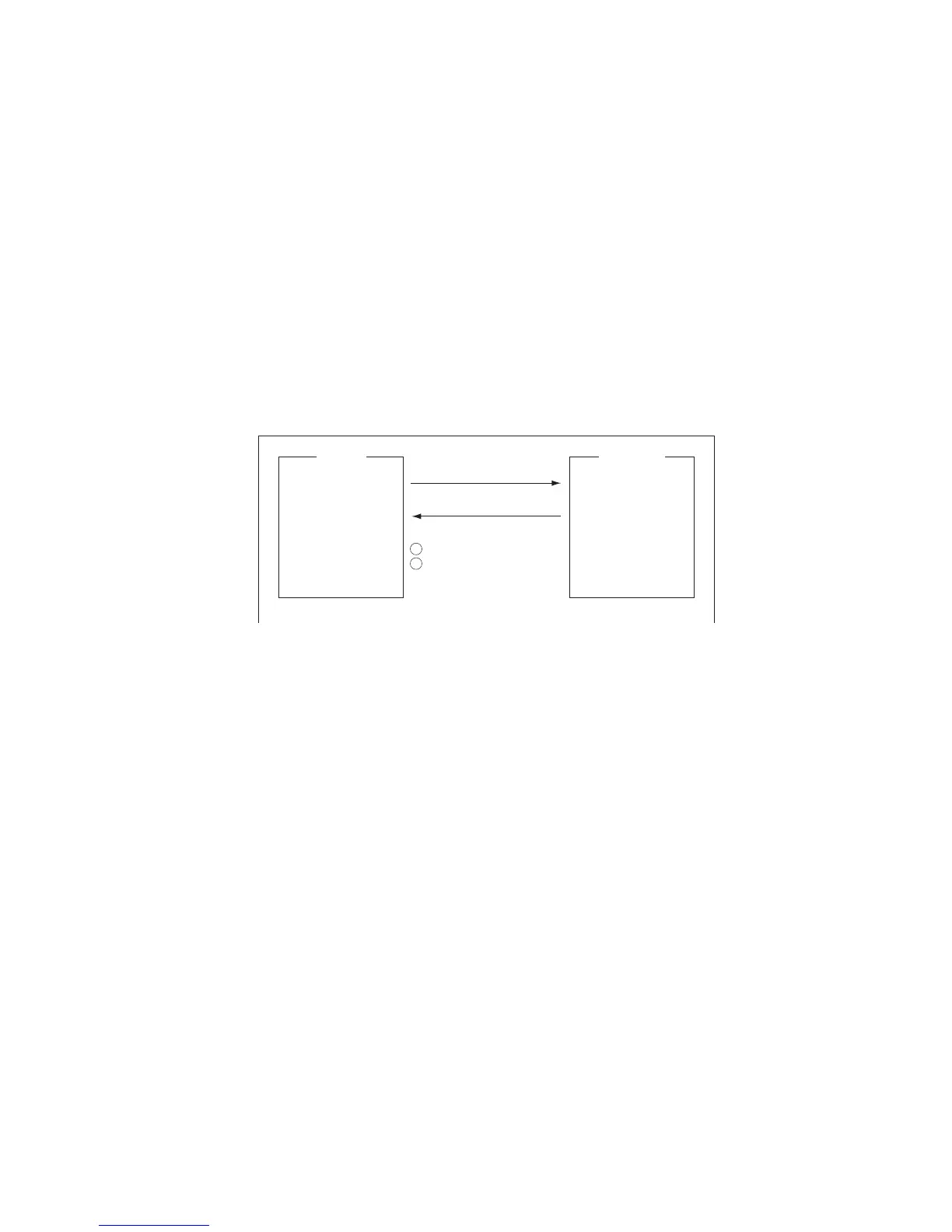
You can switch between files by pressing the 9 key (Change Window) on the [Edit]
menu ([F2]), or pressing Alt+V on the editor screen.
4.4.3 How to open a file when both working areas are occupied
If both working areas in the memory are occupied when you attempt to open a file, you
are asked "Save this message?" for the active file.
1. To save the file, press the Enter key to show the [Save] window. If you don’t need
to save the file, select [No] press the Enter key then go to step 4.
2. To enter the same file name as the edited file, press the Enter key.
3. [Yes] is selected; press the Enter key.
4. Select the file to open then press the Enter key.
[F2]
9: Change Window
or [ALT] + [V]
How to alternate display of files in working area 1 and 2.
FURUNOABC
1
2



 To Next Page
 Loading...








