2. OPERATIONAL OVERVIEW
2-12
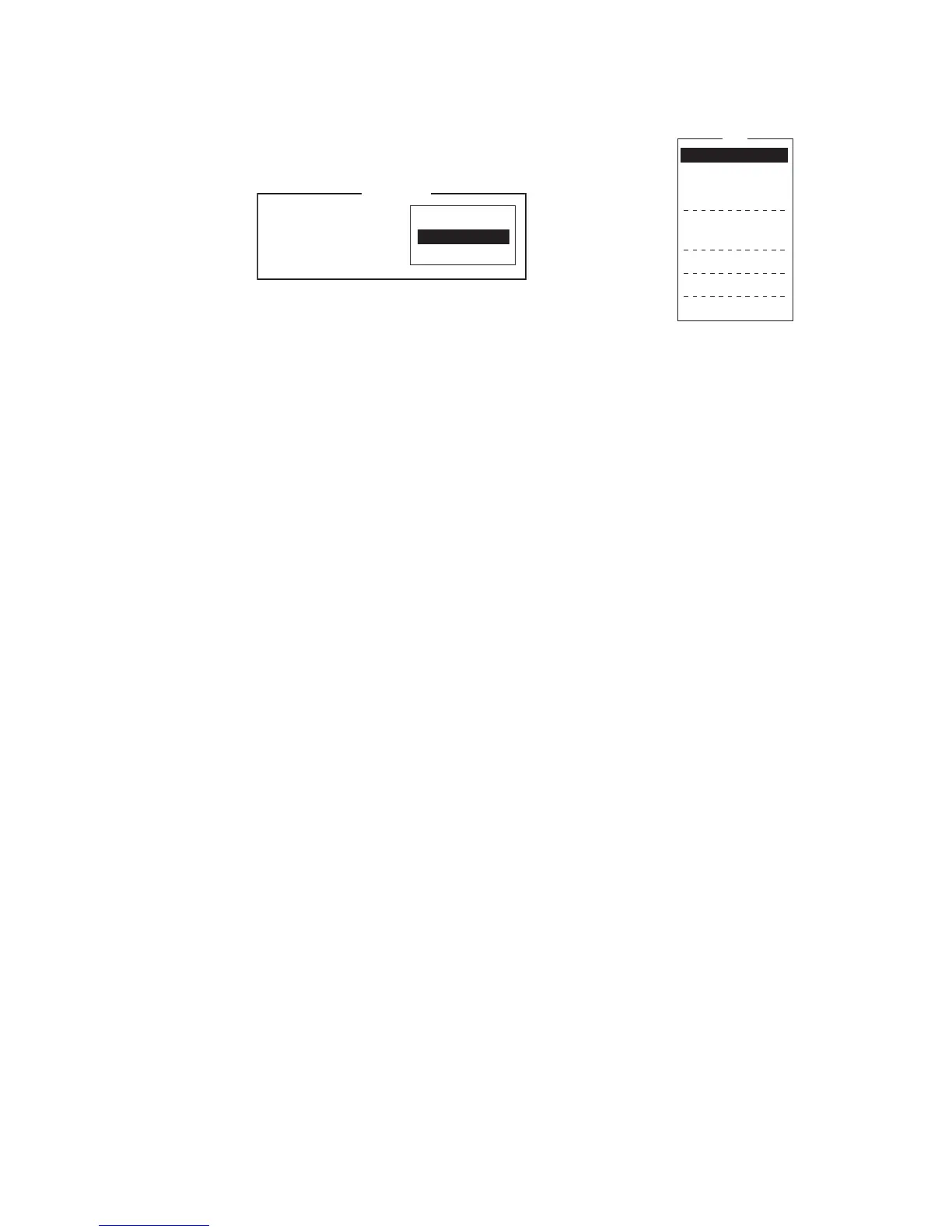
2.6 How to Select a Printer
1. Press the F1 key to open the [File] menu.
2. Press the 8 key to open the [Print Setting] window.
3. Select appropriate printer.
No Printer: Select if no printer is connected. to the PC.
Windows
®
Printer: Select if PC printer is connected to the
PC.
PP-510: Select if the PP-510 is connected to the PC.
4. Press the Enter key to finish.
File
ALT-N
ALT-O
ALT-Q
ALT-S
ALT-D
ALT-P
1. New
2. Open
3. Close
4. Save
5. Delete
6. Rename
7. Print
8. Print Setting
9. MIME (Decode)
No Printer
Windows Printer
PP-510
Please select Printer
and press Enter key.
Print Setting



 To Next Page
 Loading...








