EasyManua.ls Logo

Fusion MS-IP700i - User Manual

Fusion MS-IP700i
37 pages
Print Icon
To Next Page IconTo Next Page
Loading...
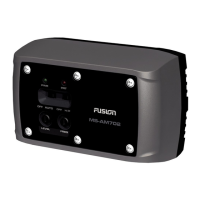
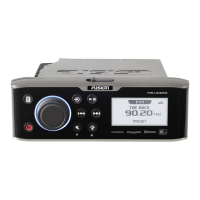
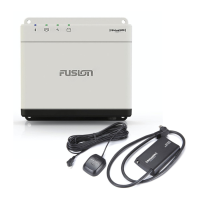
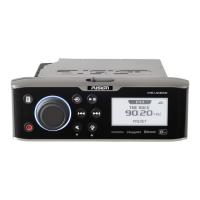
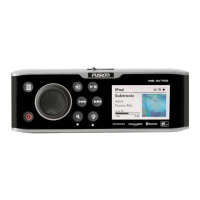
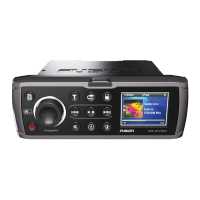
700 Series Manual
MARINE ENTERTAINMENT SYSTEM
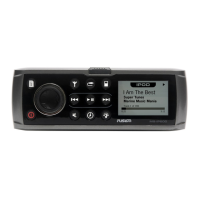
MS-IP700i
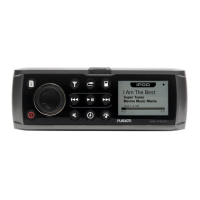
True Marine Entertainment System for iPod
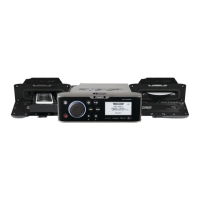
MS-AV700i
True Marine DVD Entertainment System

Other manuals for Fusion MS-IP700i

Questions and Answers

  • K
    Kevin GraySep 9, 2025
    What to do if my Fusion Marine Audio SiriusXM says ‘Channel xx Unsubscribed’?
    • J
      James ClarkeSep 9, 2025
      If you see the SiriusXM message ‘Channel xx Not Available’ or ‘Channel xx Unsubscribed’ on your Fusion Marine Audio, you should contact SiriusXM to update your subscription. You can do this online at www.siriusxm.com/subscriptions or by phone at 1-866-635-2349.
  • N
    Natalie NewmanSep 12, 2025
    What to do if my Fusion MS-IP700i SiriusXM says ‘Channel xx Not Available’?
    • M
      Matthew KnightSep 12, 2025
      If you see the SiriusXM message ‘Channel xx Not Available’ or ‘Channel xx Unsubscribed’ on your Fusion Marine Audio, you should contact SiriusXM to update your subscription. You can do this online at www.siriusxm.com/subscriptions or by phone at 1-866-635-2349.
  • R
    Ronald StevensSep 13, 2025
    What to do if SiriusXM screen is not displayed on my Fusion MS-IP700i Marine Audio?
    • C
      Christina PenningtonSep 14, 2025
      If the tuner source button does not display the SiriusXM screen on your Fusion Marine Audio, ensure you have the MS700i Tuner region set to ‘USA’ by pressing Menu > Settings > Tuner region > and selecting ‘USA’. Also, ensure the source is enabled by selecting Settings > Sources > Accessory, then select the source to enable SiriusXM. Finally, ensure the SiriusXM module is plugged into the MS700i and that the pins in the SiriusXM plug are not damaged.
  • J
    Janet MitchellSep 16, 2025
    Why is my MTP device unresponsive with my Fusion MS-IP700i Marine Audio?
    • J
      John MeyerSep 16, 2025
      If your MTP device becomes unresponsive when connected to your Fusion Marine Audio, it is recommended that folders contain no more than 300 files each. Exceeding this limitation may cause the phone to become unresponsive and the Fusion stereo to reset the USB link to the phone.

Summary

User Interface and Controls

Rotary Encoder and Menu Key Operation

Operation of the rotary encoder and menu key for navigation.

Using Encoder and Menu Key for Adjustments

Detailed instructions on using the encoder and menu key for adjustments.

Accessing and Changing Settings Menus

Steps to access menus and change settings using the encoder and menu key.

Getting Started

Powering the Unit On or Off

Instructions for turning the unit on and off.

Adjusting Volume Level

How to adjust speaker output volume level across multiple zones.

Adjusting Sub-Woofer Level and Tone

Adjusting sub-woofer levels for each zone and tone settings for all zones.

Tuner Operation

Listening to the Tuner

How to select and listen to different tuner bands (AM, FM, VHF, SiriusXM).

Tuning Methods

Methods for tuning frequencies, channels, or presets (manual, auto, scan, preset).

iPod Integration

Playing Content from iPod

How to connect and play content from an iPod.

Controlling iPod Playback

How to select tracks and control playback (play, pause, skip, fast forward/rewind).

USB Flash Drive Usage

Listening to Music from USB

How to connect and play music from a USB flash drive.

Controlling USB Flash Drive Playback

How to control playback of audio tracks from a USB flash drive.

Auxiliary Input

Listening to Auxiliary Input

How to connect and listen to audio from an auxiliary device.

Fusion MS-IP700i Specifications

General IconGeneral
Water ResistanceIPx5
BluetoothYes
Radio TunerAM/FM
DisplayLCD
iPod/iPhone CompatibilityYes
USB InputYes
AUX InputYes
NMEA 2000Yes
EthernetNo
AmplifierBuilt-in
Speaker Impedance4-8 Ohms
Frequency Response20 Hz - 20 kHz
Signal-to-Noise Ratio80 dB
Current Draw10A
Operating Voltage12V DC
ProtectionOverload, Short Circuit
Power Output4 x 50 Watts

Related product manuals