4. Operating System and Equipment
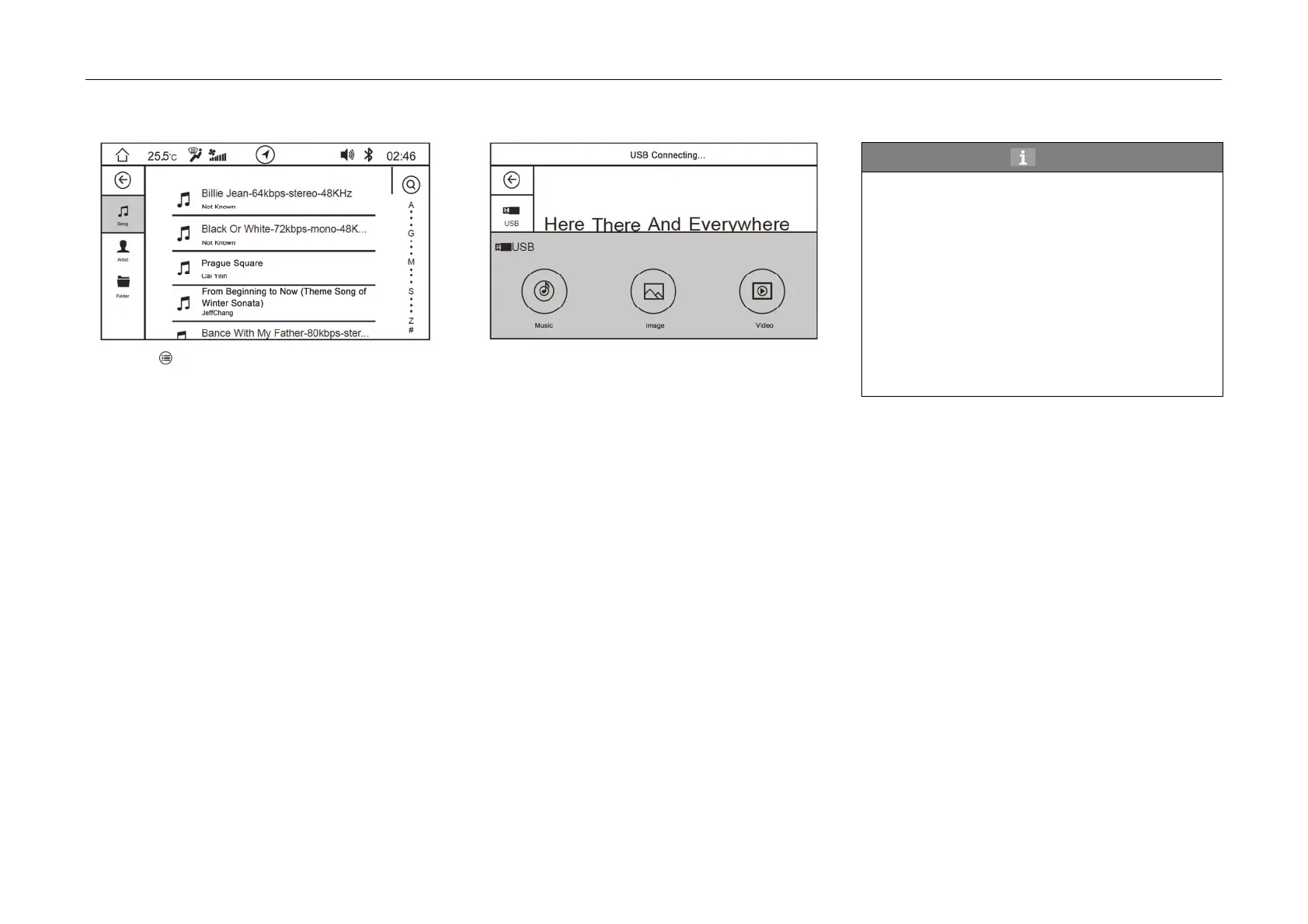
Music List
- Click
soft button to enter the list:
- Touch the corresponding class selection on
the left side, such as "song", "artist" and
"folder". The corresponding file list will be
shown on the right side. Touch the song file on
the right side to switch to the play interface of
the selected song.
- Slide the scroll bar on the right side of the list
upward and downward to find the song. Select
the song through alphabetical order as well.
USB Video Play
- Click
"Video" soft button on the main interface
of button mode or click "Video" soft button on
the pop-up box as inserting the USB device to
enter the video play interface.
Hint
In view of the travel safety, the product is
provided with restricted function of video play:
• When start switch or ignition switch is at
"ACC" gear, the video can be played normally.
• When start switch or ignition switch is at "ON"
gear and the car is in parking state, the video
can be played normally. If the parking state is
released, the video is prohibited to be played.
• During the vehicle travel process, when the
video play is selected, a prompt window will be
popped up to remind that the video cannot be
played now.



 To Next Page