4. Operating System and Equipment
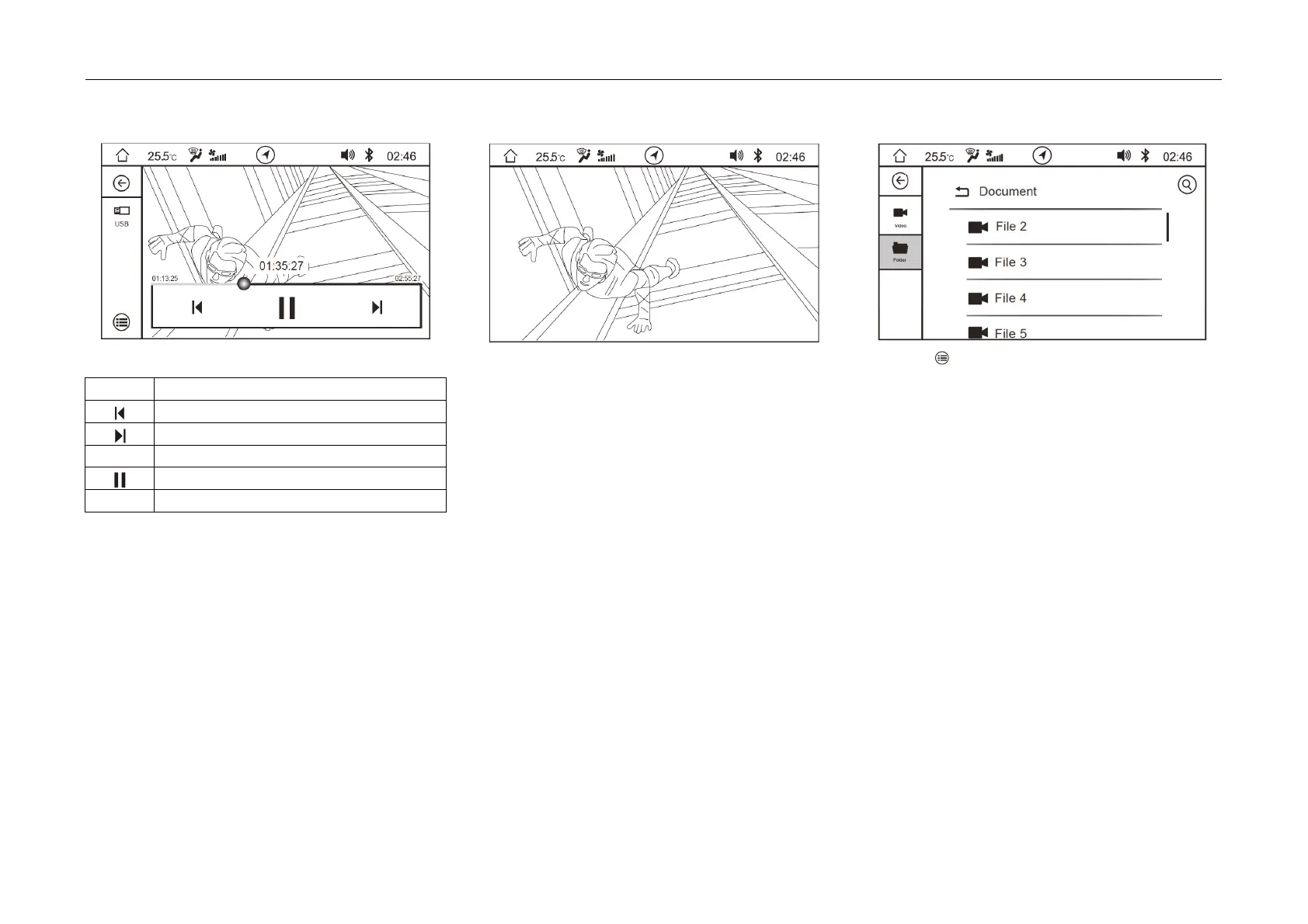
Description
of soft button functions:
Icon Description
Play the
previous video
Play the
next video
► Play
Pause
Drag FF/REW play progress
- Whe
n the video is switched to fullscreen play,
click the video play interface to jump out of the
soft button bar.
Video List
- Click
soft button to enter the list:
- The list is divided into video list and folder list.
- On the video list interface, click the video to be
played to enter the video play interface.
- Slide the scroll bar on the right side of the list
upward and downward to find a video.



 To Next Page