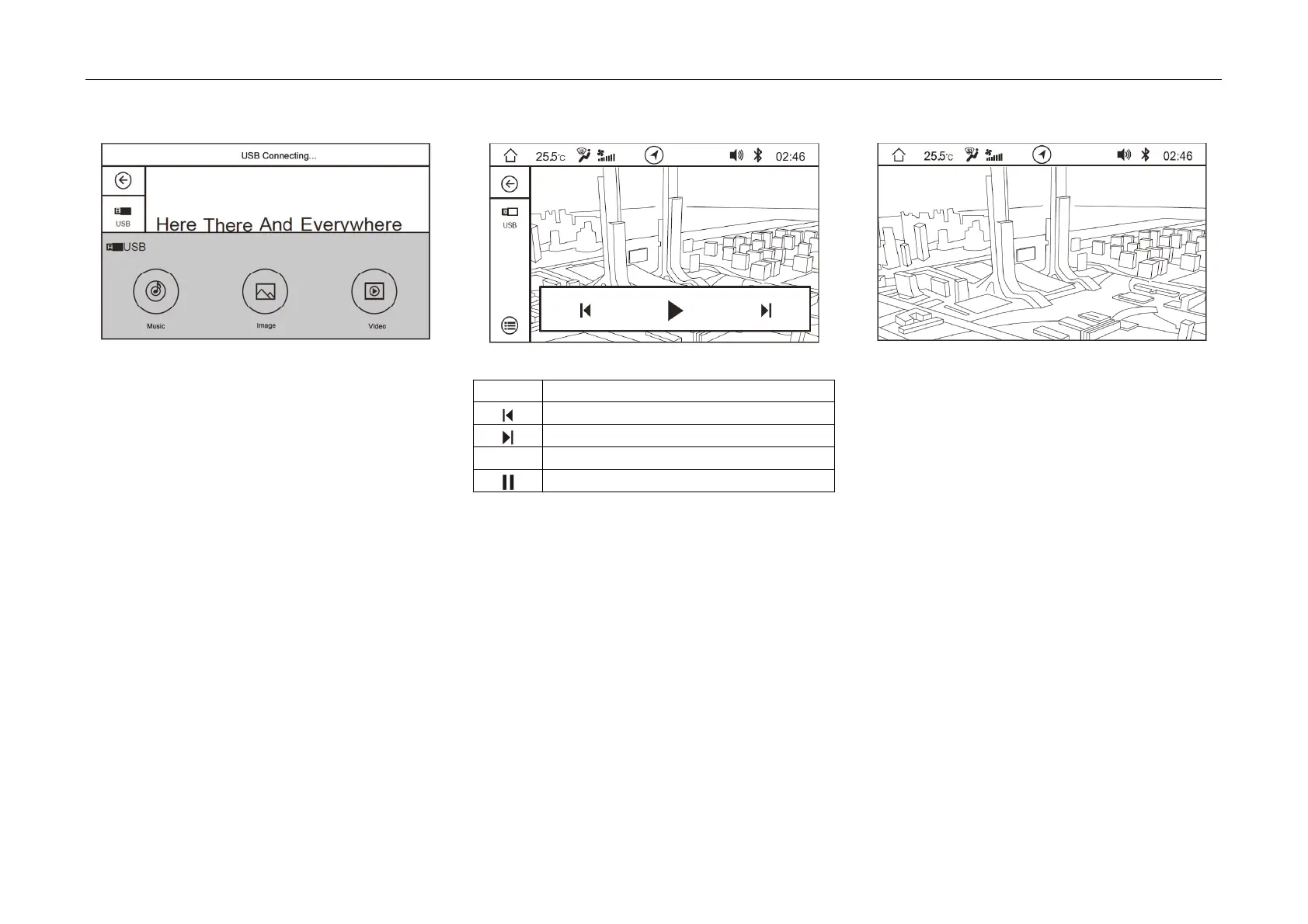
4. Operating System and Equipment
USB Pictur
e Play
- Click "Picture" soft button on the main
interface of button mode or click "Picture" soft
button on the pop-up box as inserting the USB
device to enter the picture play interface.
Description of soft button functions:
Icon Description
Play the previous image
Play the next image
► Play
Pause
- Whe
n the picture is switched to fullscreen play,
click the picture play interface to jump out of
the soft button bar.
- During the picture scan process, zoom in or
out the picture with two fingers.



 To Next Page