4. Operating System and Equipment
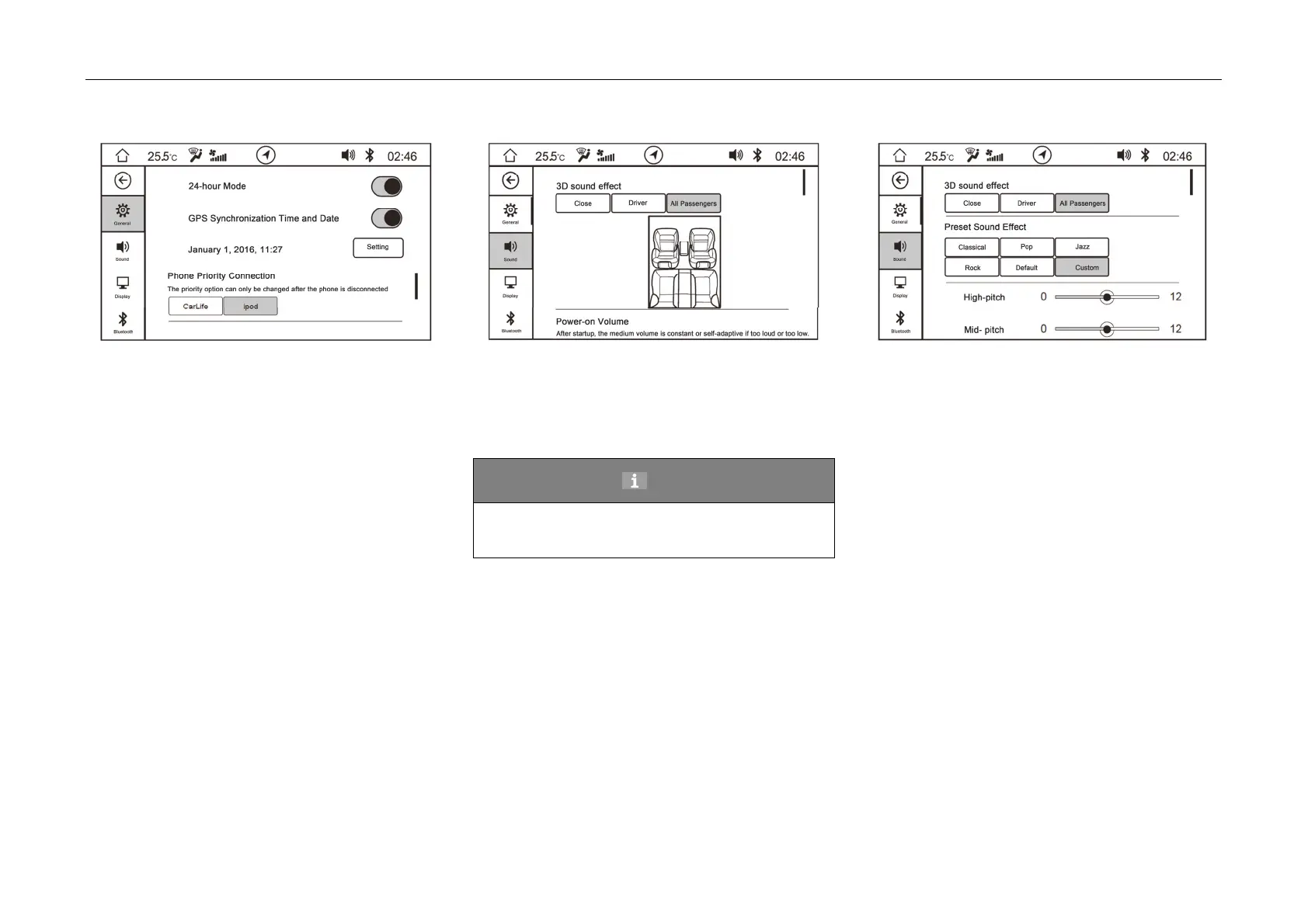
Phone Priority Connection
- Phone priority connection can select that the
system gives priority to connect iPod; after
restoring factory settings, it defaults to be iPod.
Sound Setting
3D sound effect
– Select 3D so
und effect (close, all passengers
and driver) to set different optimum locations
for listening to sounds; after restoring factory
settings, it defaults to be "all passen
gers".
Hint
Only when 3D sound effect is in off state,
preset sound effect function can be set.
Preset Sound Effect
–
Select preset sound effect: classics, po
pular,
jazz, rock, default, custom, which correspond
to different high, middle and low pitch
combinations respectively.
– When custom is selected, the high, middle and
low pitches are all defaulted to be 0, and they
can b
e adjusted manu
ally.
–
When custom is selected, the sound field is
defaulted to be “centralized”, and it can be set
manually.
– After factory reset, "Custom" is in default.



 To Next Page