4. Operating System and Equipment
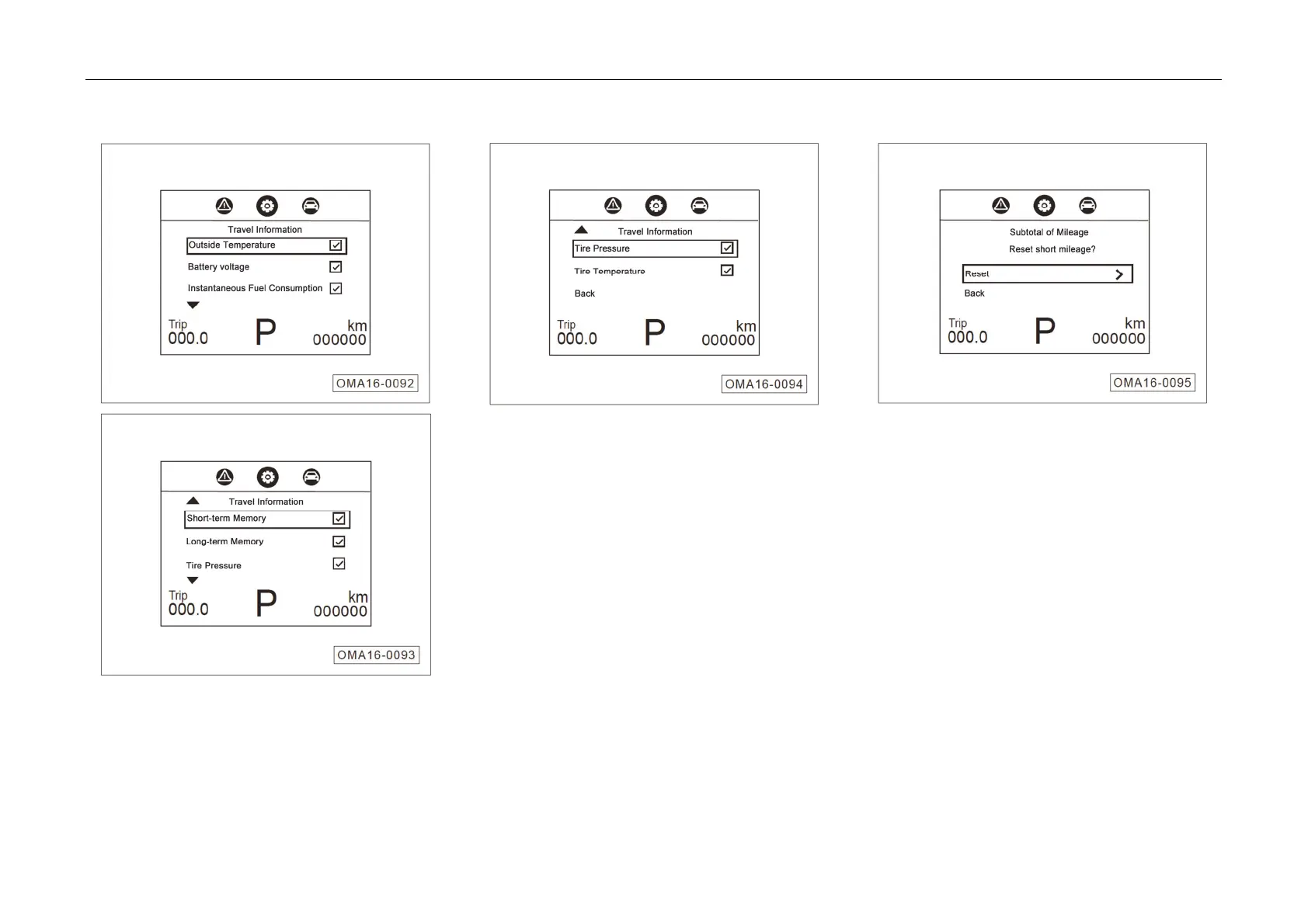
1. Travel
Information Setting
– Move
the cursor by pressing ▲ / ▼ button and
select or cancel by press the OK button.
– Multi-selections are available; the selected
items display alternately in the travel
information interface by pressing ▲ / ▼ button
while unselected ones will not be displayed.
– Select “RETURN” and press the OK button to
return to the previous menu.
2. Subtotal Mileage Setting
Short-mileag
e can be reset.
– Select “Reset” and press the OK button to
reset the short-mileage trip.
– Select “RETURN” and press OK to return to
the previous menu.



 To Next Page