4. Operating System and Equipment
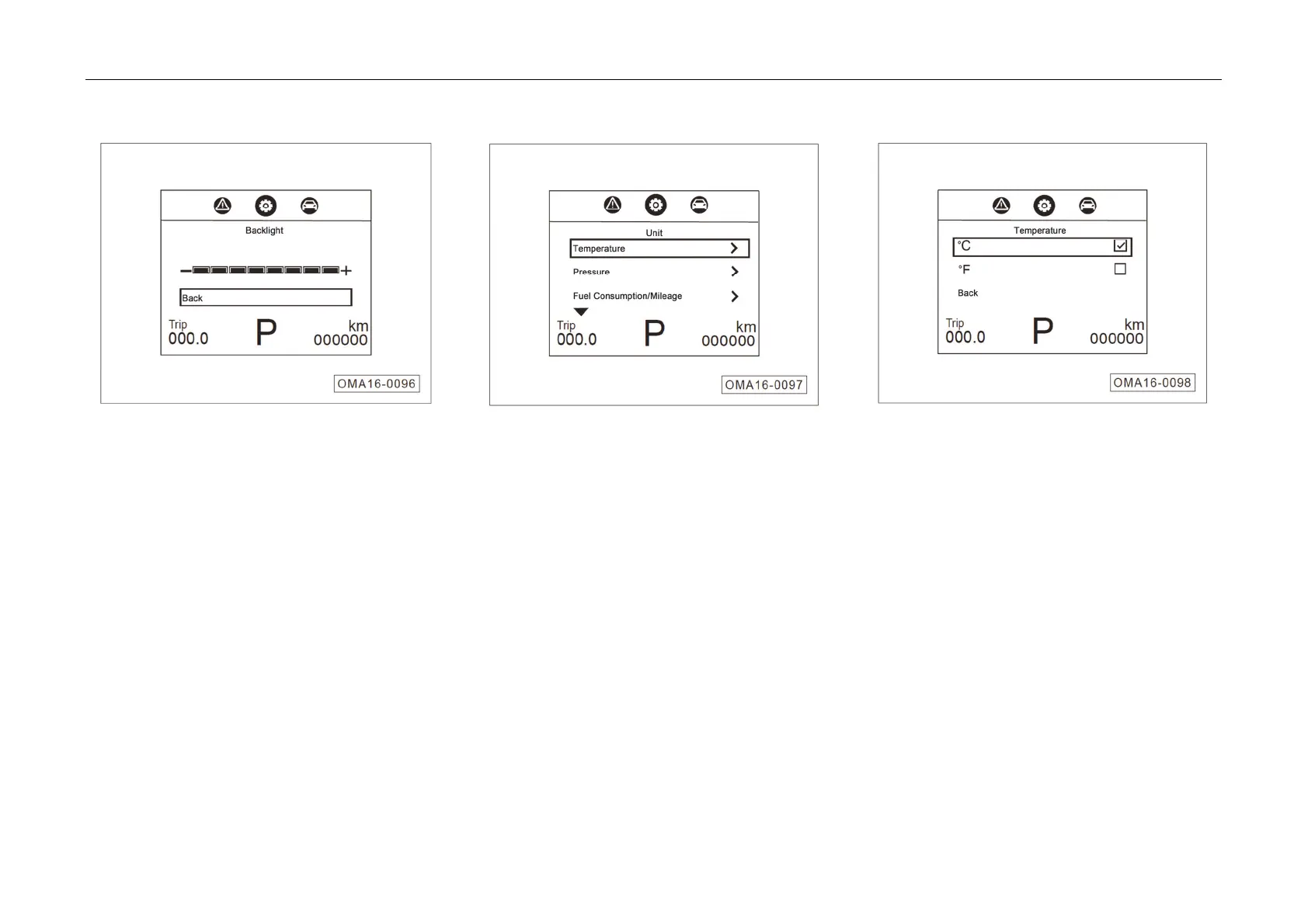
3. Backli
ght Setting
The ba
cklight grade in the car can be adjusted.
– The backlight cannot be adjusted before the
position light is switched on.
– When the position light is switched on, press
▲ to increase and press ▼ to decrease the
backlight.
– Press OK button to return to the previous
menu.
4. Setting of Unit
The unit
s of temperature, pressure, fuel
consumption/mileage can be set.
– Move the cursor by pressing ▲ / ▼ button and
select or cancel by press the OK button.
– Select “RETURN” and press OK to return to
the previous menu.
– The
Figure shows the unit setting of
temperature.



 To Next Page