29
CALENDAR SETTINGS
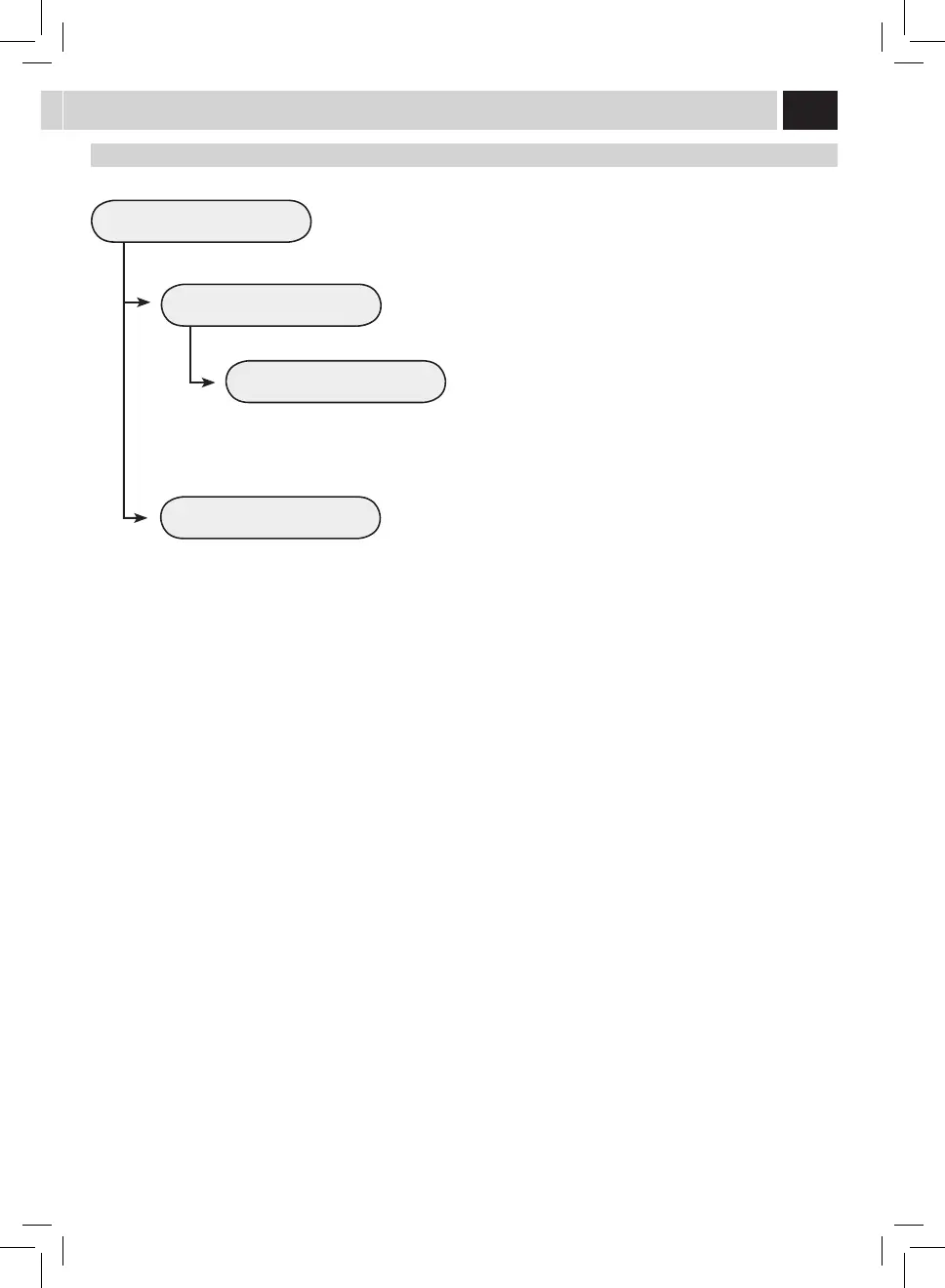
POWERON TIMER
TIMER 1 00:00
TIMER 2 00:00
This menu allows you to programme the machine power-on times, according
to your needs. The machine performs this function only if the power button
is switched to on.
It is possible to set 3 dierent power-on times, which can be managed
independently. For reasons of brevity, only the "TIMER 1" setting is described
below. The same setting procedure applies for the other timers.
Note: The switch-o is managed through the "STAND-BY"
programming.
To set the hour for power-on.
This menu allows you to adjust and set the rst power-on time.
This menu allows you to adjust and set the second power-on
time.
This menu allows you to adjust and set the third power-on time.
To set the minutes of the power-on time.
To set in which days of the week should the timer be
active.
Select a day using the ( ) ro ( ) buttons and
conrm by pressing the (OK) button to modify the
setting:
ON = Time activated
OFF = Time deactivated
TIMER 3 00:00
HOUR 00
MINUTES 00
DAY OF THE WEEK
MONDAY
TUESDAY
WEDNESDAY
THURSDAY
FRIDAY
SATURDAY
SUNDAY
OFF
OFF
OFF
OFF
OFF
OFF
OFF
2.3.4.1.3. TIMER 1 00:00



 To Next Page
 Loading...