30
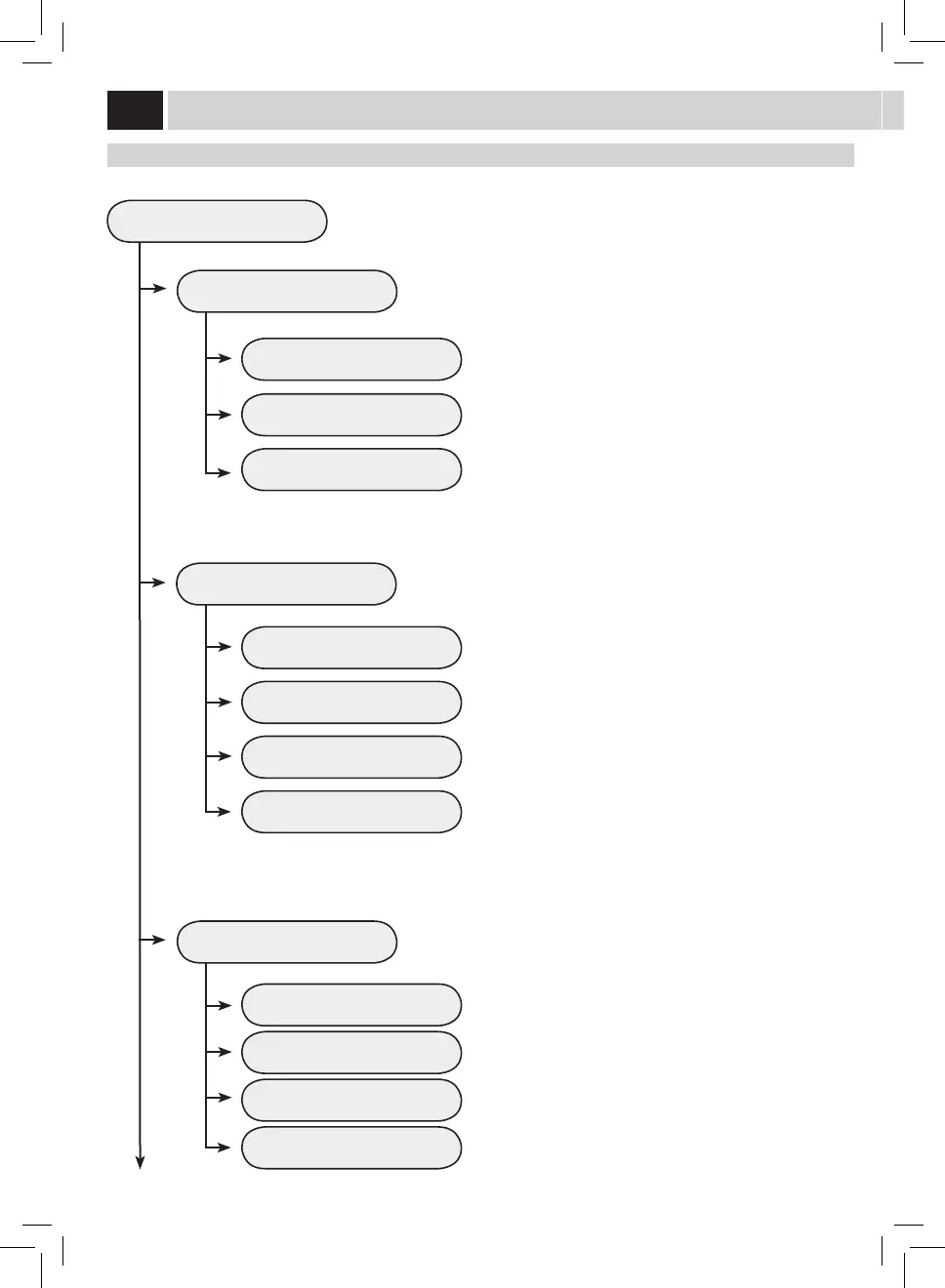
WATER SETTINGS
WATER HARDNESS
ENABLE FILTER
ACTIVATE FILTER
This menu allows setting correct water parameters for coee brewing.
To change the machine water hardness setting.
The "Water Hardness" function allows adjusting the machine to the level of
hardness of the water used. The machine will then request descaling at the
right moment.
Measure water hardness as shown on page 5.
To activate/deactivate the warning signal to replace the water lter. By
activating this function, the machine noties the user when the water lter
needs to be replaced.
OFF: Warning disabled.
ON: Warning enabled (this value is automatically set when the lter is
activated).
To activate the lter after its installation or replacement. Refer to the relevant
section on page 7 to correctly install and/or replace the lter.
WATER SETTINGS
MACHINE MENU


 To Next Page
 Loading...