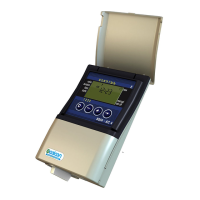
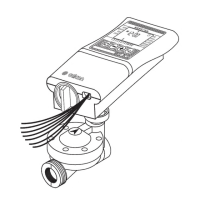
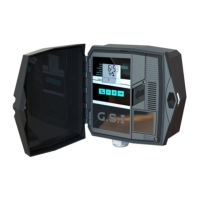
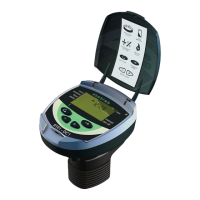
Panel Right Side
Mode Display – During filtering (Not flushing) the controller shows the time left to the beginning of the
next flushing cycle adjacent to this headline. During flushing, the controller shows the time left until the
end of the current filter flushing process and during programming, the controller displays a field
enabling the operator to enter the desired time interval.
Flush Interval - Adjacent to this headline and depending on the controller status, the LCD controller
shows a Delta T indication icon. This icon appears during filtering (not flushing), and is switched off
during flushing.
Flush Counter - Adjacent to this headline the controller displays the number of flush cycles performed
since the last reset of the counter.
Delta P on - Adjacent to this headline and depending on the controller status the LCD controller shows
a Delta P indication icon. This icon appears whenever the DP sensor that is connected to the system
sends a high DP signal to the controller.
Alert - Adjacent to this headline the controller may show one or two of the following icons; a battery
icon for indicating a low battery status and/or a DP icon indicating a DP fault status or too many
consecutive flush cycles due to high DP.
Modifying Parameters Values
l Use the Arrow key to move to the desired digit and change the value with the Plus / Minus Keys.
Or,
l Use the Arrow key to move along the possible options (icons) and enable or disable the blinking
option with the Plus / Minus keys.
l Press the Forward key to save the new number to the controller’s memory.
When the numerical data is changed and you remain in the screen the new value will also be
automatically saved to the controller’s memory after 5 seconds.
28 AMCFlushing Controller User Guide
Setup and Operation



 To Next Page