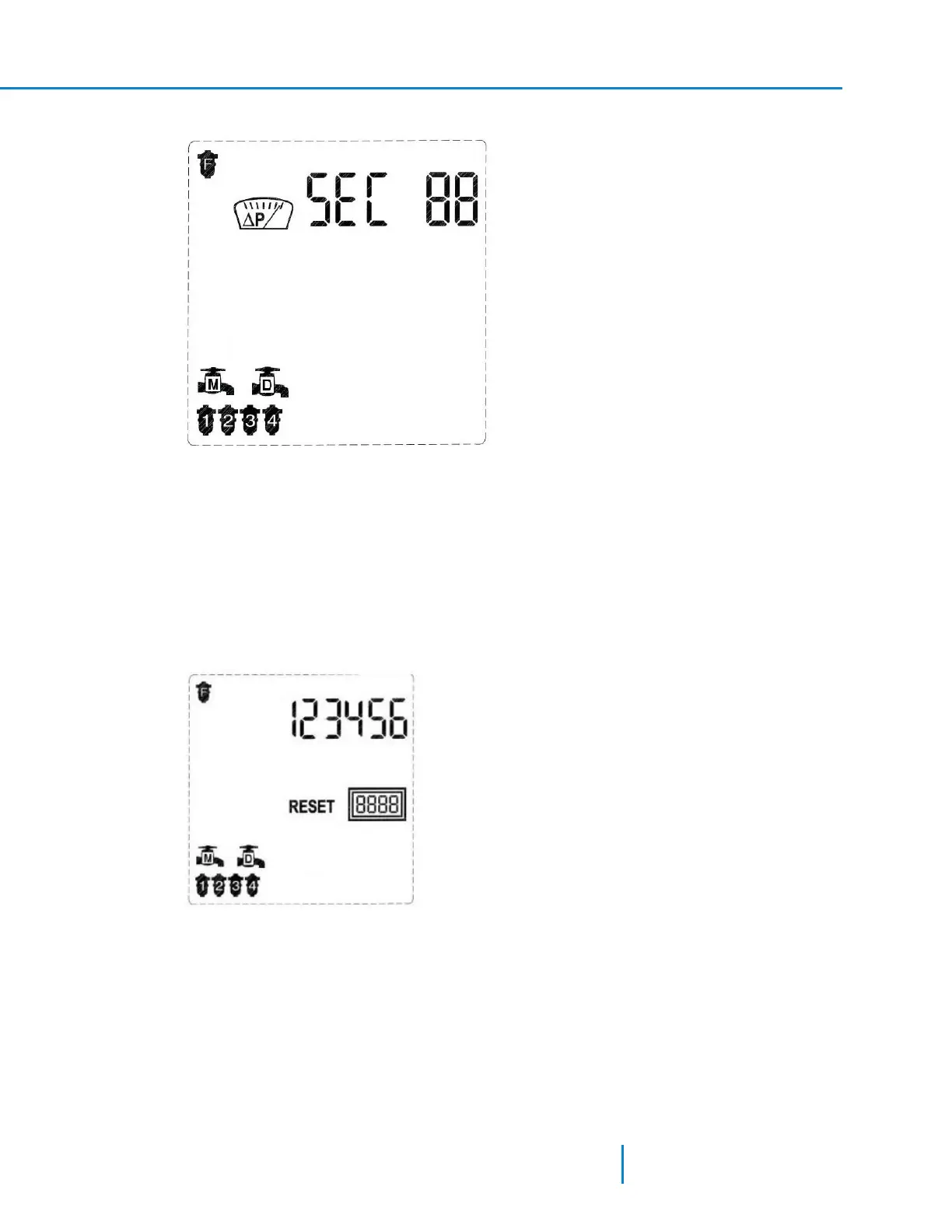
1. In Technician Mode, press the Forward Key to display the following screen.
The screen displays the current controller configuration: Program I, 4 filters, main valve and delay
valve. The controller also displays the DP Delay icon.
The word SECin the digits line indicates that the flush time parameter is set in seconds.
2. Press the Plus or Minus keys to set the DP delay value.
3. Press the Forward or the Backward keys to move to the next or previous screen accordingly.
Resetting the Controller to its Factory Defaults
This action is used for resetting the controller to its factory default parameters.
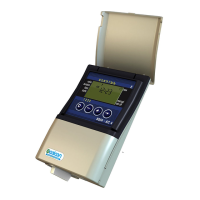
1. In Technician Mode, press the Forward Key to display the second screen: the flush counter screen.
2. Press and hold the Plus, Minus, and Arrow keys for 5 seconds to reset the controller to its factory
defaults (without resetting the flush counter).
See "Using the Pre-defined Flushing Programs" on the facing page for the default flushing programs
values.
3. To exit Technician Mode, press the MANUAL and PAUSE keys for 1 second.
37 AMCFlushing Controller User Guide
Configuring the Controller



 To Next Page