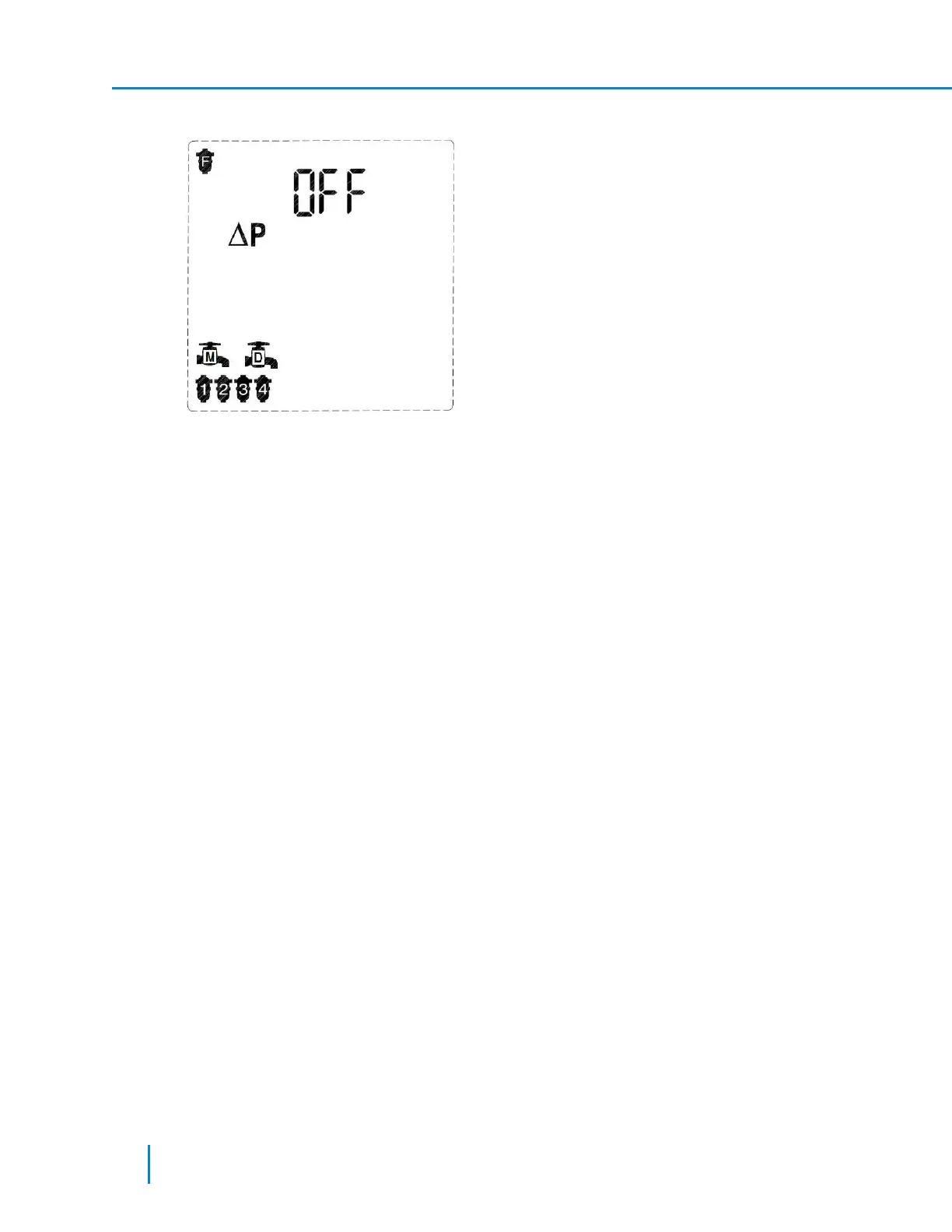
1. In Technician Mode, press the Forward Key to display the following screen.
The screen displays the current controller configuration: Program I, 4 filters, main valve and delay
valve. The controller also displays the DP Fault Delay icon and the activation status of the fault (OFF
- DP fault is not enabled).
2. Press the Plus or Minus Keys to set the DP fault as follows:
a. Off – the controller does not check the DP sensor for faults and will never enter to DP fault.
b. On1 – the controller checks the DP sensor for faults and will enter to DP fault if the DP signal
remains high at the end of a flushing cycle for 1 consecutive flush.
c. On2 – the controller checks the DP sensor for faults and will enter to DP fault if the DP signal
remains high at the end of a flushing cycle for 2 consecutive flush.
d. On3 – the controller checks the DP sensor for faults and will enter to DP fault if the DP signal
remains high at the end of a flushing cycle for 3 consecutive flush.
......
e. On9 – the controller checks the DP sensor for faults and will enter to DP fault if the DP signal
remains high at the end of a flushing cycle for 9 consecutive flush.
3. Press the Forward or the Backward keys to move to the next or previous screen accordingly.
Setting the DP Delay Time parameter:
36 AMCFlushing Controller User Guide
Setup and Operation



 To Next Page