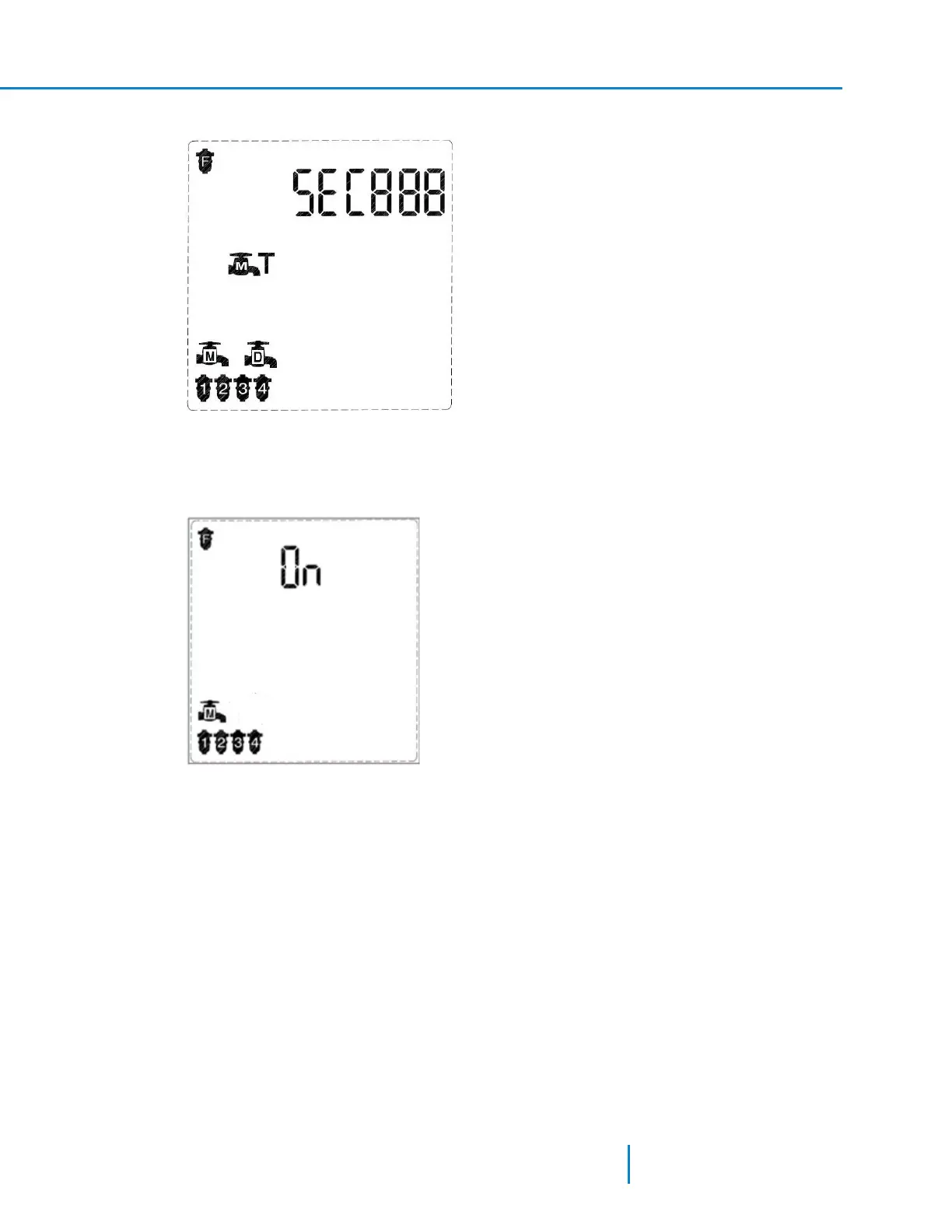
1. In Technician Mode, press the Forward key to move to the following screen.
2. Set the delay value in the SEC000 field using the Plus or Minus keys.
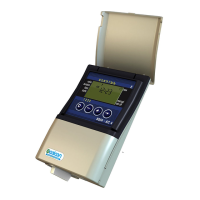
3. After setting the delay value, press Forward to move to the next screen (Screen 9) to enable the
Main valve itself.
4. Press the Plus or Minus keys to enable the Main (downstream) valve.
5. Press the Forward or the Backward keys to move to the next or previous screen accordingly.
Setting the DP Fault parameter:
35 AMCFlushing Controller User Guide
Configuring the Controller



 To Next Page