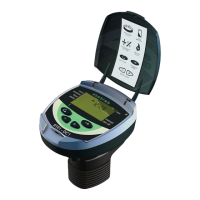
The screen displays the controller's program and the number of filter units already configured.
2. Press the Arrow key to move through the available filters (up to 6 or 12 depending on the model).
The filter icon blinks for 10 seconds.
3. Press the Plus key to enable the filter, or press the Minus key to disable it.
4. Set the required number of filter units.
5. Press the Forward or the Backward keys to move to the next or previous screen accordingly.
There is no need to enable the filters in consecutive order.For example, four operational filters can
be configured as 1, 4, 6, and 7 as well as 1, 2, 3, and 4.
Setting the Delay Valve and its value:
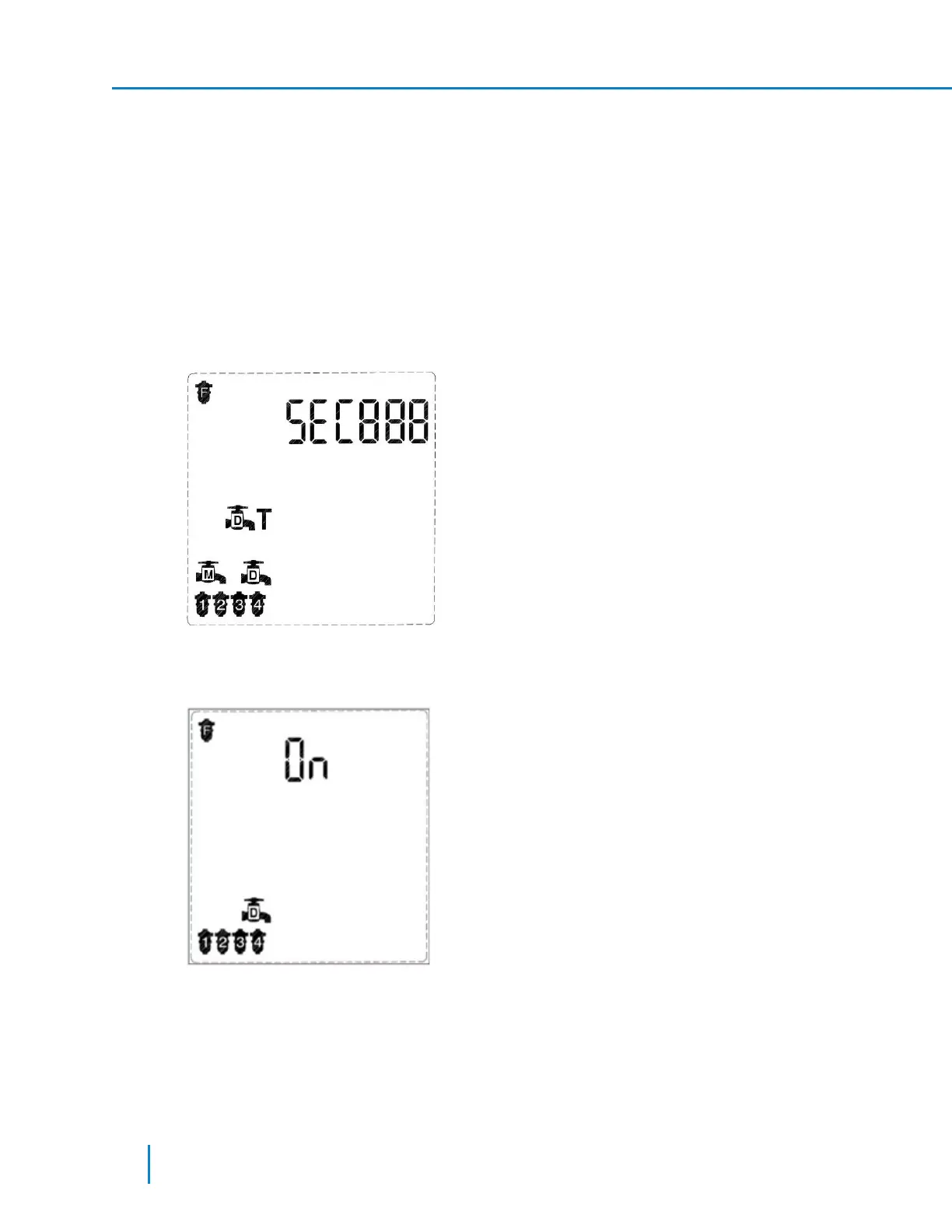
1. In Technician Mode, press the Forward key to move to the sixth screen.
2. Set the delay value in the SEC000 field using the Plus or Minus keys.
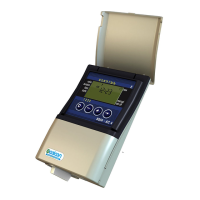
3. After setting the delay value, press Forward to move to the next screen (Screen 7) to enable the
Delay valve itself.
4. Press the Plus or Minus keys to enable or disable the delay valve.
5. Press the Forward or the Backward keys to move to the next or previous screen accordingly.
Setting the Main (Downstream) Valve and its delay parameter:
34 AMCFlushing Controller User Guide
Setup and Operation



 To Next Page